Connecting and Setting Up
16
2
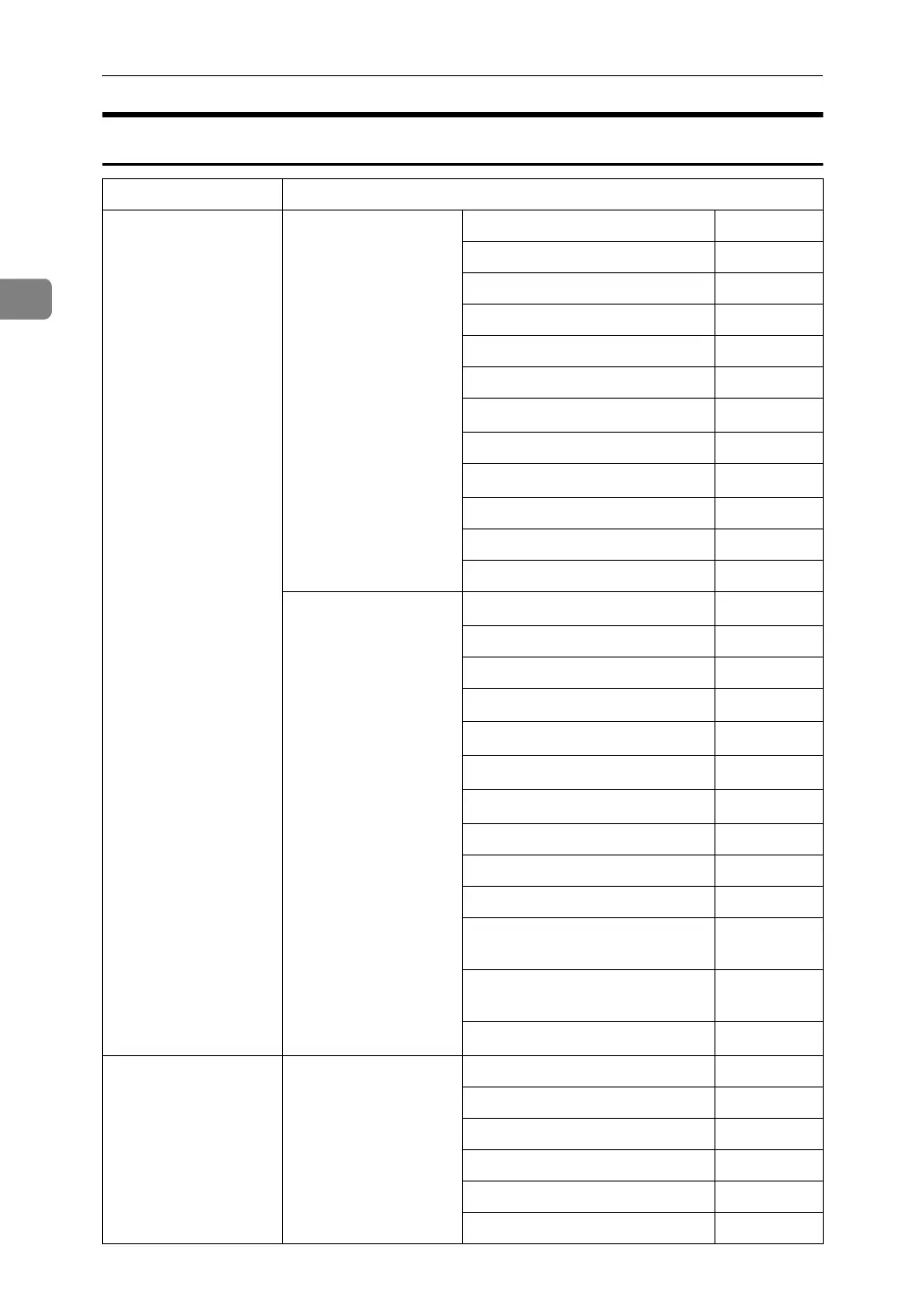
Internet Fax
Interface Settings
Ethernet Interface Settings/
Network
See p.37 “Network”.
IP Address $
Gateway Address $
DNS Configuration ❍
DDNS Configuration ❍
Domain Name ❍
WINS Configuration ❍
LAN Type
*2
$
Ethernet Speed ❍
Effective Protocol
*5
$
Permit SNMP V3 Communication
❍
Permit SSL / TLS Communication
❍
Host Name ❍
File Transfer
See p.42 “File Trans-
fer”.
SMTP Server
*3
$
SMTP Authentication ❍
POP before SMTP ❍
Reception Protocol
*4
$
POP3 Setting
*6
❍
Administrator's E-mail Address
*8
❍
E-mail Communication Port
*4
*7
$
E-mail Reception Interval ❍
Max. Reception E-mail Size ❍
E-mail Storage in Server ❍
Program / Change / Delete E-
mail Message
❍
Program / Change / Delete
Subject
❍
E-mail Account
*3
*4
$
IEEE 1394
(IP over 1394)
Interface Settings/
IEEE 1394
*1
See p.39 “IEEE 1394”.
IP Address $
IP over 1394 $
DDNS Configuration ❍
WINS Configuration ❍
Host Name ❍
Domain Name ❍





 To Next Page