Connecting and Setting Up
26
2
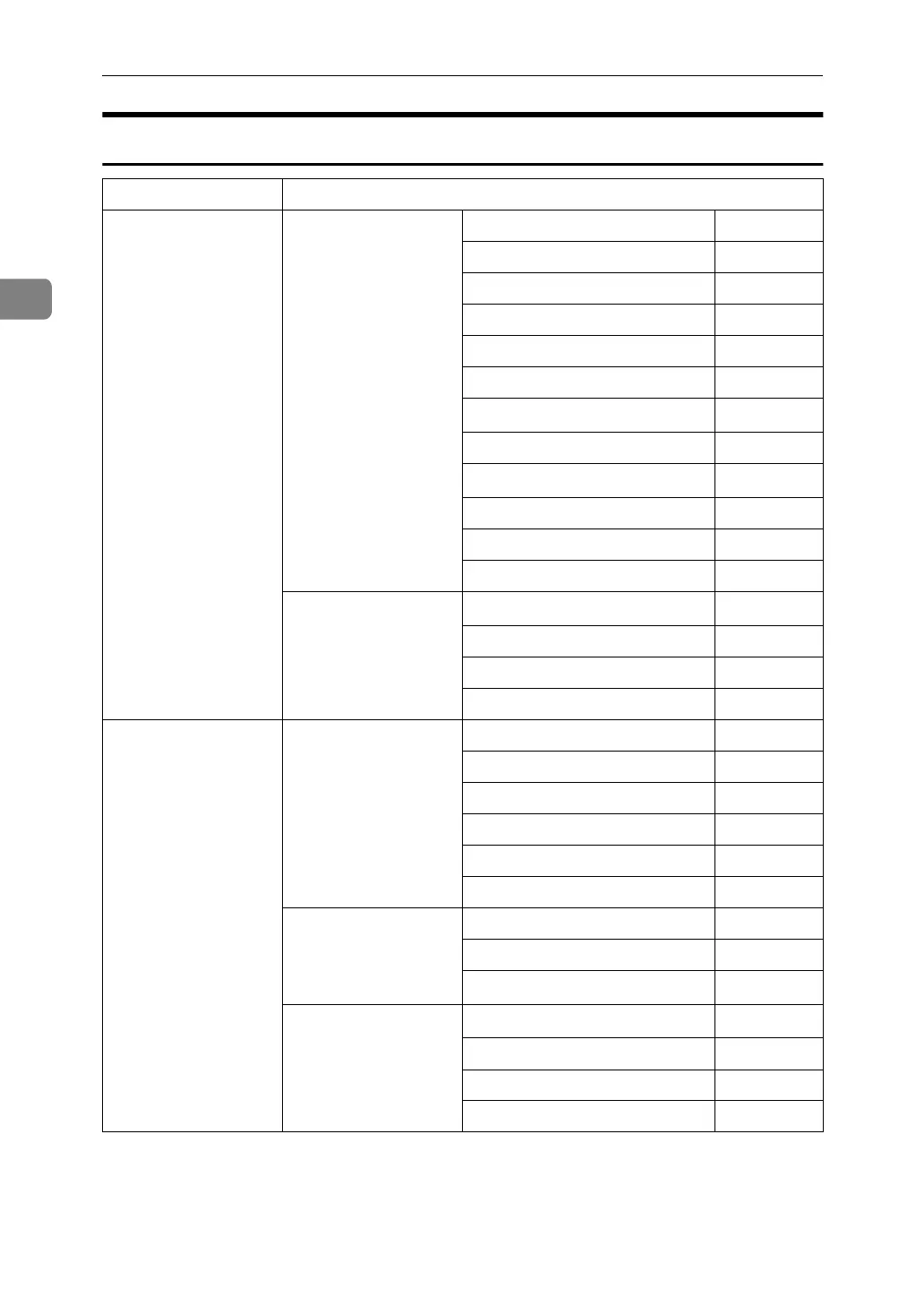
Network Delivery Scanner
Interface Settings
Ethernet Interface Settings/
Network
See p.37 “Network”.
IP Address $
Gateway Address ❍
DNS Configuration ❍
DDNS Configuration ❍
Domain Name ❍
WINS Configuration ❍
LAN Type
*2
$
Ethernet Speed ❍
Effective Protocol
*4
$
Permit SNMP V3 Communication
❍
Permit SSL / TLS Communication
❍
Host Name ❍
File Transfer
See p.42 “File Trans-
fer”.
Delivery Option
*3
❍
Fax RX File Transmission ❍
Scanner Recall Interval Time ❍
Number of Scanner Recalls ❍
IEEE 1394
(IP over 1394)
Interface Settings/
IEEE 1394
*1
See p.39 “IEEE 1394”.
IP Address $
IP over 1394 $
DDNS Configuration ❍
WINS Configuration ❍
Host Name ❍
Domain Name ❍
Interface Settings/
Network
See p.37 “Network”.
Gateway Address ❍
DNS Configuration ❍
Effective Protocol
*4
$
File Transfer
See p.42 “File Trans-
fer”.
Delivery Option
*3
❍
Fax RX File Transmission ❍
Scanner Recall Interval Time ❍
Number of Scanner Recalls ❍





 To Next Page