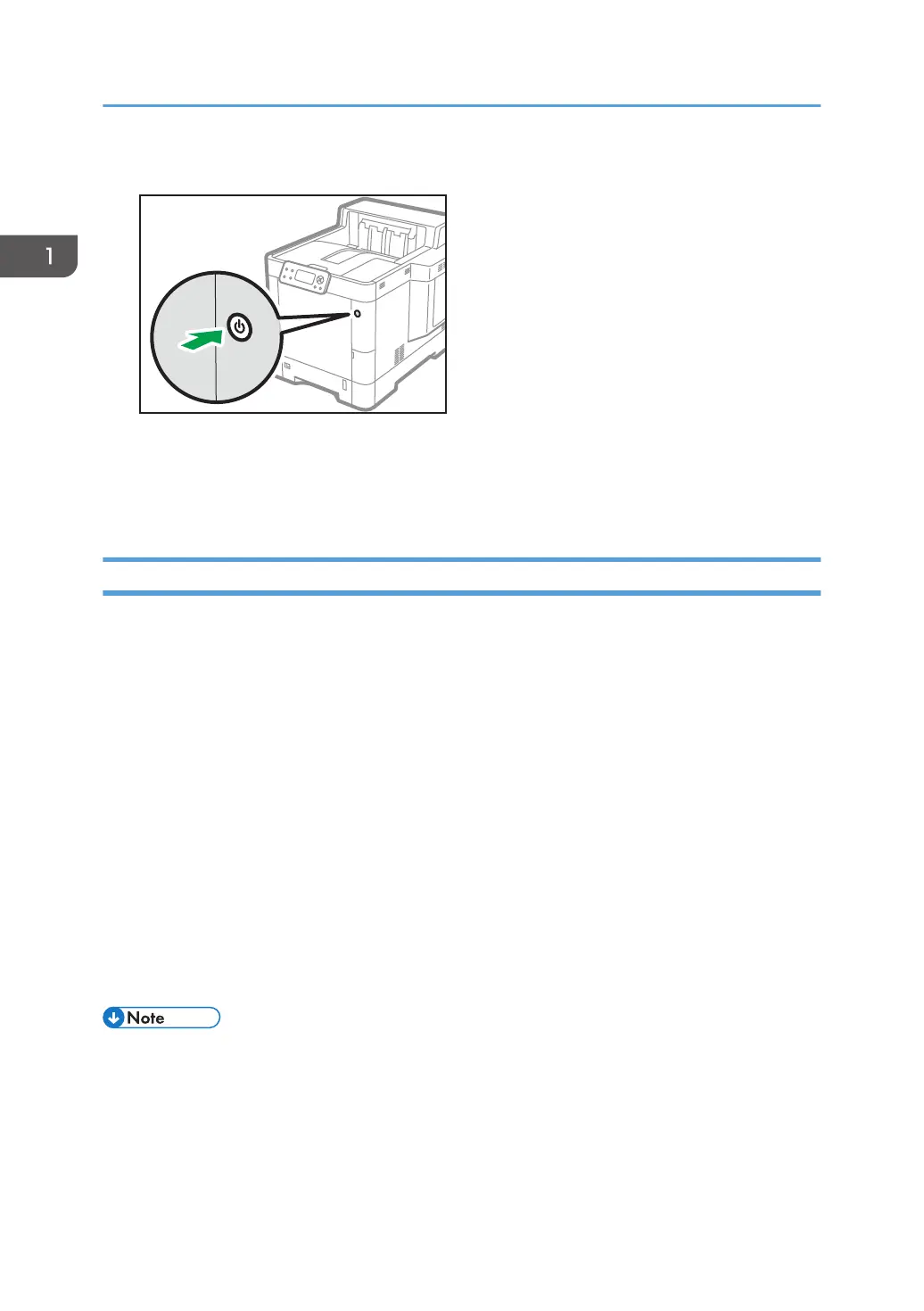
1. Push the main power switch.
The main power is turned off automatically when the shutdown process is complete.
If the shutdown process is not complete within the period of time displayed on the screen, contact
your service representative.
Saving Energy
This printer has the following energy saving functions:
Sleep mode
If the printer remains inactive for a specified period, it enters Sleep mode to reduce the power
consumption. The printer also enters Sleep mode when:
• The printer waits before entering Sleep mode is set in [Sleep Mode Timer]
• It is the day and time specified in [Weekly Timer]
The printer can print jobs from computers.
You can change the amount of time that the printer waits before switching to Sleep mode.
For details about setting [Sleep Mode Timer] and [Weekly Timer], see "System", Operating
Instructions.
To exit Sleep mode, do one of the following:
• Press one of the keys on the control panel
• Start print jobs
• The energy saving functions will not activate when:
• Communicating with external devices
• The hard disk is active
• A warning message is displayed
• The service call message is displayed
1. Getting Started
36


 To Next Page
 Loading...