2.Replacement and Adjustment
45
Stopper Sensor
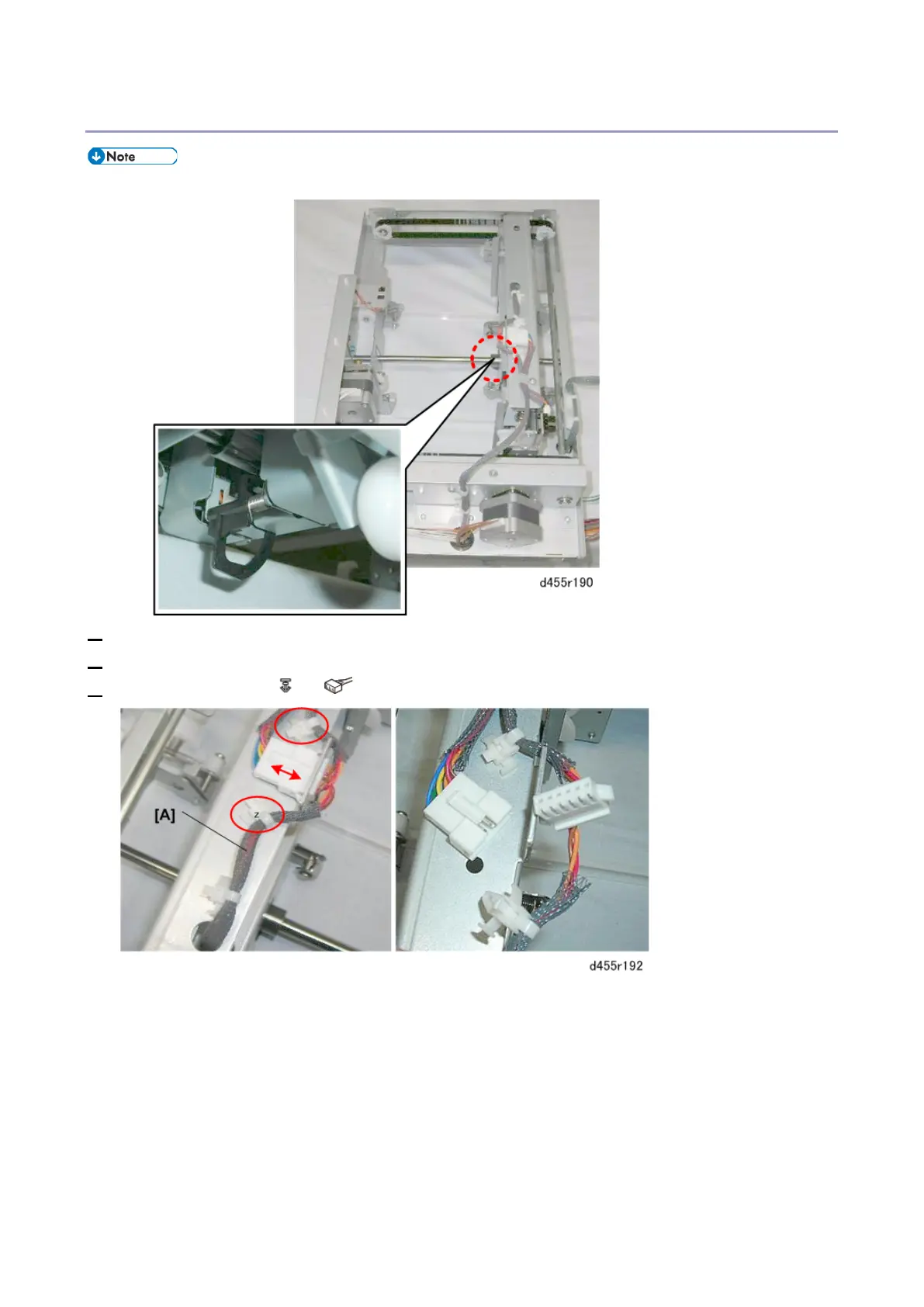
• The stopper sensor is on the right side of the trim positioning unit, below the center.
1. Remove the trim positioning unit. (Trim Positioning Unit)
2. Turn the trim positioning unit over so that you can see the sensor.
3. Free the harness [A] ( x2, x1).



 To Next Page