2.Replacement and Adjustment
41
Sensors, Switches
Feed Unit
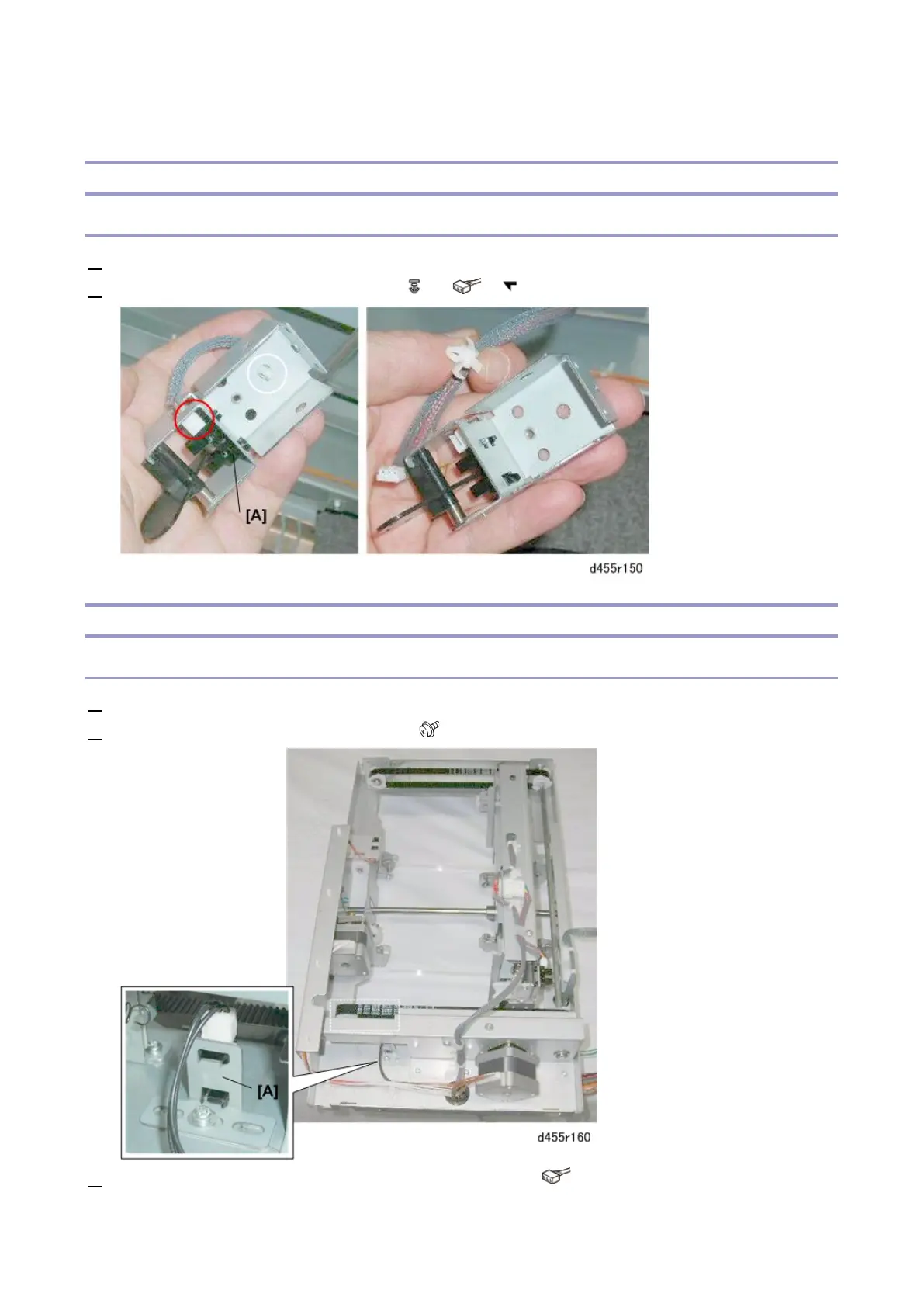
Entrance Sensor
1. Remove the feed unit. (Feed Unit)
2. Disconnect and remove the sensor [A] ( x1, x1, x5)
Trim Positioning Unit
Stopper Assembly HP Sensor
1. Remove the trim positioning unit. (Trim Positioning Unit)
2. Remove the bracket with the sensor [A]. ( x 1)
3. Detach the stopper assembly HP sensor from its bracket. ( x 1)



 To Next Page