2.Replacement and Adjustment
36
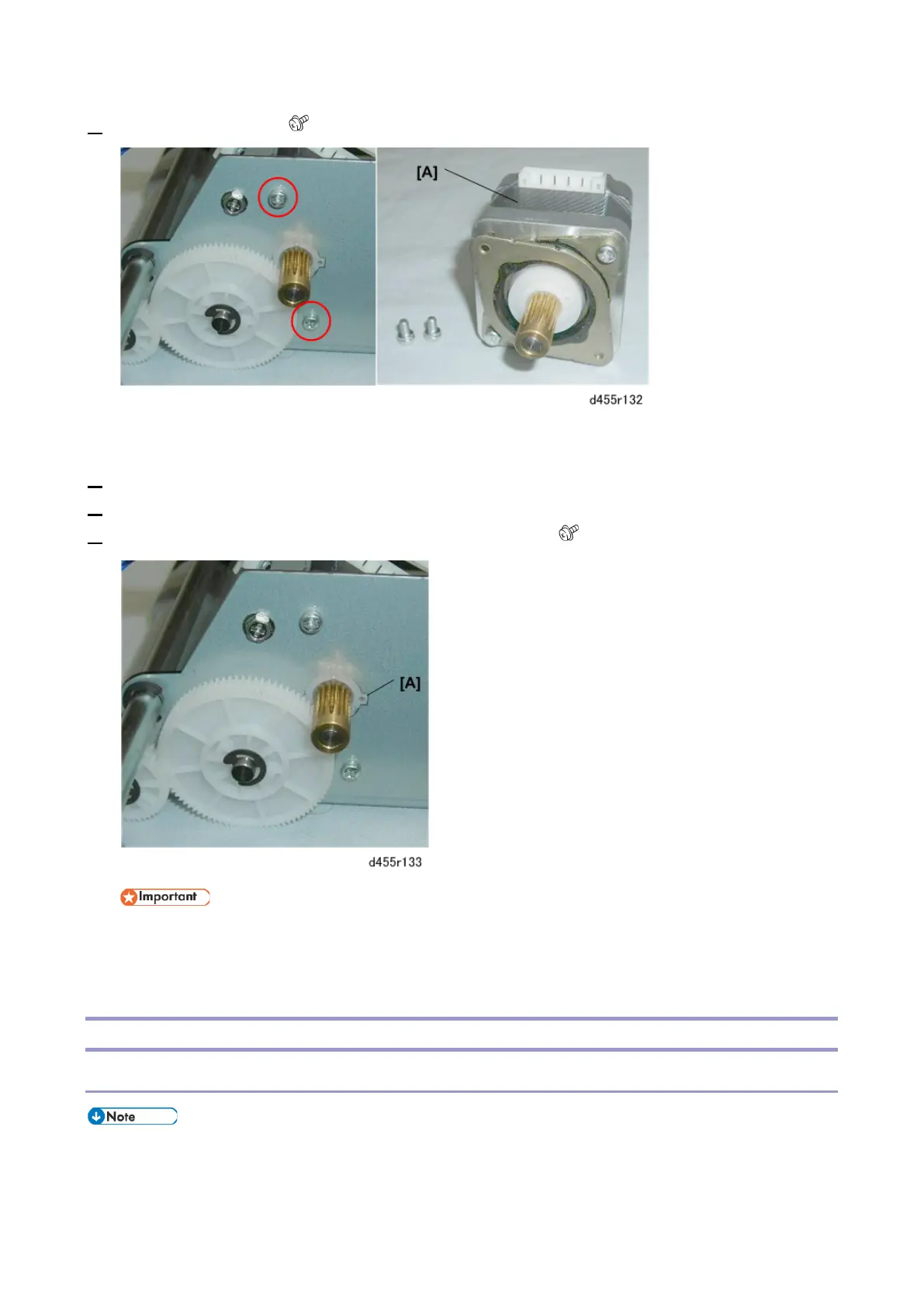
4. Remove the motor [A] ( x2).
Re-installation
1.
Position the motor behind the frame.
2. Align the notch on the motor with the tooth [A].
3. Press the motor against the frame and re-fasten the screws ( x2).
• The tooth must be fitted properly in the notch, so that the motor mount is flat against the
back of the frame. Otherwise the motor will not be straight and the gears will not mesh
properly.
Tray Unit
Tray Motor
• The tray motor is on the bottom of the tray unit and covered by the bottom plate. (The photo



 To Next Page