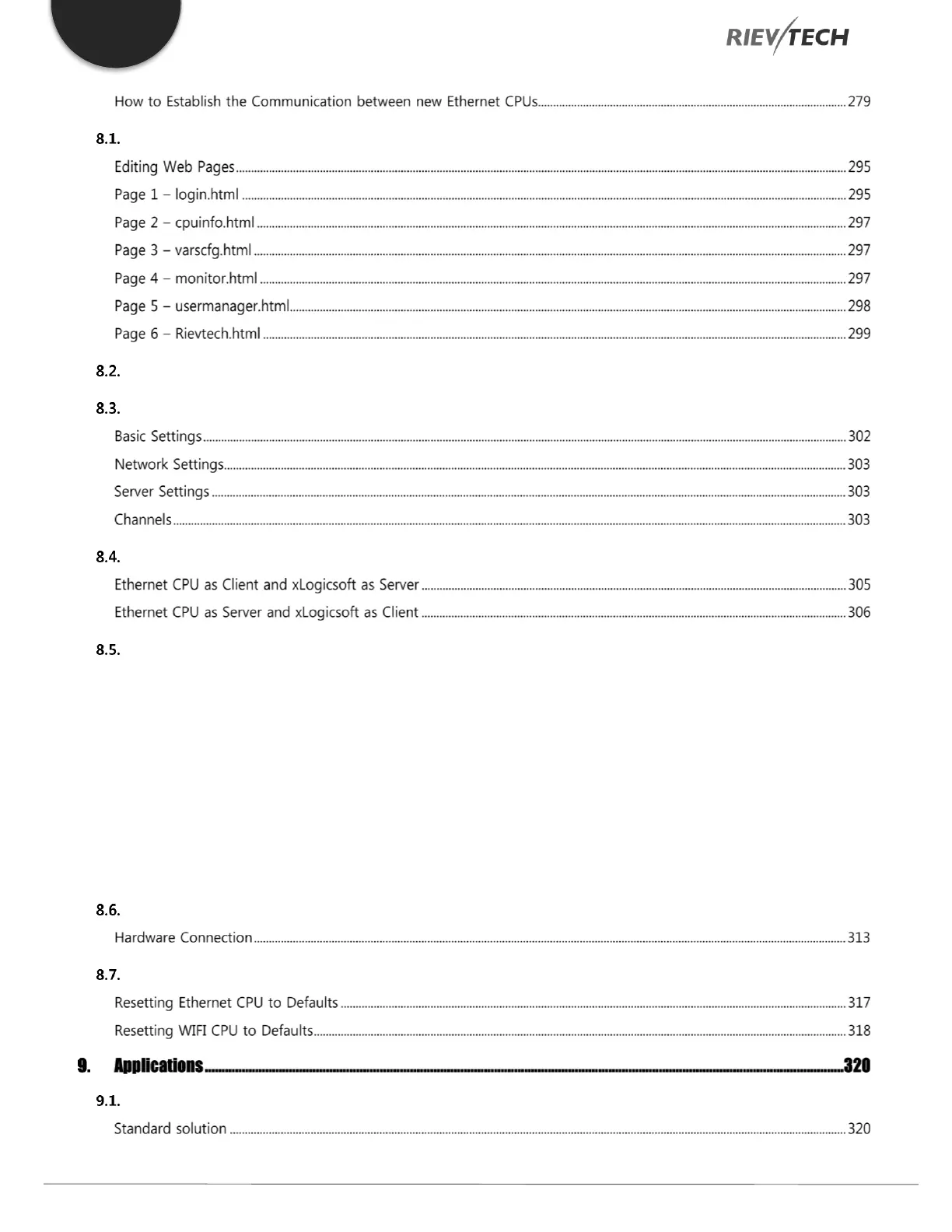
Modification of User Web Pages .............................................................................................................................. 295
Downloading Web Pages to CPU .............................................................................................................................. 299
Configuration with Ethernet Device Manager ........................................................................................................ 301
Establish communication between CPU and xLogicsoft/SCADA via Ethernet. ................................................. 305
Establish communication between CPU and xLogicsoft/SCADA via Wi-Fi. ....................................................... 306
8.5.1. Connecting xLogicsoft to PLC .................................................................................................................................... 307
8.5.2. Open/Create a Program with Correct PLC Model .................................................................................................. 307
8.5.3. Configure Wi-Fi Settings in xLogicsoft .................................................................................................................... 307
8.5.4. Confirm Wi-Fi Parameters .......................................................................................................................................... 308
8.5.5. Setting the PLC as a Server Example ........................................................................................................................ 311
8.5.6. Setting the PLC as a Client Example ......................................................................................................................... 312
How to Establish Communication Between CPUs via Ethernet? .......................................................................... 313
Resetting to Factory Defaults .................................................................................................................................... 317
Dual-function switch .................................................................................................................................................... 320


 To Next Page
 Loading...


