11
4.5.3. Memory operation (AA-54 only)
In the SWR graph and R,X graph modes, you may choose to scan to memory
(the 6 key). There are 100 independent memory slots. Later, you may recall ( 9 ) the
plots from the specified memory.
Additionally, the F + 9 combination opens the editor of memory slot names.
4.6. Settings menu
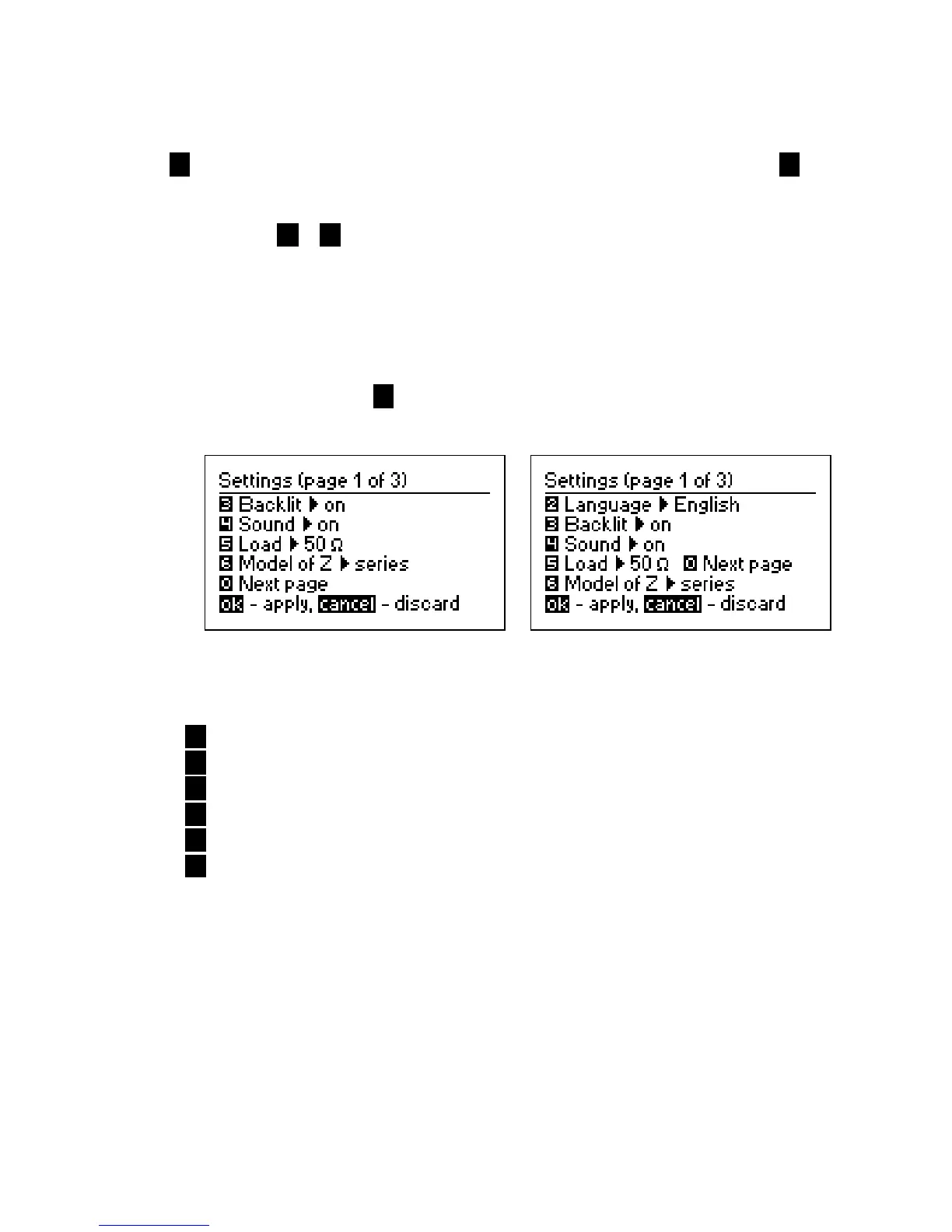
The Settings menu (press the 0 key in the Main menu) contains various settings for the
analyzer. The first page contains the following commands:
AA-30 AA-54
2 – language selection (AA-54 only);
3 – backlight on or off;
4 – sound on or off;
5 – reference impedance selection for SWR measurement: 50 or 75 Ohm;
6 – select series or parallel model of load;
0 – go to the second page of settings which contains various test commands
used for fast checking of the entire analyzer.













 To Next Page