SmartCraft PCM
Page 10
4) Aer the scan tool displays its initial opening messages, use the ▲ and ▼
keys to highlight the “Mercury Outboards” option from the main menu,
then press the YES key to select it.
5) A list of outboard system types will now be displayed. Select the “2001-Up
Smartcra” system type.
Obtaining Data
Aer selecting the “2001-Up Smartcra” option you will be presented with the
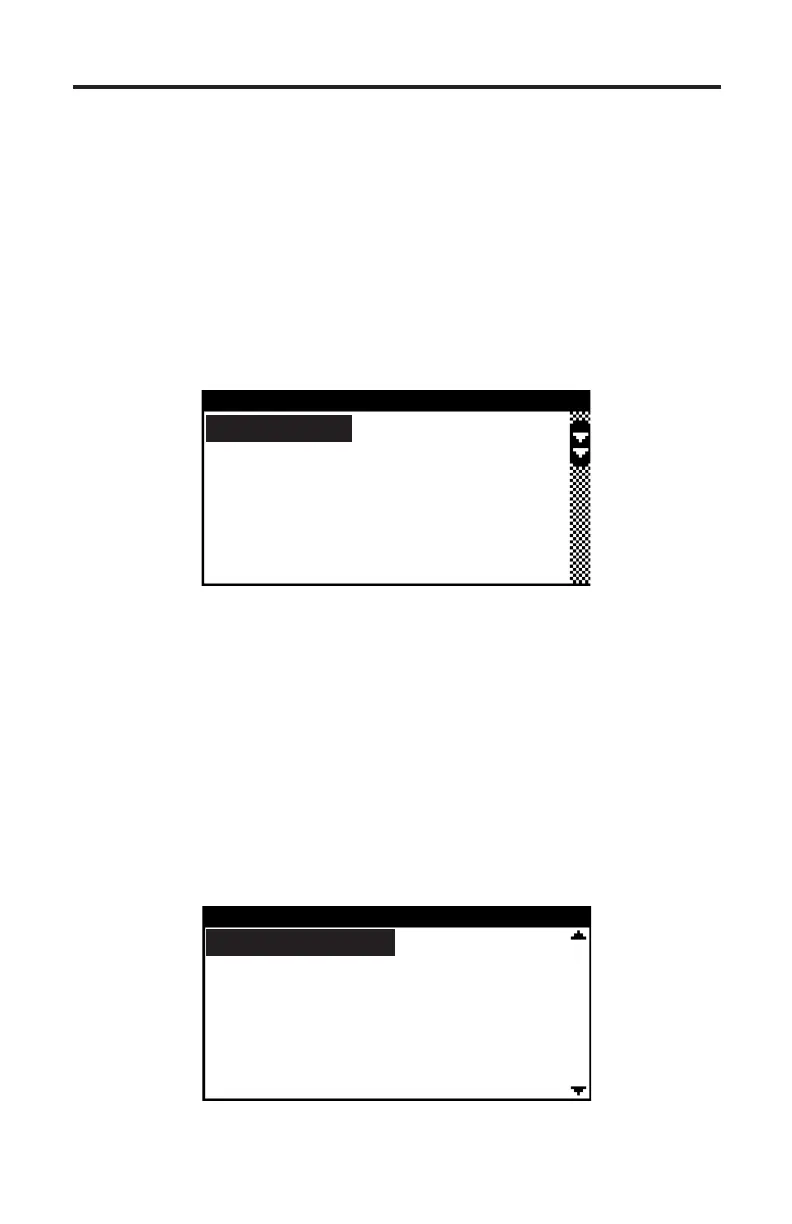
engine operating hours and then the main PCM menu will be displayed as shown
in Figure 4 below.
Figure 4 Main PCM Menu
SMARTCRAFT PCM
PCM Data
PCM Faults
PCM History
PCM System Info
PCM Functions
To obtain diagnostic data select the “PCM Data” option. is menu choice
causes the scanner to begin reading and displaying live data from the PCM
module. Use the ▲ and ▼ keys to scroll through the engine operating data that
is displayed.
PCM Faults
Selecting the “PCM Faults” option from the main menu will display a sub-menu
allowing you to read or erase system faults as shown in Figure 5. Select “Read
Faults” to upload and display any stored faults. Select “Erase Faults” to clear the
PCM faults.
Figure 5 PCM Faults Menu
PCM FAULTS
Read Faults
Erase Faults


 To Next Page