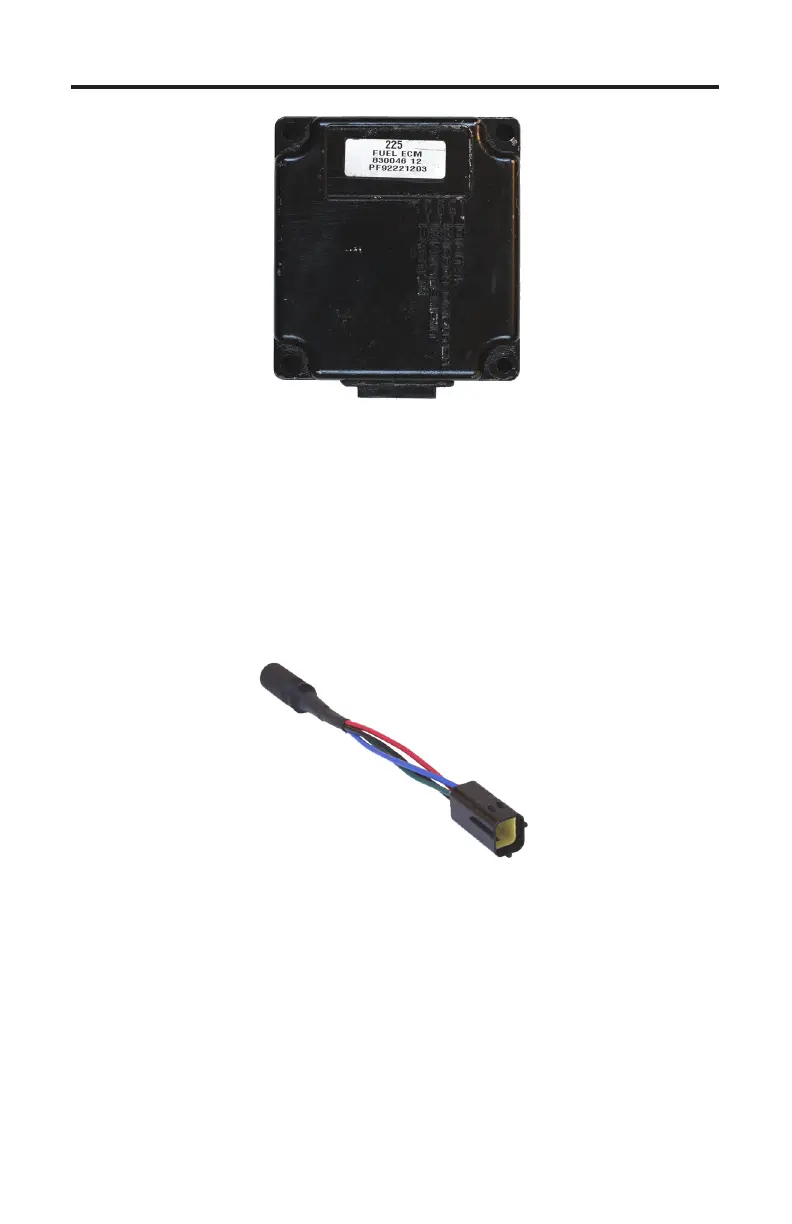
Mercury Outboard 3.0L Fuel ECM
Page 39
Figure 24 3.0L EFI Fuel ECM
e TechMate Pro is equipped with the ability to diagnose Mercury’s 3.0L out-
board EFI system. is system incorporates a Denso Fuel ECM which is capable
of providing a variety of diagnostic information to the scan tool.
Connecting to the 3.0L Fuel ECM
Connection of the scan tool to the 3.0L Fuel ECM requires the use of adapter
#94011 as shown below.
4-pin Adapter
Rinda Tech P/N 94011
Be sure the Engine’s Ignition Switch is in the OFF position before proceeding
with the following steps.
1) Be sure the engine is turned OFF.
2) Remove the 3.0L engine cover per Mercury’s recommended procedure
3) Locate the ECM’s 4 pin diagnostic connector.
4) Connect the 94011 adapter to the engine’s diagnostic connector as shown in
Figure 25.


 To Next Page