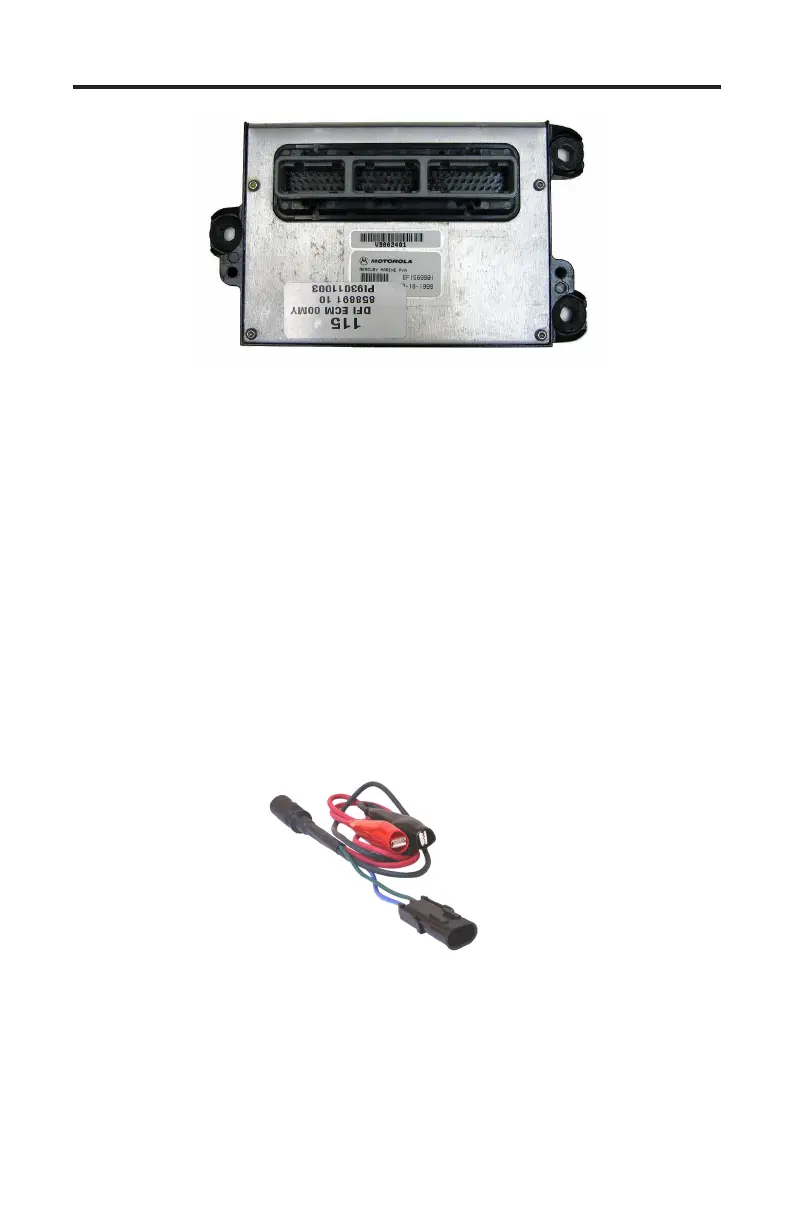
1997 - 2000 DFI ECM
Page 26
Figure 14 Non-SmartCraft Mercury DFI ECM
is section describes scan tool functions related to Mercury DFI (pre-2001)
outboard engines. ese engines were equipped with ECM modules that
pre-dated the introduction of SmartCra. Please note however that these ECMs
look nearly identical to SmartCra compatible PCM-555 modules used on 2001
and later engines. ey are not functionally the same and have dierent diag-
nostic capabilities.
Connecting to a DFI engine.
e scan tool provides a variety of diagnostic and support functions for trouble-
shooting engines equipped with the DFI engine control system. Connection and
operation of the tool is simple and straight forward.
1) Locate the engine’s 2-pin diagnostic connector (DLC). e location of this
connector is specied in the engine’s service manual and may vary depending
upon the engine type.
2-pin Adapter
Rinda Tech P/N 94028
2) With the engine’s ignition switch in the OFF position, plug the scan tool’s
communication cable into the diagnostic connector. Scan tool adapter #94028
is required. Note that the #94028 adapter has a separate battery and ground
clips that must be connected: Red to +12vdc and Black to engine ground.
3) Once connected, turn the ignition ON and start the engine if necessary.


 To Next Page