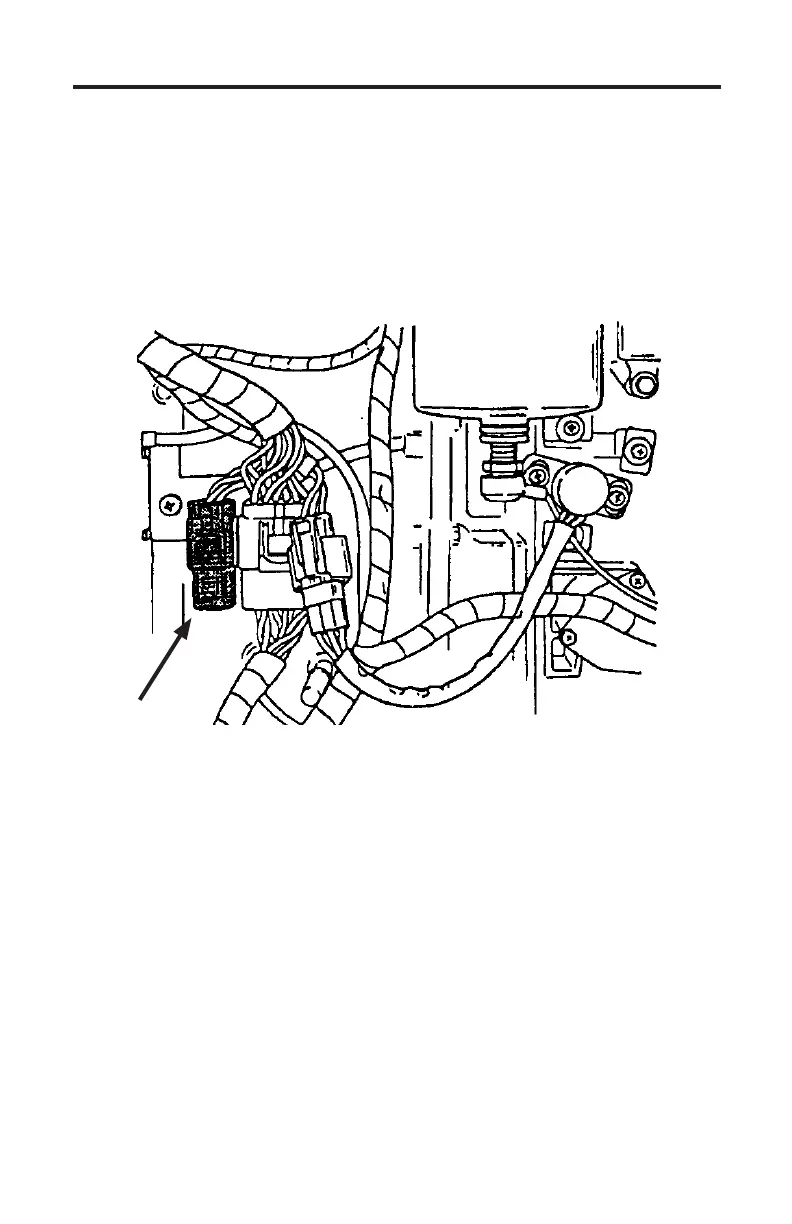
3.0L Carbureted Ignition ECM
Page 38
Obtaining Data
Aer the scan tool displays its initial opening messages use the ▲ and ▼ keys
to display the “Mercury Outboards” operating mode from the main menu then
press the YES key to select it.
Next, select “3.0L Ignition ECM” and then choose “ECM Data” to begin reading
information from the ECM. Use the ▲ and ▼ keys to scroll through the
available engine data and sensor status information.
Figure 23 4 pin Diagnostic Link Connector
DLC
Disconnecting the Scan Tool
Be sure the engine’s ignition switch is in the OFF position before disconnecting
the scan tool or T-harness adapter. Disconnect the scan tool and adapter from
the engine. Reconnect the ECM’s starboard harness if the #94012 T-adapter was
used. Replace engine cover per Mercury’s recommended procedures.



 To Next Page