Smartcraft PCM
Page 11
PCM History
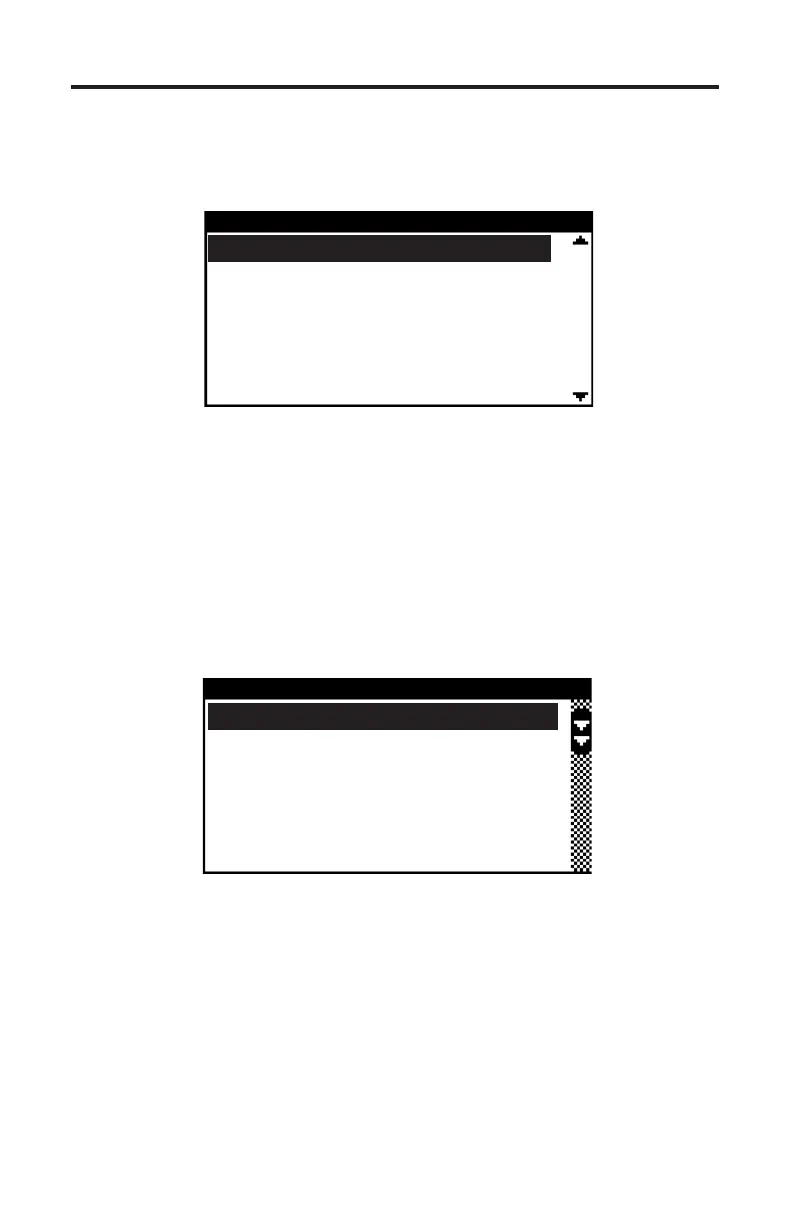
Selecting the “PCM History” menu choice displays a sub-menu of items associat-
ed with the PCM’s fault history memory as shown in Figure 6.
Freeze Frame Memory
Selecting “Freeze Frame Memory” from the menu will display a list of faults that
are stored in the PCM’s Freeze Frame data memory as shown in Figure 7. e
Freeze Frame Memory retains the last 10 faults that the PCM has detected re-
gardless of when they occurred and even if ignition power has been turned OFF.
e Freeze Frame Memory also contains a snapshot of several critical engine
parameters, such as the engine’s speed and temperature, for each fault that is
stored. is snapshot is taken at the time the fault was detected.
Figure 6 PCM History Menu
PCM HISTORY
Freeze Frame Memory
Fault Seconds
Erase Fault History
RPM History
Erase RPM History
Figure 7 PCM Freeze Frame Example
SELECT FREEZE FRAME
9 Engine Guardian
16 MAP Sensor Circu
81 Main Power Relay
85 Oil Pressure Low
101 CAN Communicatio
To view the Freeze Frame data, select a fault from the list and then press YES. A
brief description of the fault will be displayed followed by the fault’s Freeze Frame
snapshot data. e snapshot data is a list that can be scrolled through using
the ▲ and ▼ keys. is data is associated with the fault and was acquired and
stored by the PCM at the time the fault occurred. Press the NO key to return to
the Freeze Frame selection menu. Press NO a second time to return to the PCM
History menu.


 To Next Page