Smartcraft ECM-70
Page 25
3) Once the tool is connected, turn the ignition switch ON and start the engine
if necessary.
4) Aer the scan tool displays its initial opening messages use the ▲ and ▼
keys to highlight the “Mercury Outboards” option from the main menu,
then press the YES key to select it.
5) A list of outboard system types will now be shown on the scan tool’s display.
Select the “2001-Up Smartcra” system type. From the sub-menu that ap-
pears select “2010-Up Smartcra”. You will now be presented with a variety
of outboard engine types, choose the application that matches the engine you
are working with.
Engine / ECM Detection
Aer selecting the appropriate engine application the scan tool will rst deter-
mine if more than one engine is available for diagnosis. Multi-engine vessels
oen have their engines inter-connected via the vessel’s CAN bus and can
therefore be diagnosed from a single CAN port. For all available engines to be
detected they must have their ignition switches turned ON or be running.
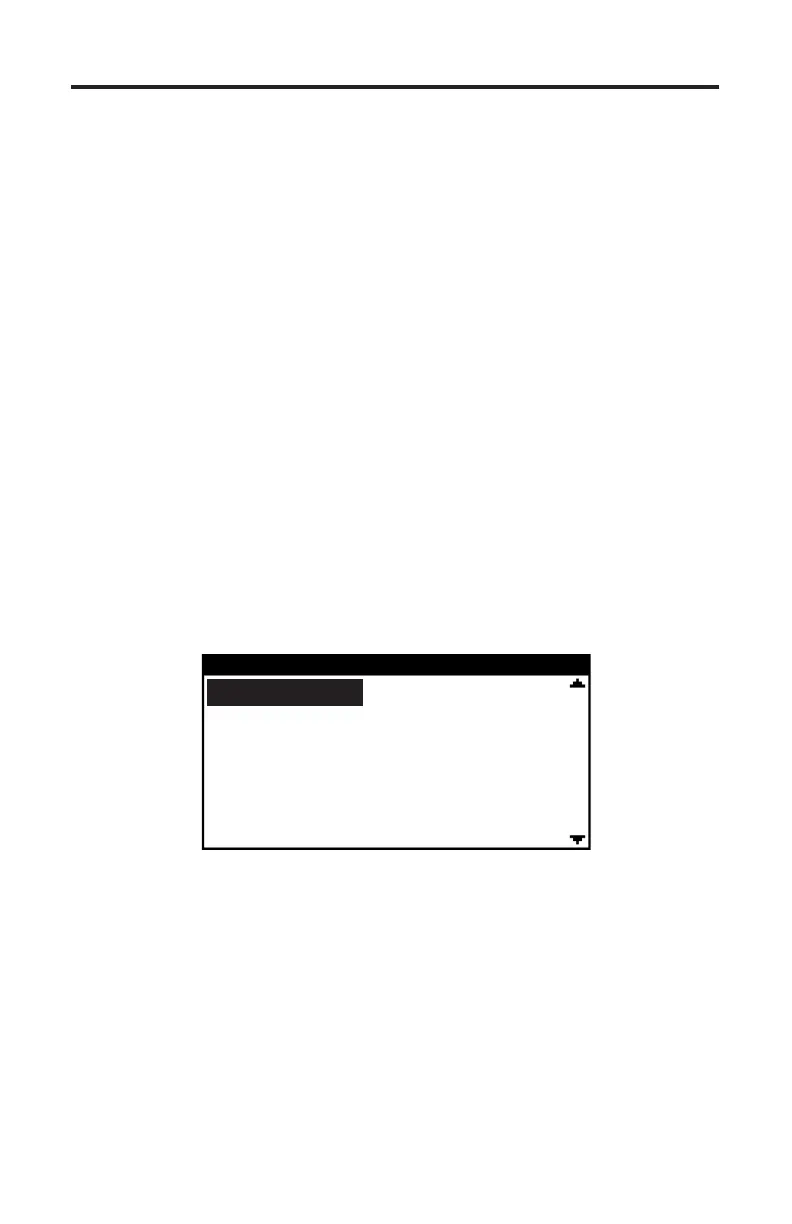
e TechMate Pro scan tool will display the locations of the engine control mod-
ules it has detected in the vessel as shown in Figure 13. Choose the appropriate
ECM from the list.
Figure 13 ECM selection menu
SELECT ECM
Starboard
Port
Starboard Center
Port Center
Features and Functions
e diagnostic features and functions available from ECM-70 systems are nearly
identical to those available on earlier Smartcra PCMs. e major dierence is
primarily the connection method of the scan tool and adapters required. For de-
scriptions of the various diagnostic functions please refer to the Smartcra PCM
section of this manual. Please note that not all engines provide all functions
described. Features and functions are dependent upon the ECM-70 application.
e TechMate Pro scan tool will display features and functions specic to the
engine you are connected to.


 To Next Page