2005 - Up 75 / 90hp EFI 4-Cycle
Page 48
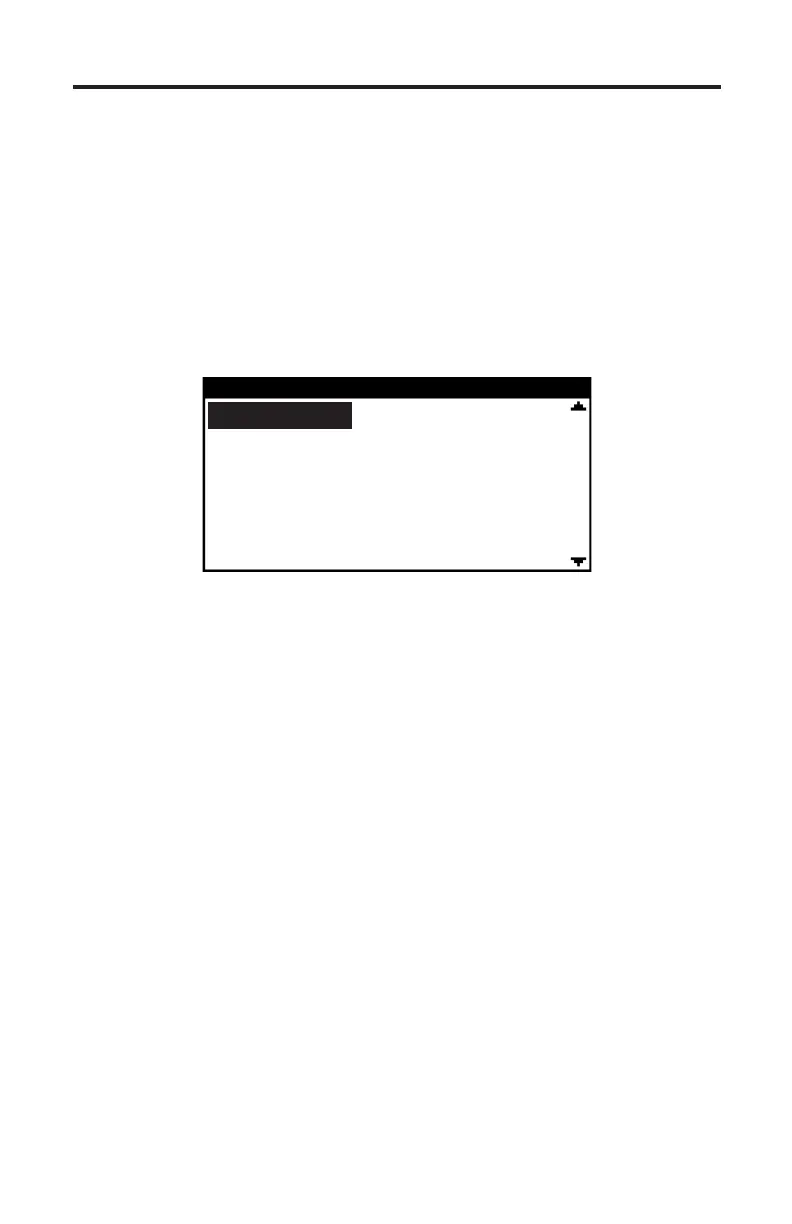
Figure 31 Mercury 75/90 HP Main Menu
MERCURY 75/90 HP
ECM Data
ECM Faults
Fault History
Erase Fault History
Run History
4) Aer the scan tool displays its initial opening messages use the ▲ and ▼
keys to display the “Mercury Outboards” operating mode from the main
menu then press the YES key to select it. Next, select “2005-Up 75/90 4 cyc”.
75/90 HP 4-Stroke Main Menu
Aer selecting the “2005-Up 75/90 4 cyc” system type the scan tool will attempt
to communicate with the ECM and automatically identify it. e ECM’s ”Hard-
ware ID” will be briey displayed followed by the total number of operating
hours the engine has logged. Aerward a menu will be displayed as shown in
Figure 31.
ECM Data
To obtain diagnostic data select the “ECM Data” function.. is mode allows you
to select and display a variety of engine sensor and operating information. e
displayed data is updated several times per second. Use the ▲ and ▼ keys to
scroll through the available data. Use the NO key to exit this mode and return to
the main ECM system menu.
Fault Codes
Use this function to view any currently active faults. Upon selecting this function
the scan tool will query the ECM for its stored faults and display both the fault
code number as well as a description of the fault. Aer all faults are displayed
the scan tool will prompt you to either review the faults or exit to the main ECM
system menu.
Fault History
e engine control module contains a non-volatile memory that is used to retain
historic fault information. e ECM is capable of retaining up to 5 historic faults
along with the specic time (in engine operating hours) that the fault occurred.


 To Next Page