2006-Up 25 / 30hp 4-Cycle
Page 46
3) Once connected, start the engine. is is a requirement since the ECM will
not provide data unless the engine is running.
4) Aer the scan tool displays its initial opening messages use the ▲ and ▼
keys to display the “Mercury Outboard” operating mode from the main menu
then press the YES key to select it. Next, select “2006-Up 25/30hp 4 cyc”.
Aer selecting the “2006-Up 25/30hp 4 cyc” system the scan tool will automat-
ically provide the ECM’s hardware ID number and engine operating hours. Af-
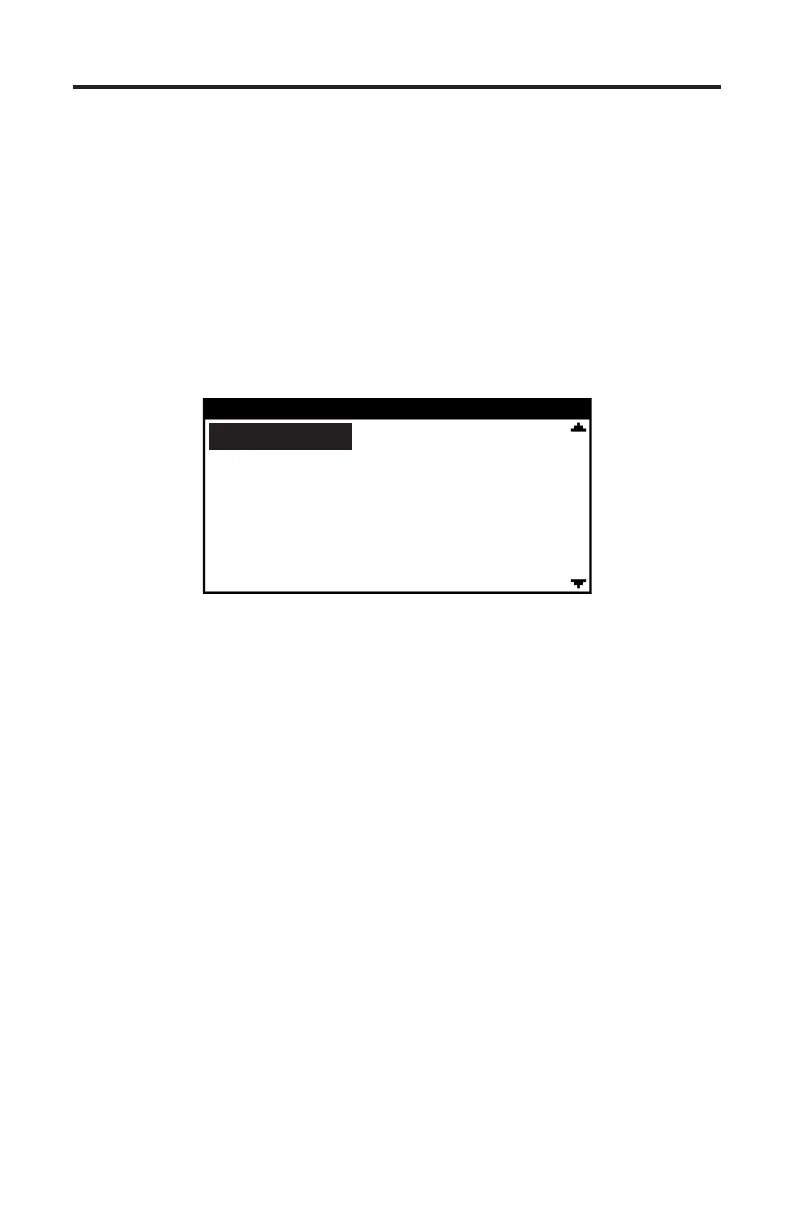
terward a menu will be displayed as shown in Figure 29. Use the ▲ and ▼ keys
to select “ECM Data” to access engine operating data or choose “ECM Faults” to
read any stored faults.
Figure 29 Mercury 25/30 HP Main Menu
MERCURY 25/30 HP
ECM Data
ECM Faults
Disconnecting the Scan Tool
Be sure the engine’s ignition switch is in the OFF position before disconnecting
the scan tool or power leads.
Disconnect the #94039 adapter’s Red and Black alligator clips from the 12vdc
power source then remove the adapter from the engine’s diagnostic link connec-
tor (DLC).


 To Next Page