AgilityUserManual
Page 14
2.2 Disarming your system
Disarmingyoursystemcausesthedetectorsnottotriggeranalarmwhenviolated.When
youenterthepremises,theEntryDelaybeginstocountdown.Youmustdisarmthe
systemwithintheEntryDelaytimetopreventthesystemfromtriggeringanalarm.The
disarmingoperationwillbefollowedbya
localmessageannouncement(ifdefined).
Note:Ifanalarmoccurredinthesystem,itisrecommendedtoleavethepremises.Onlyafterpolice
investigationshouldyouconsiderthattheburglarisnolongeronyourpremisesandyoucanre‐enter.In
specialcases(ifprogrammedbyyourinstaller)armingthesystemafteranalarmmightrequirea technician
code.Formoreinformationrefertoyourinstaller
YourAgilityoffersthefollowingkindsofdisarming:
Systemdisarming:
Disarmingdeactivatesthe partitionsassignedtothespecifiedusercode
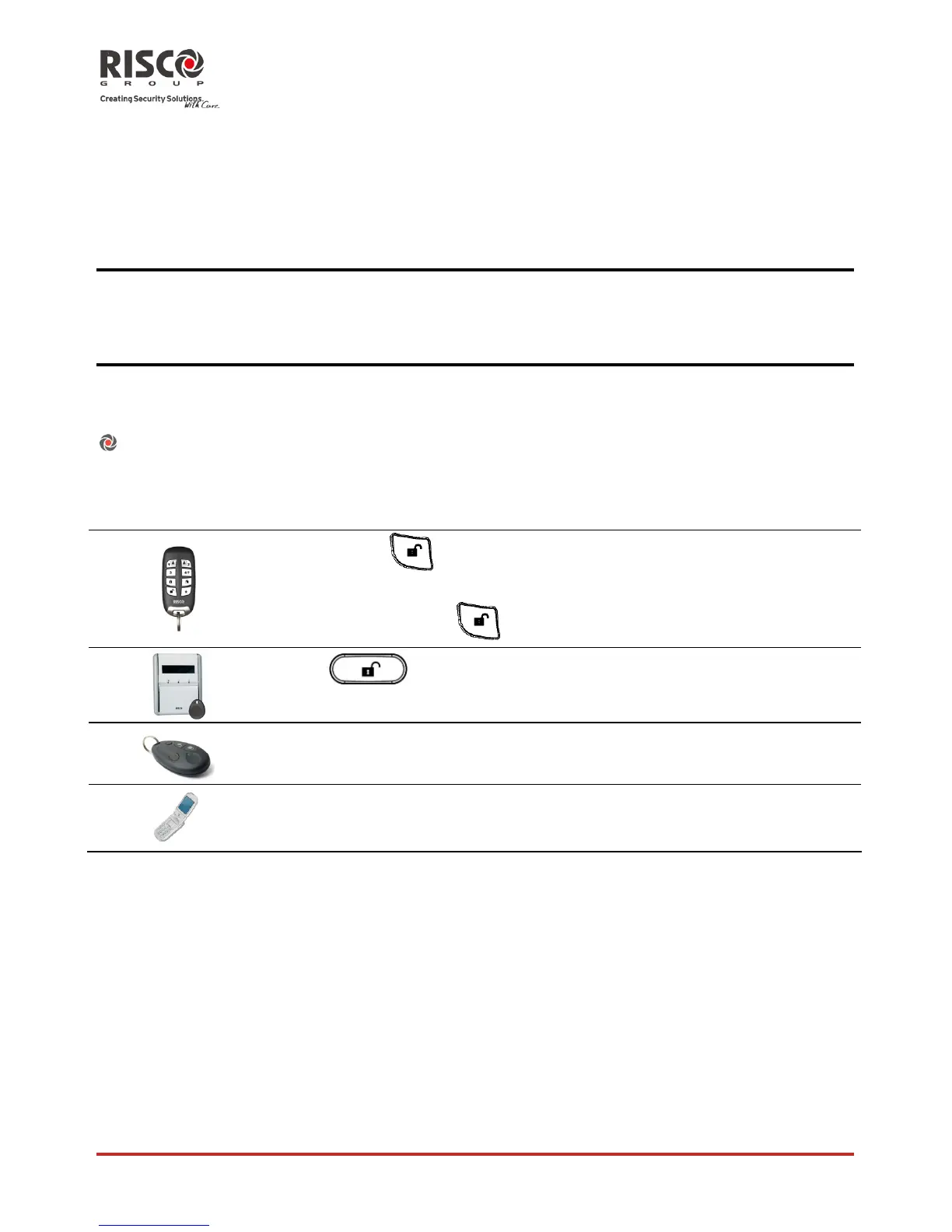
Todisarmusing ProcedureforDisarming
Quickmode:
.Allpartitionsassignedtothebuttonwillbe
disarmed
Highsecuritymode:
>Code
Press followedbycodeorproximitytag.
Pressthe
²button.Allpartitionsassignedtothebuttonwillbe
disarmed.
SendSMS:[Code][D],example1234D












 To Next Page