AgilityUserManual
Page 16
Note:Ifanalarmoccurredinthesystem,itisrecommendedtoleavethepremises.Onlyafterpolice
investigationshouldyouconsiderthattheburglarisnolongeronyourpremisesandyoucanre‐enter.
Inspecialcases(ifprogrammedbyyourinstaller)armingthesystemafteranalarmmightrequirea
techniciancode.Formoreinformationrefertoyourinstaller.
Yourinstallercandefinethenumberoftimes(0‐15)thatanalarmwillbesentfromthesamedetector
duringonearmingperiod.Thisisusuallyusedtopreventanalarmfromamalfunctiondetector,an
environmentalproblemorincorrectinstallation
Resettingafteranalarm:
Yourinstallationcompanycan definethattheresetofthesystemtoaNormalOperation
modewillrequiretheinterventionofyourmonitoringstationorinstaller.Inthiscase,
afteranalarmconditionthesystemwillberegardedasNotReadyand whilerequesting
forsy stemstatu s( )indicationyouwillgetatroublemessage:TechnicianReset.
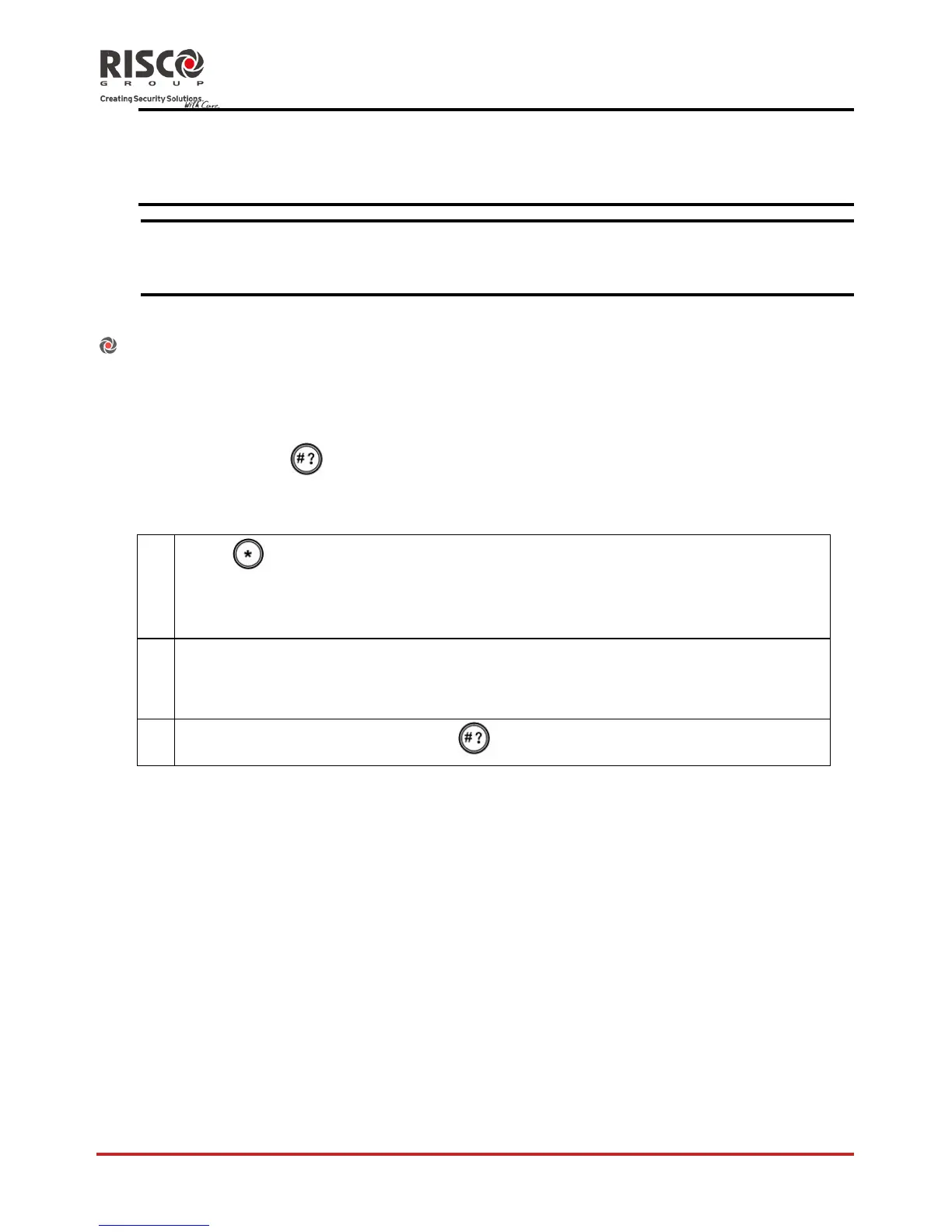
AntiCodeReset
1.
Press
.
Enterusercode
GotoActivities>AntiCodeoption.
2.
Callyourmonitoringstation(MS)orinstallerandquotethe“RANDOM
CODE”displayedonyourkeypad.TheMSorinstallerwillgiveyouareturn
Anti‐Code.
3.
EnterthisAnticodefollowedby
andthesystemwillreset.
InstallerReset
Yourmonitoringstation(MS)orinstallercanresetyoursystemremotelyorlocally
fromthekeypad.
Toenablelocalresetbyyourinstalleryoumayneedtoauthorizehimusingthemaster
codeaftertheinstallerentershiscode.Aonehourtimewindowisopenedforthe
installer
toprogramuserfunctionsandbeabletoresetyoursystemlocally












 To Next Page