AgilityUserManual
Page 28
4.5 Macro keys
Programming Macro Keys
AgilityenablestheinstallerorGrandMastertorecordaseriesofcommandsandassign
themtoamacro.Whenthemacroispressed,therecordedcommandsareexecutedfrom
beginningtoend.Upto3macroscanbeprogrammedtoasystemusingtheAgilitykeypad
ortheAgilityConfiguration
Software.
Beforeprogrammingamacro,it isrecommendedtoperformyourrequiredseriesof
commands,makinganoteofeve r ykeyyoupresswhiledoingso.
Note:Macroscannotbeprogrammedtoperformdisarmingcommands.
Toprogramamacro:
1. IntheMacromenuselectamacro(A,BorC)andpress
.
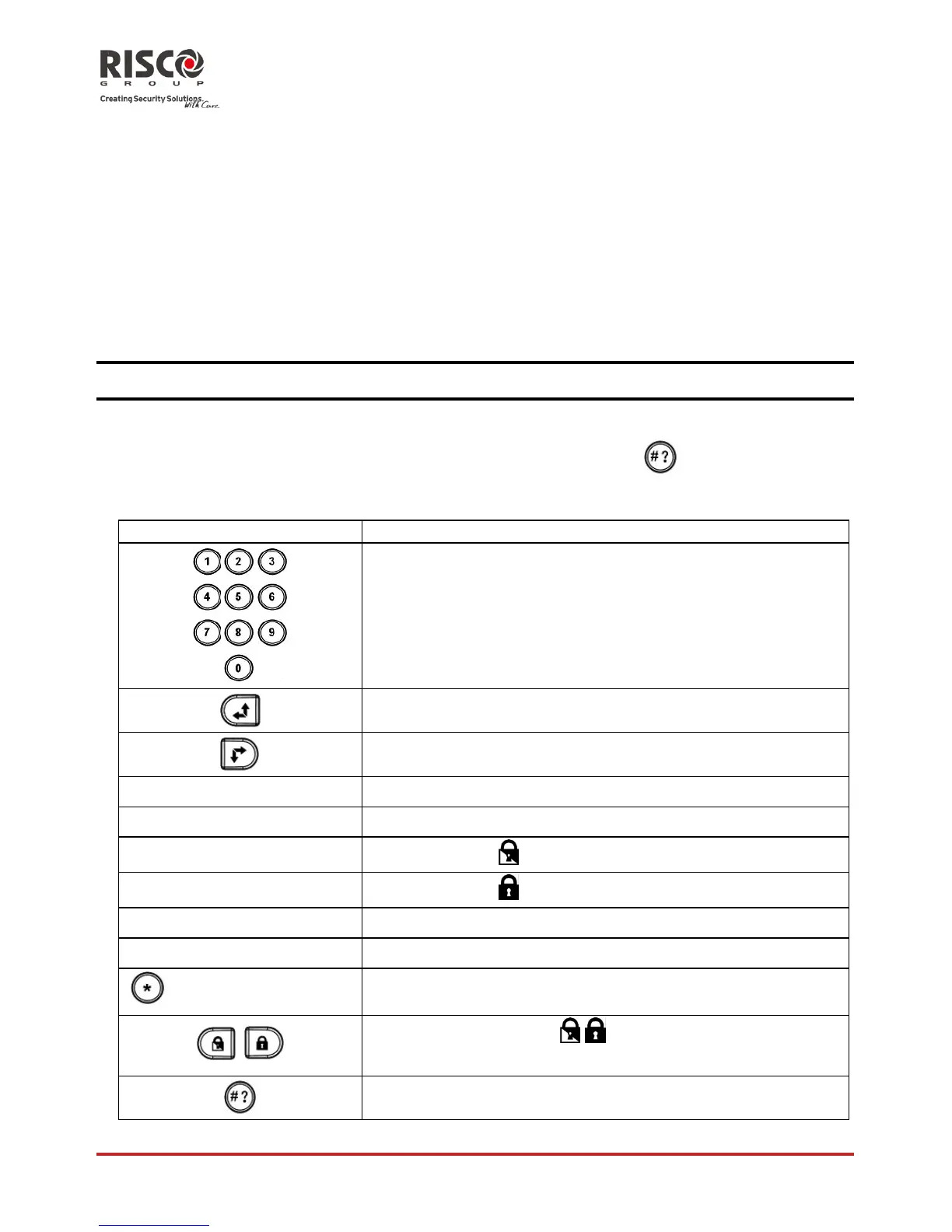
2. Enterthesequenceofcharactersaccordingtothefollowingtable:
Key Represents
Usedtoenternumericalcharacters
Usedtomovethecursertotheleft
Usedtomovethecursertotheright
Press1twice RepresentstheÇcharacter
Press3twice RepresentstheÈcharacter
Press4twice
Representsthe key
Press6twice
Representsthe key
Press7twice Representsthe¾character
Press9twice
Representsthe#character
and0simultaneously
Deletesyourentryfromthecursorpositionforward
/
Usetotogglebetween / /Ç/È/#/¾andallofthe
numericcharacters
Usedtoendthesequenceandsaveittomemory












 To Next Page