AgilityUserManual
Page 39
Status LED/Buzzer Indications
Aftereachtransmission(indicatedbyaflashingGreenLED)fromtheremotecontrol,the
AgilitysendsastatusresponseindicatedbytheremotecontrolʹsLEDsandBuzzer:
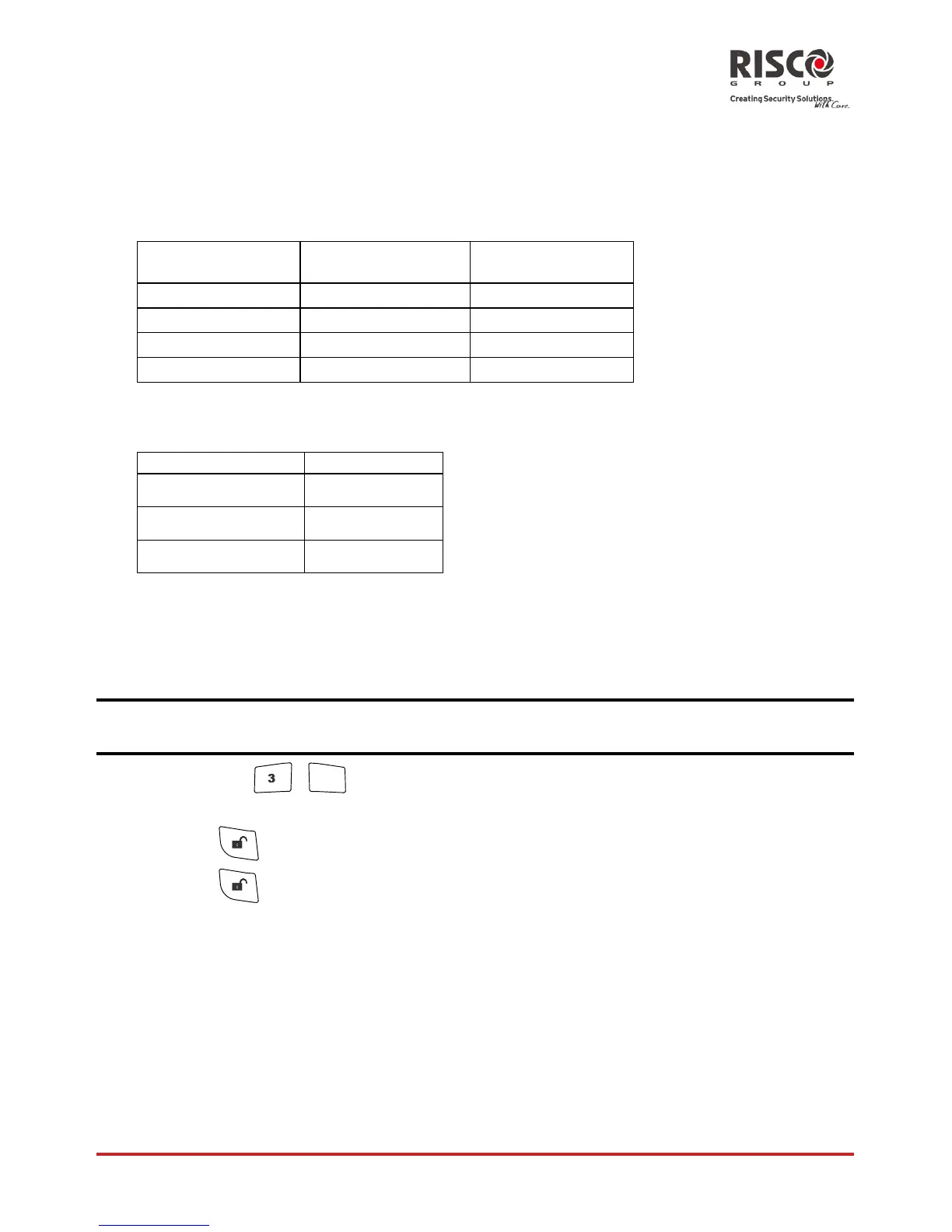
LED Indications
Operation 1st LED *
(Send command)
2nd LED
(Receive Status)
AwayArm
Green Red
StayArm
Green Orange
Disarm
Green Green
Alarm
Green FlashRedLED
*Ifthe1stLEDchangestoorangeitindicatesalowbatterycondition.
Buzzer Indications
Sound Status
1beep Confirmation
3beeps Error
5beeps Alarm
Changing Remote Control PIN Code
EachremotecontrolcanbedefinedbyyourinstallertobeactivatedwithauniquePIN
code.
TochangetheremotecontrolPINcode(fromtheremotecontrolitself):
Note:TochangethePINcodeitismandatorytoperformthefollowingprocedureincloseproximitytothe
controlpanel.
1. Pressthe +
4
?
simultaneouslyfor2seconds.
2. Entertheremotecontrolcurrent4digitPINcode.
3. Press
followedbyanew4digitcode.
4. Press
.
Thepanelwillsendaconfirmationmessage.Theremotecontrolwillsoundalongbeep
andtheGreenLEDwillturnon.IfnoconfirmationsoundisheardtheoldPINcodewill
remain.Repeattheprocedureagaintoreplacetoanewcode.












 To Next Page