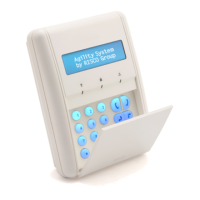
AgilityUserManual
Page 36
Operation
1
Quick Operation High Security Mode
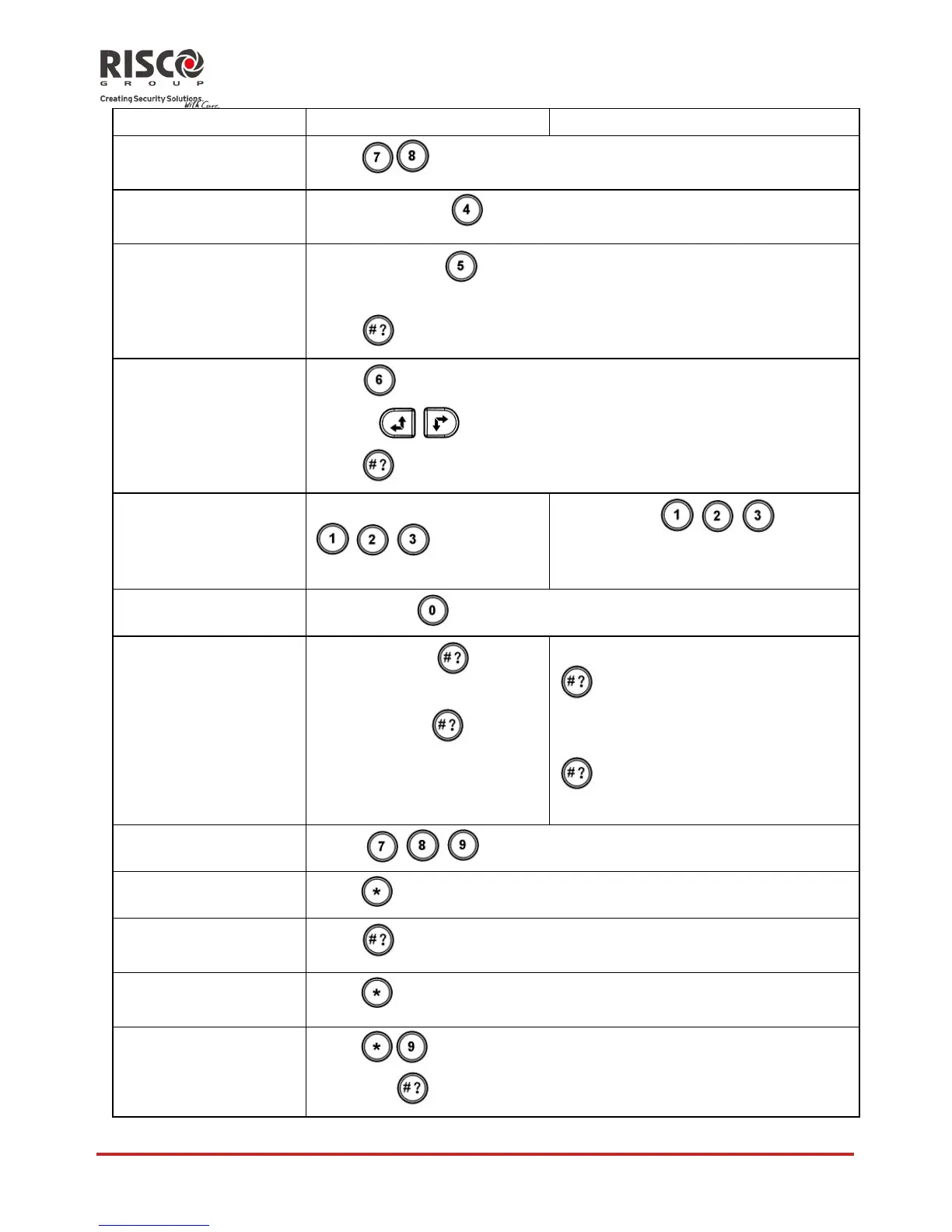
Emergency/Medical
Alarm
Press
simultaneouslyfor2seconds
SystemChime
On/Off
Pressthebutton
for2seconds
MainUnitSpeaker
Volume
Pressthebutton
for2seconds
Selectthevolumelevel(0=Nosound,4=Fullvolume)
Press
tosaveyourselection
SetkeypadLCD
contrast
Press
for2seconds
Usethe
keystoadjustthekeypadʹsdisplaycontrastand
press
OutputControl
A/B/C
2
Pressbutton
/ / for2seconds
Pressbutton
/ / for2
secondsfollowedbycodeor
proximitytag
ViewLastAlarm
Holdbutton
fortwoseconds
ViewSystemStatus
Shortpresson
:LCD
display
Longpresson
:LCD
display+voice
OnlyLCDdisplay:Shortpresson
followedbycodeorproximity
tag
LCDdisplay+voice:Longpresson
followedbycodeorproximity
tag
MacroActivation
3
Press
/ / for2seconds
WakeupKeypad
Press
UpdateKeypad
Parameters
Press
for2secondsafterchangingparametersinthesystem
EnterProgramming
Mode
Press
andenterthecode
ChangingKeypad
Language
Press
simultaneouslyfor2seconds.Selectthelanguage
andpress
toconfirm.












 To Next Page