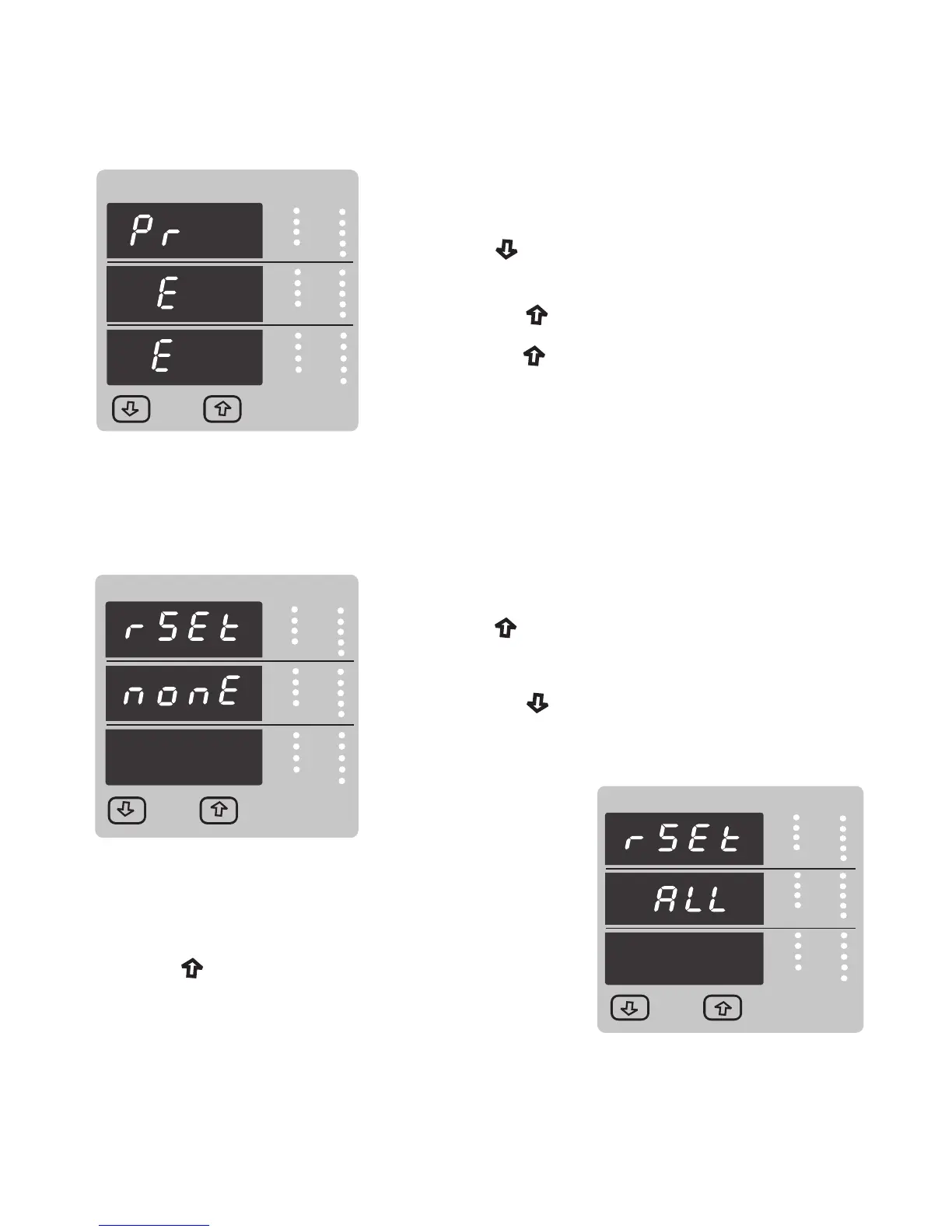
Pressing the “ Up” key will set the value.
RS 485 Parity confirmation :
Pressing “ Down” key will be re-enter into Parity Edit
mode.
Pressing the “ Up” key again will jump back to the
communication parameter selection menu
(see section 3.2.2).
VYB
VRY
KVAr
Sys
V
A
KVA
Min
KW
VBR
Angle
Max
x1000
KVArh
x1000
x1000
IN
Ph R
Hz
KVAh
Ph Y
P.F.
KWh
Ph B
KAh
%THD
Demand
Reset (None)
Pressing the “ Down” key will enter the “Reset
option” mode and scroll through Parameter
and wrapping back to None.
Pressing “ Up” key advances to Reset Parameter
selection screen (see section 3.2.3)
3.2.3.1 Resetting Parameter
The following screens allow the users to reset the all Energy , Lo(Min), hi(Max), Demand,
Run hour, On hour, No.of Interrupts
3.2.3 Reset Parameter Selection :
VYB
VRY
KVAr
Sys
V
A
KVA
Min
KW
VBR
Angle
Max
x1000
KVArh
x1000
x1000
IN
Ph R
Hz
KVAh
Ph Y
P.F.
KWh
Ph B
KAh
%THD
Demand
Reset option select, (Resets ALL resettable parameter)
The user has scrolled through to the “ALL” .
Pressing “ Up” key will select the value and
advance to the “Reset ALL Confirmation” Mode &.
Will reset all resettable parameter.
VYB
VRY
Sys
V
A
KVA
Min
KW
VBR
Angle
Max
x1000
KVArh
x1000
x1000
IN
Ph R
Hz
KVAh
Ph Y
P.F.
KWh
Ph B
KAh
%THD
KVAr
Demand
29



 To Next Page