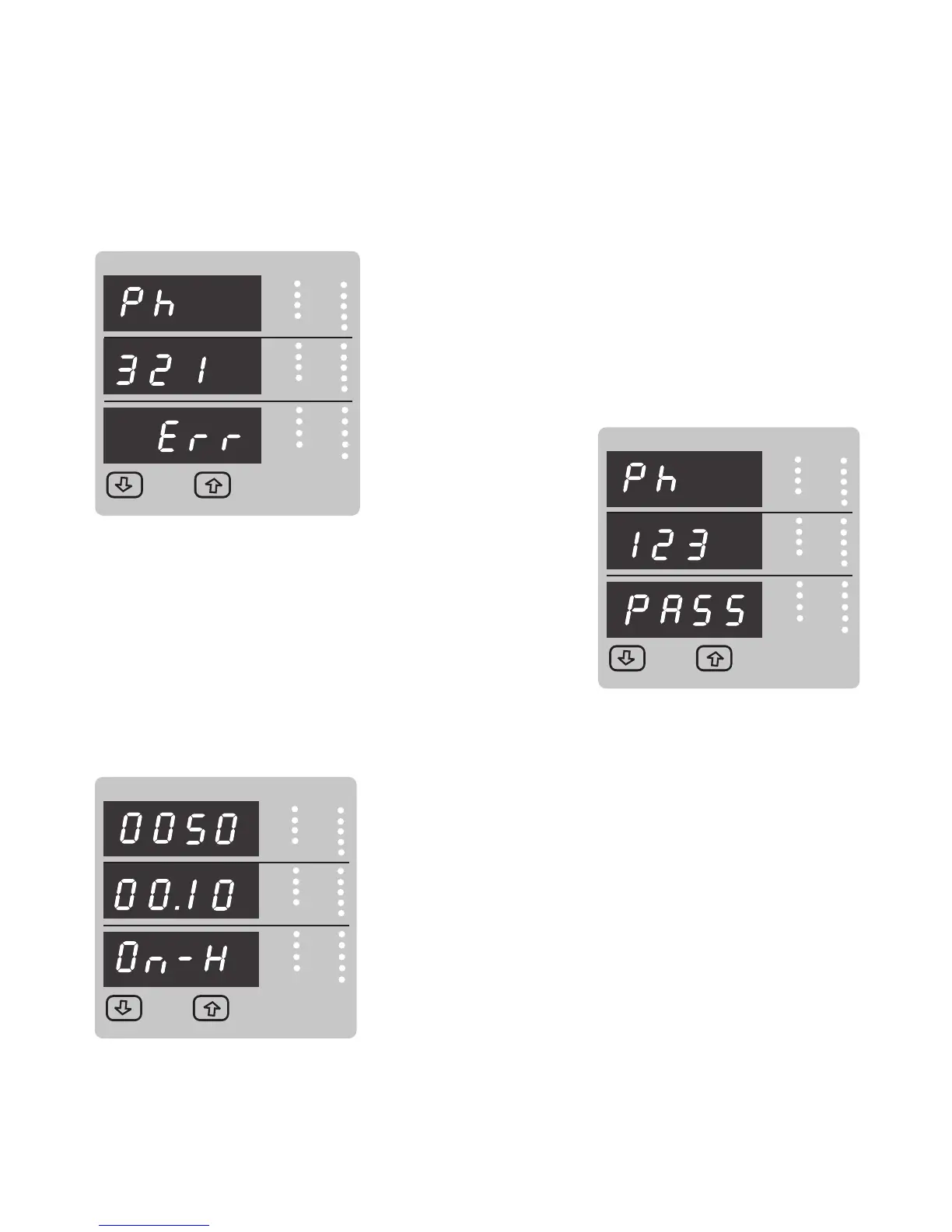
Correct Phase sequence :
This Screen indicates the phase sequence connected to
meter is correct. If phase sequence is wrong this screen is
useful to get correct phase sequence by interchanging
connection & verifying it with screen.
This screen indicates that Phase sequence is incorrect.
User must check this screen in order to get correct readings
When meter is connected.
VYB
VRY
KVAr
Sys
V
A
KVA
Min
KW
VBR
Angle
Max
x1000
KVArh
x1000
x1000
IN
Ph R
Hz
KVAh
Ph Y
P.F.
KWh
Ph B
KAh
%THD
Demand
VYB
VRY
KVAr
Sys
V
A
KVA
Min
KW
VBR
Angle
Max
x1000
KVArh
x1000
x1000
IN
Ph R
Hz
KVAh
Ph Y
P.F.
KWh
Ph B
KAh
%THD
Demand
5. On Hour
VYB
VRY
KVAr
Sys
V
A
KVA
Min
KW
VBR
Angle
Max
x1000
KVArh
x1000
x1000
IN
Ph R
Hz
KVAh
Ph Y
P.F.
KWh
Ph B
KAh
%THD
Demand
This Screen shows the total no. of hours the Axillary Supply is ON.
Even if the Auxiliary supply is interrupted count of On hour
will be maintained in internal memory & displayed in
the format “hours. min”. For example if Displayed
count is 005000.10 On-H it indicates 005000 hours &
10 minutes.
After 999999.59 On hours display will restart from zero.
To reset On hour manually (see section Resetting
Parameter )
4.Phase Rotation Screen :
Meter shows phase rotation error if the phase sequence R-Y-B (L1-L2-L3) is not maintained
47



 To Next Page