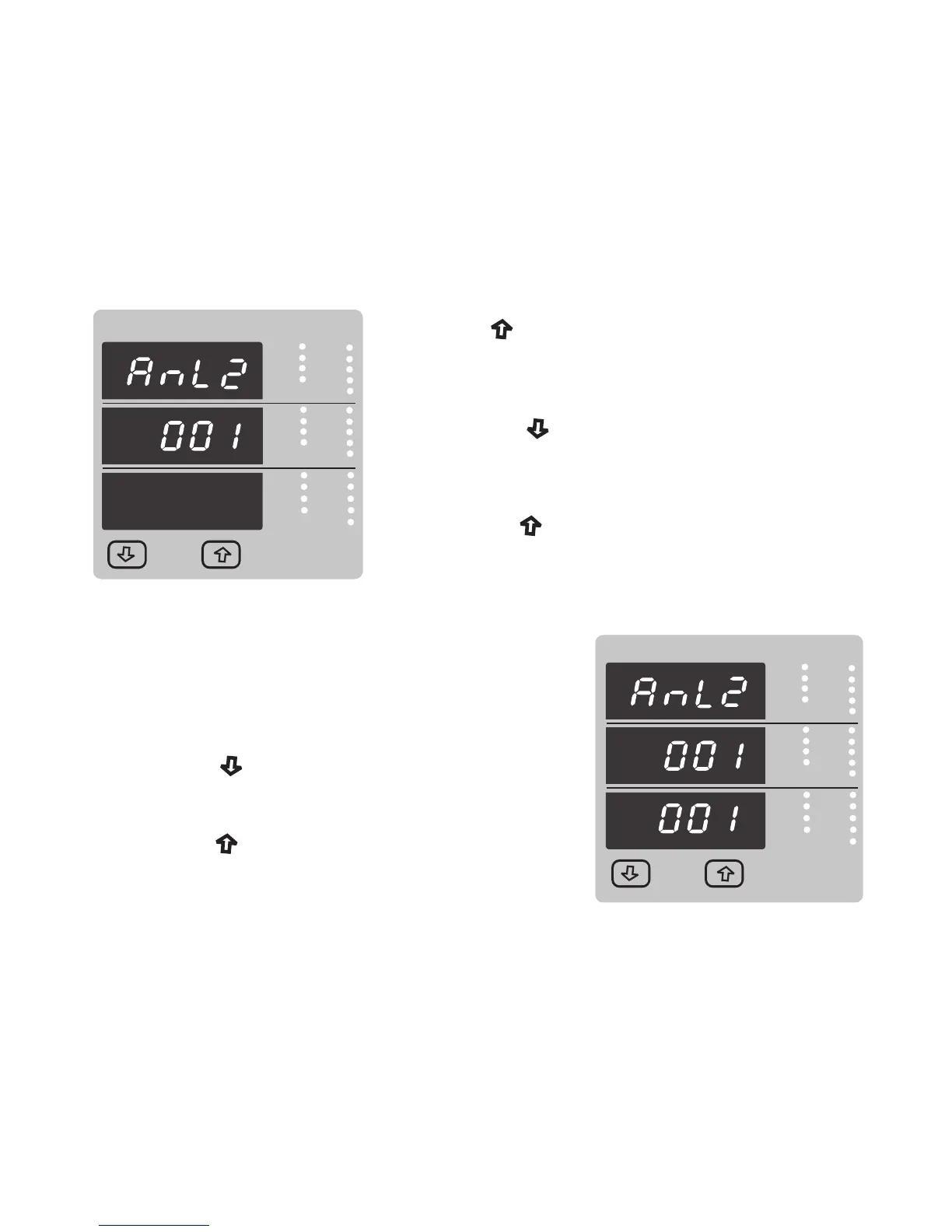
3.2.4.1.3.2 Parameter setting Analog Output 2 ( Optional )
This screen is for analog output 2 only . It allows the user to set analog output 2 to corresponding
measured parameter . Refer table2 “ Parameter for Analog & Limit output “.
Pressing “ Up” key accepts the present value and
advance to Analog output selection screen
(see section 3.2.4.1 ).
Pressing the “ Down” key will enter the “ Analog
output 2 Edit” mode and scroll the values, as per Table 2.
“Parameter for Analog output”
Pressing the “ Up” key advance to the Analog output 2
confirmation screen .
VYB
VRY
KVAr
Sys
V
A
KVA
Min
KW
VBR
Angle
Max
x1000
KVArh
x1000
x1000
IN
Ph R
Hz
KVAh
Ph Y
P.F.
KWh
Ph B
KAh
%THD
Demand
VYB
VRY
KVAr
Sys
V
A
KVA
Min
KW
VBR
Angle
Max
x1000
KVArh
x1000
x1000
IN
Ph R
Hz
KVAh
Ph Y
P.F.
KWh
Ph B
KAh
%THD
Demand
Pressing the “ Down” key will re-enter the “ Analog
Analog output 2 Confirmation :
Pressing the “ Up” key sets the displayed value and
will advance to the Analog output selection screen
(see section 3.2.4.1 ).
This Screen will appear only after edit mode of Analog
output 2 Parameter.
output 2 Edit”
46



 To Next Page