The following ve guides are supplied with this machine.
Basic Guide (this guide)
This guide describes the basic printer, copy, and scanner operations, and how to replace consumables.
Please start by reading this guide.
User’s Guide
This guide describes handling precautions, specications, and operations and settings of each function.
Please read this guide when you want to know details about this machine.
Administrator’s Guide
This guide describes the machine settings to be performed by the administrator.
Troubleshooting Guide
This guide describes the action to take when a paper jam or other problem occurs.
Safety Information
This guide describes safety precautions and specications.
About This Guide
(1) No part of this guide may be reproduced in whole or in part without the permission of RISO KAGAKU CORPORATION.
(2) The contents of this guide may undergo changes without prior notice to reect improvements in the product.
(3) RISO shall not be liable for any consequence of using this guide or the machine.
Names of Keys and Buttons
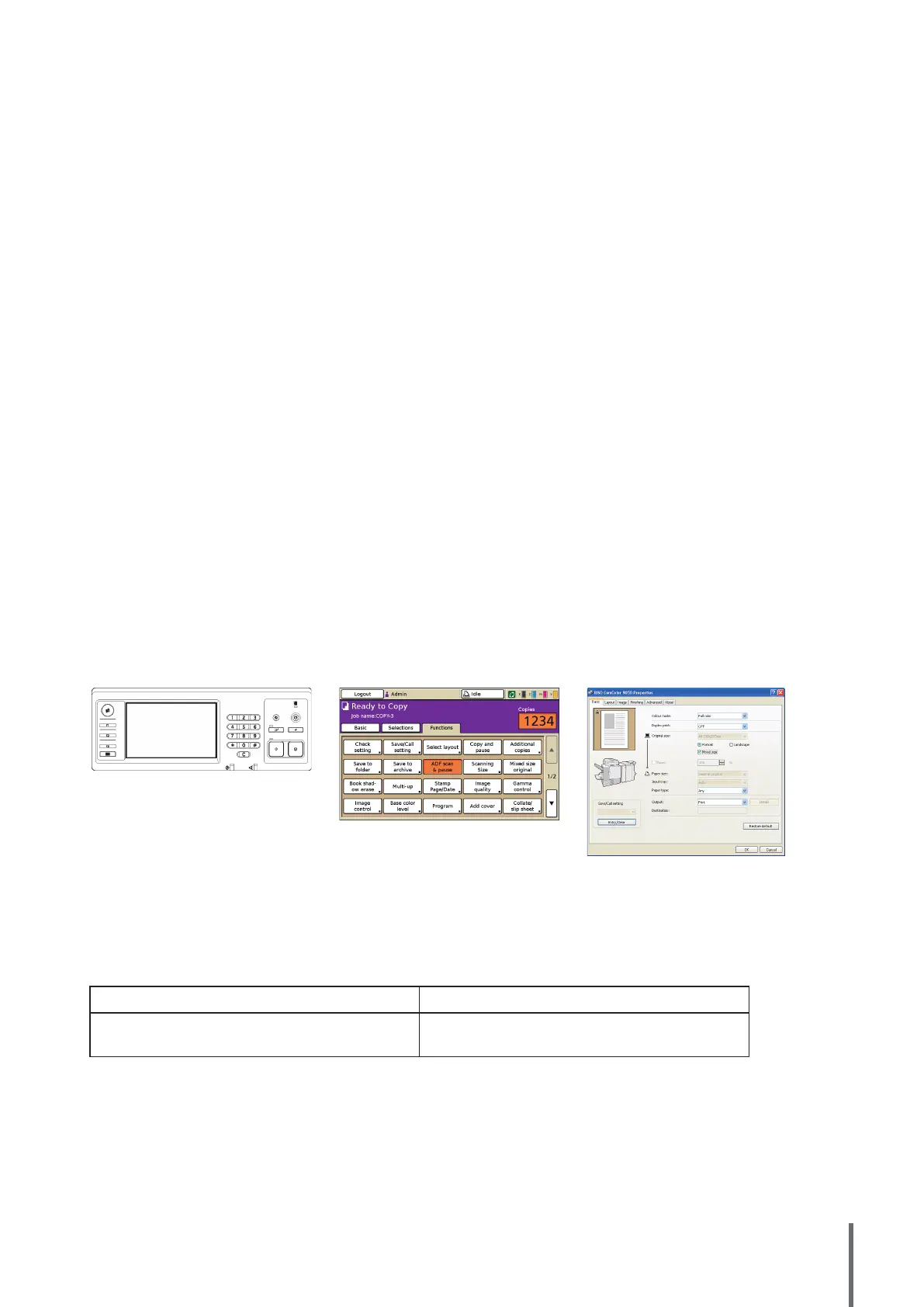
The names of hard keys on the operation panel and buttons on the touch panel screen or computer window are indicated
with square brackets [ ].
Operation Panel Touch Panel Screen Computer Window
Example: Press the [STOP] key.
Example: Press [ADF scan & pause].
Example: Select the [Mixed size] check box.
Names of Optional Equipment
The following are the names of the optional equipment used in this guide. An individual name is used for each item of
equipment when describing its unique features.
Name Used in This Guide Optional Equipment
Stacking tray
Wide stacking tray
RISO auto-control stacking tray
Illustrations Used in This Guide
The screenshots and illustrations contained in this guide may vary depending on the model of the machine, or the usage
environment, including the connected optional equipment.
●
●
●
●
●
■
■
■
1
ComColor Series Basic Guide 02










 To Next Page