Basic Workow
Load the original
Select copy
mode
Complete the
copy settings
Press the [START]
key
To cancel copy jobs, press the [STOP] key.
The screens displayed vary depending on what optional equipment has been connected and how you have completed settings.
Make sure the machine is in copy mode.
Some items may not be displayed, depending on how the administrator has congured the settings. For details, ask your
administrator.
•
•
•
You can make copies from a wide variety of formats, such
as printouts and books. You can also use the duplex
function or imposition function to save paper, or you can
use the booklet function to make a booklet. Use in
accordance with your objectives.
Copying Operations
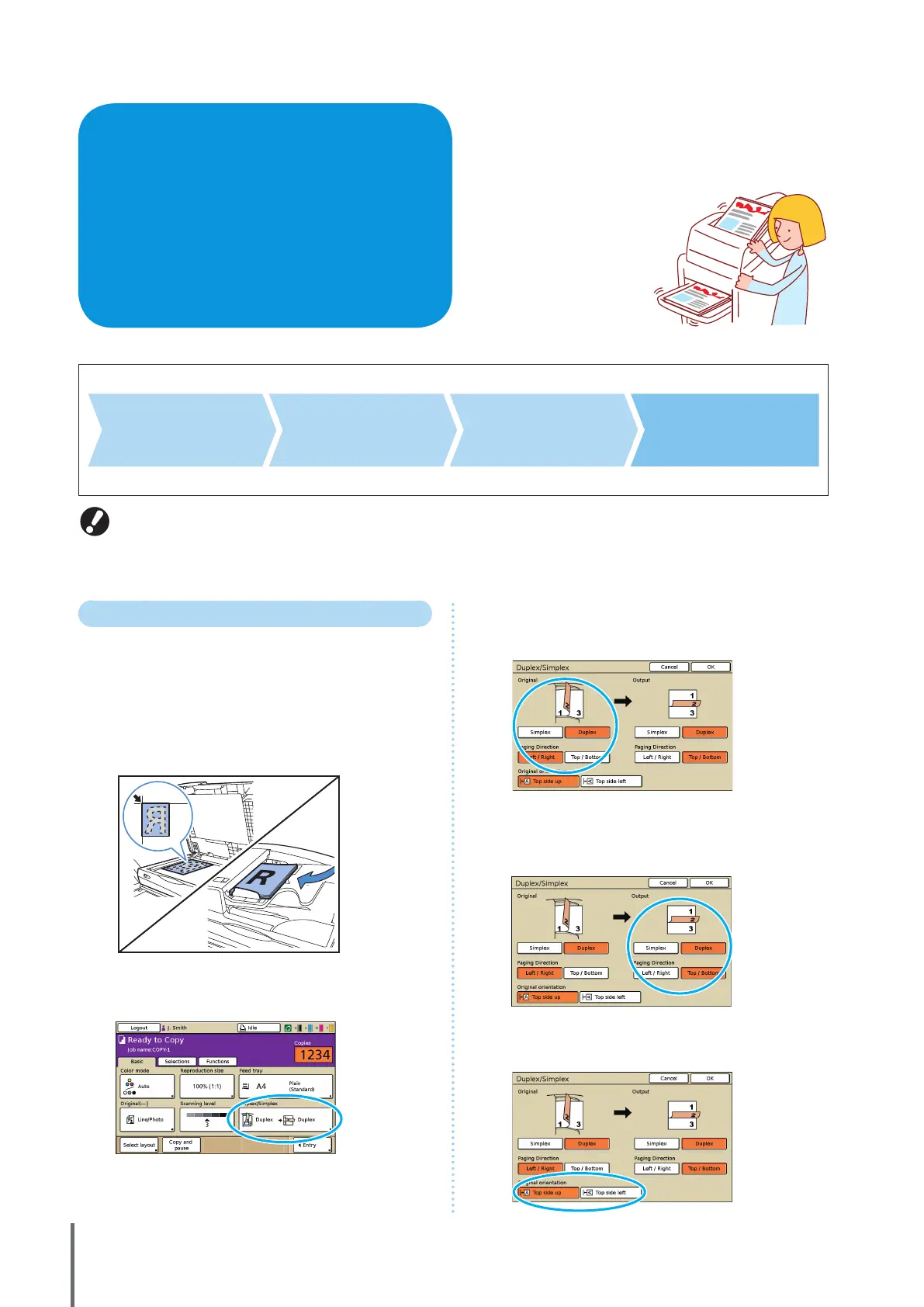
Duplex Copying
Duplex (two-sided) copies can be created from simplex
(one-sided) originals and vice-versa. You can save even
more paper by combining duplex copying with layouts of
several originals per sheet (Multi-up (Plural)).
1
Load the original.
Load the original on the platen glass or in the ADF.
2
On the [Basic] screen, press [Duplex/Simplex].
3
Complete the [Original] and [Paging Direction]
setting.
Specify the format of the original.
4
Complete the [Output] and [Paging Direction]
setting.
Specify the format of the nished copies.
5
Complete the [Original orientation] setting.
ComColor Series Basic Guide 02










 To Next Page