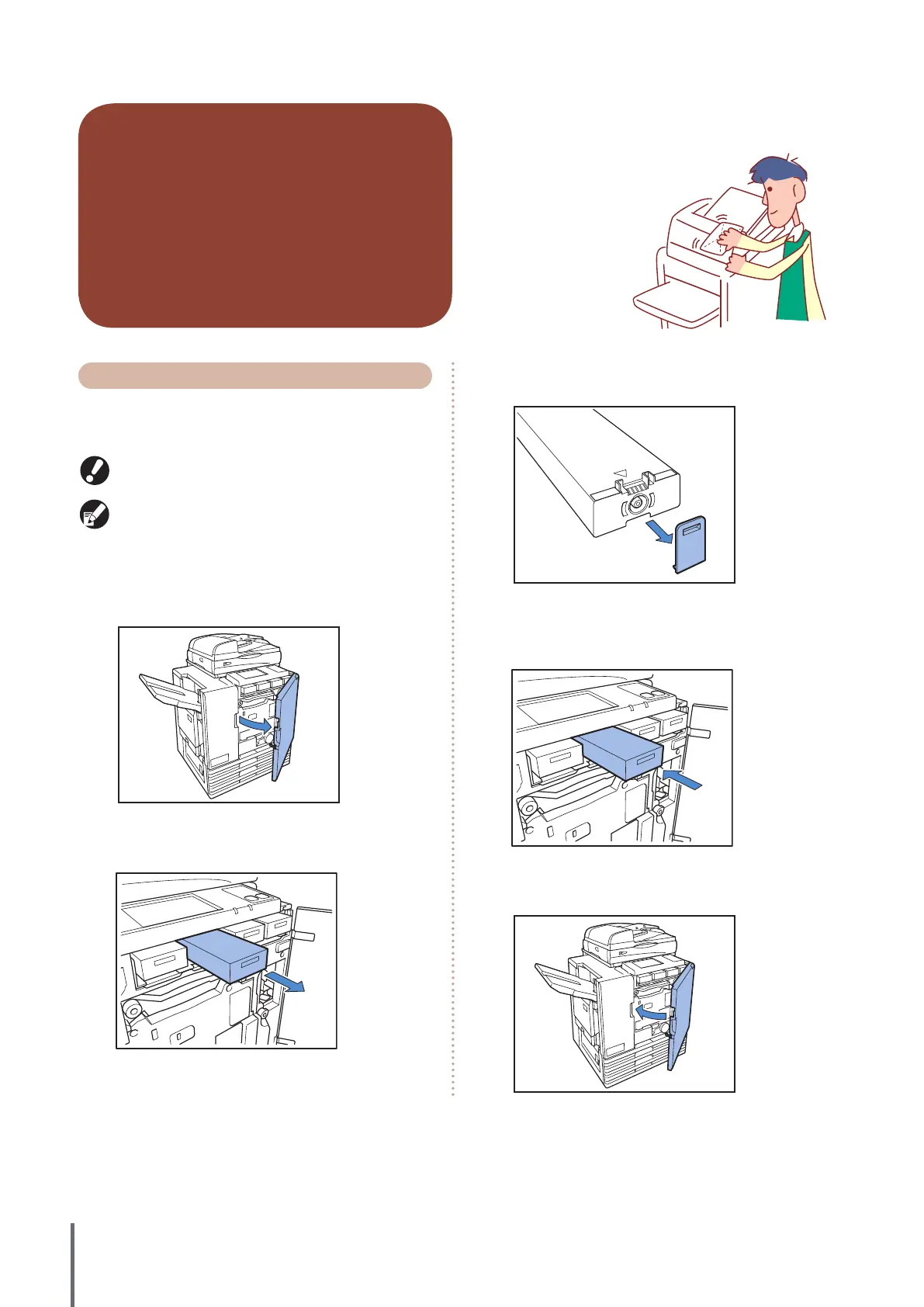
Routine care is important to give the best possible results
when using this machine. Perform daily maintenance so
that you do not
suddenly run out of ink
or paper and have to
reorder in a rush, and
to get the best printing
quality results.
Routine Care
Replacing Ink cartridges
When the ink runs out, the ink replacement message is
displayed and the printing stops. Replace the cartridge of
the color that is displayed.
Do not remove the ink cartridge until the ink replacement
message is displayed.
When the ink level is low, the ink-remaining indicator on
the touch panel screen ashes. Prepare to replace the ink
cartridge of the color that ashes.
1
Open the front cover.
2
Remove the ink cartridge identied as empty.
Conrm the color of the ink cartridge.
3
Remove the cap of the new ink cartridge.
Install the removed cap on the old ink cartridge.
4
Insert the new ink cartridge.
Position so that the ▲ mark faces upward and insert until it
stops.
5
Close the front cover.
ComColor Series Basic Guide 02










 To Next Page