74
The screens displayed vary depending on the operating system used and the optional equipment connected.
Make sure the machine has been connected to the network.
Some items may not be displayed, depending on how the administrator has congured the settings. For details, ask your
administrator.
Supported browsers
Internet Explorer Ver. 6.0 (SP1 or later)
Internet Explorer Ver. 7.0
•
•
•
•
–
–
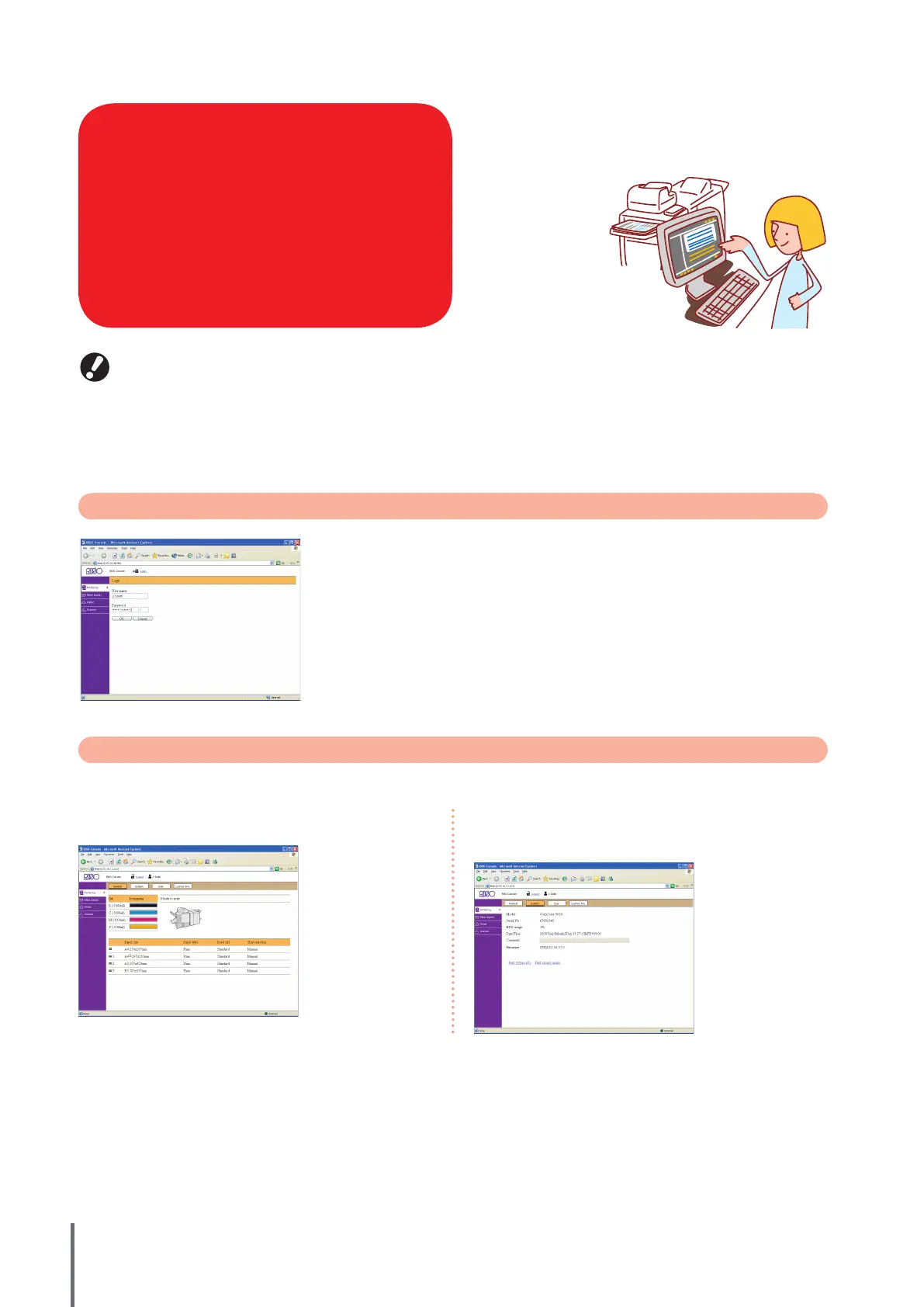
User Login
When you attempt to access screens that require login, a login screen is displayed.
Enter the user name and password and click [OK].
Monitoring
Indicates machine settings and status.
If you connect this machine to a network, you can use a
Web browser to check its status and settings.
This section describes the RISO console screen.
RISO Console Screens
[General]
Indicates paper settings, ink levels, and printer status.
● [System]
Indicates system information including the machine’s serial
number and rmware version.
●
ComColor Series Basic Guide 02










 To Next Page