Utility Software Guides
RisoHoldManager features
36
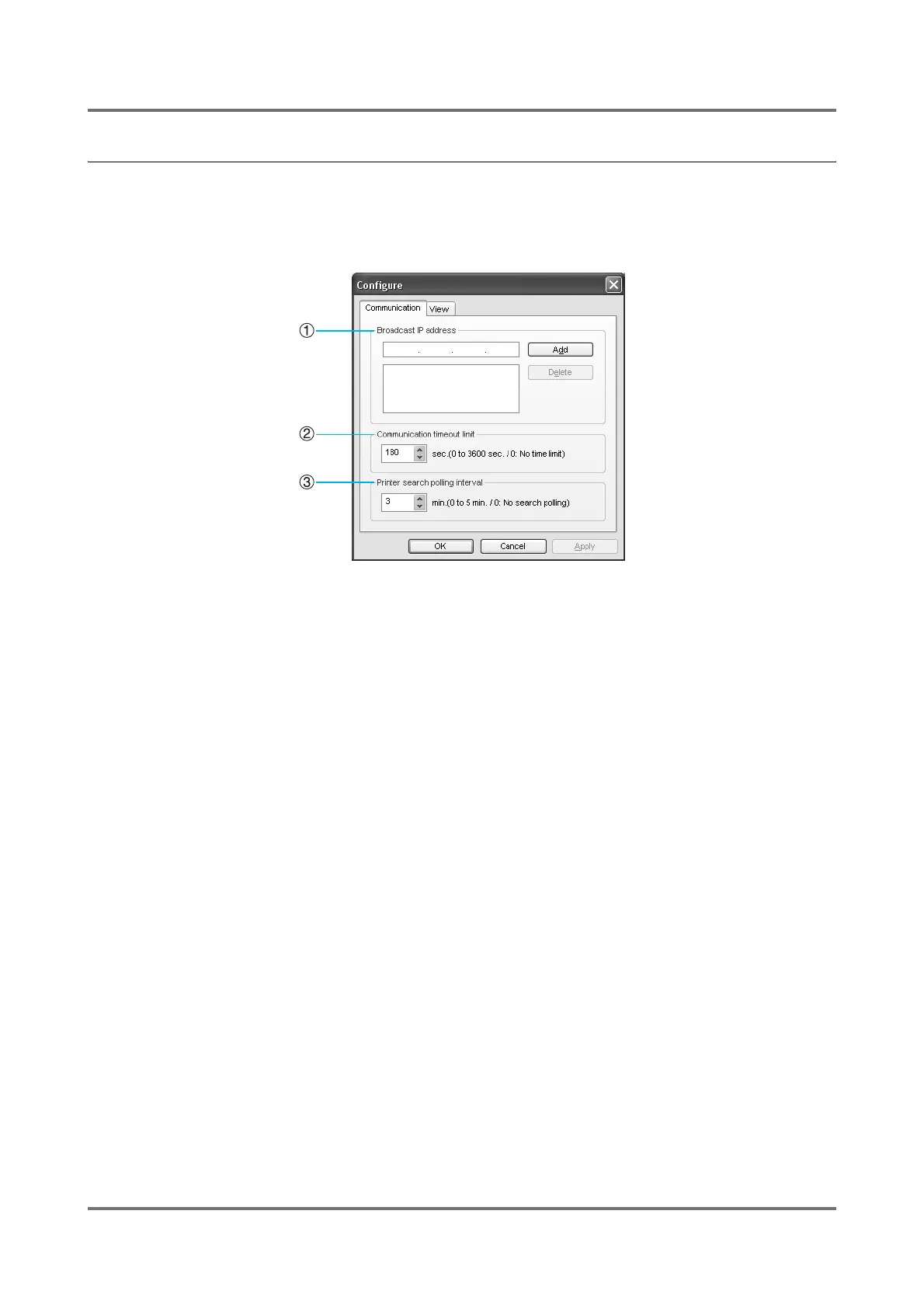
[Configure] dialog box
Clicking on the [Option] button will allow you to change various settings in RisoHoldManager.
[Communication] tab
1) Broadcast
If you wish to search for RISO printers connected to net-
works other than the one your computer is on, you may
specify Broadcast IP addresses when searching for
printers.
Note:
• It is possible to specify multiple Broadcast IP
Addresses.
2) Communication timeout limit
You can specify a length of time for time-outs if there are
printer connection errors.
3) Printer search polling interval
Sets the interval between printer searches.



 To Next Page