Utility Software Guides
RisoHoldManager features
31
RisoHoldManager features
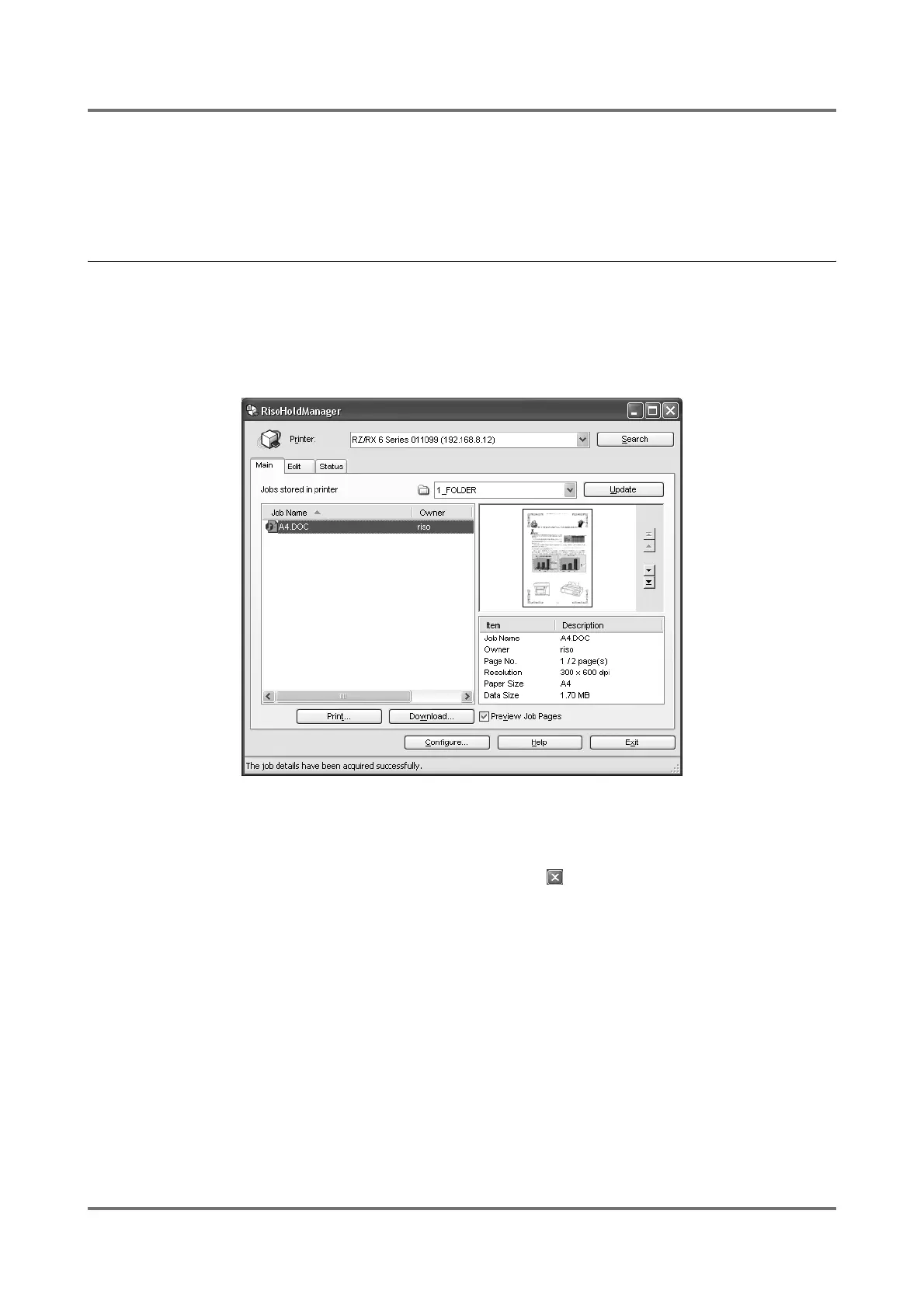
RisoHoldManager is a program which permits the administration (preview, print, download, change, delete, etc.) of
print jobs stored inside the Storage Memory of printers equipped with a RISO Network Card.
Opening RisoHoldManager
You can open [RisoHoldManager] window in two ways.
• Select the [RISO] - [RISO Network Card] folder from the [Program] list in the [Start] menu and click on [Riso-
HoldManager].
• Click on [RisoHoldManager] in the [Options] menu of RISO-ADMIN.
Note:
• When more than one RISO printer appears in the list, select the one that you wish to administer.
To end the [RisoHoldManager] program, click on the [Exit] button or in the title bar of this window.



 To Next Page