System Configuration
Assigning an IP address to the RISO printer
8
Windows Vista
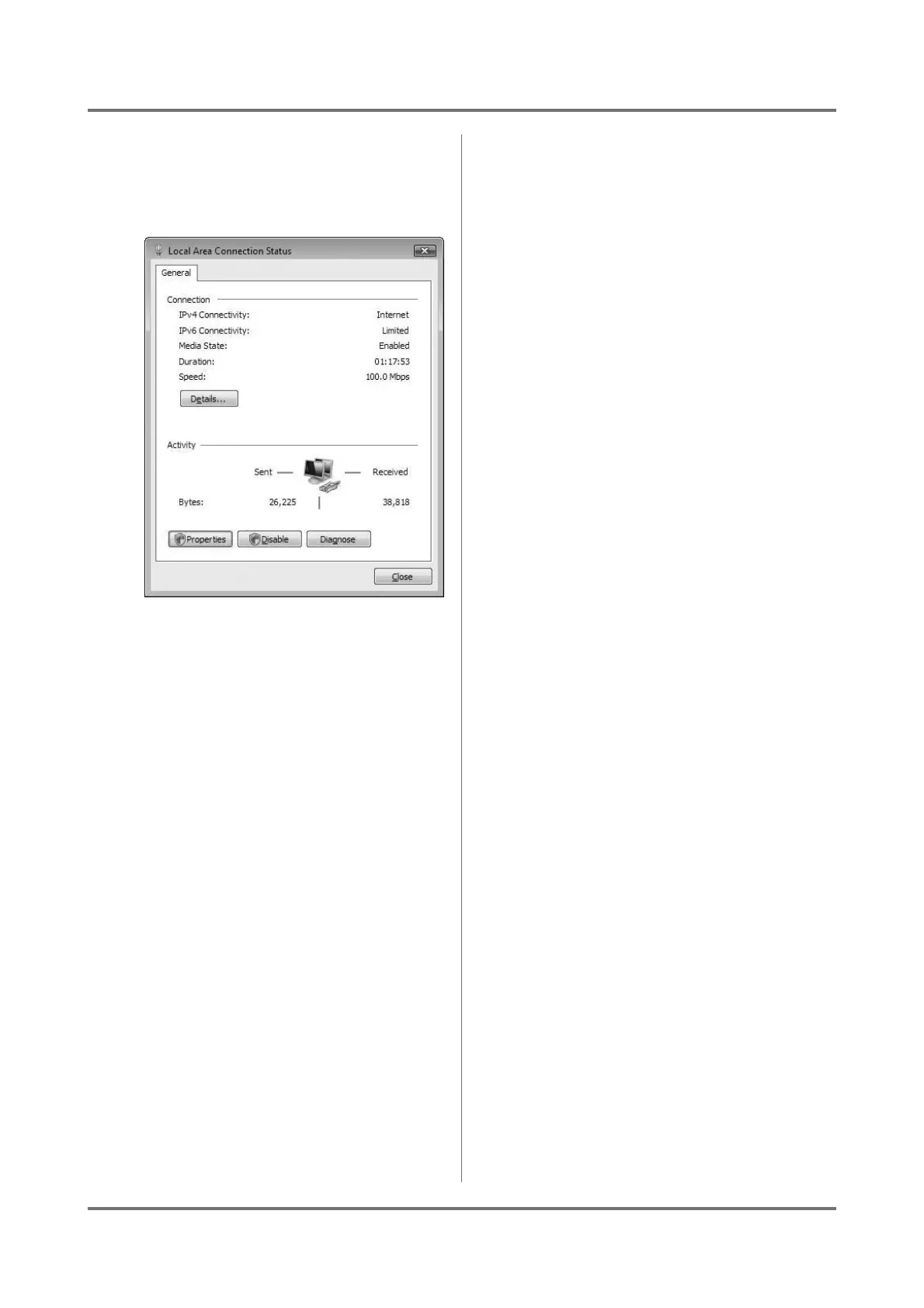
Open [View network status and tasks] from
[Network and Internet] option and click [View
status].
3
Check the supported network proto-
cols in the [General] tab.
Note:
• If “TCP/IP Protocol” is not shown in this list,
click on the [Add] button under the list window
and add the TCP/IP network component to your
system in the opened dialog box, consulting
your network administrator.



 To Next Page