1010
[FUNCTION OPERATIONS]
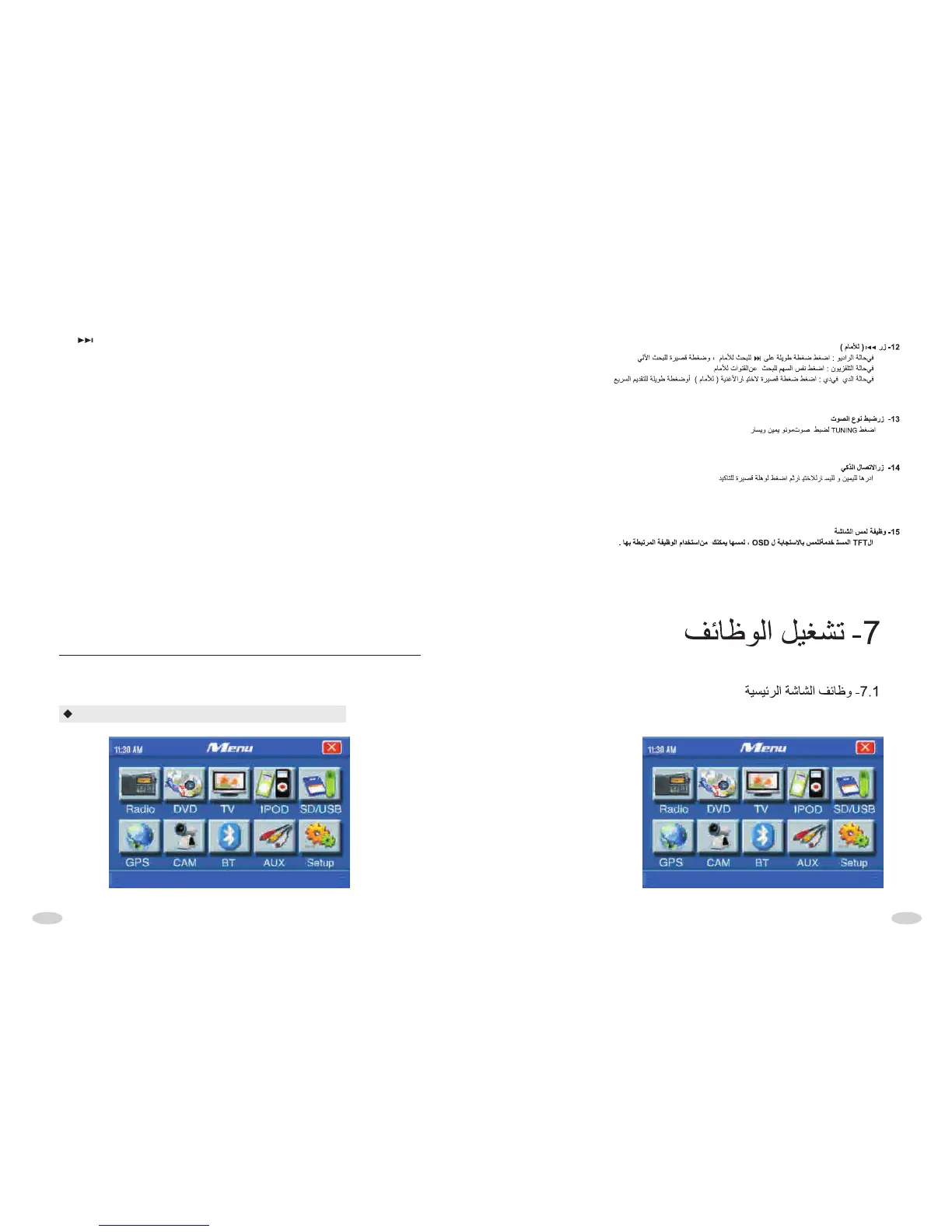
MAIN INTERFACE OPERATIONS
12. BUTTON
* At radio mode:
Pressing it long is manual seeking frequency upwards. When it activated, pressing
it slightly is seeking frequency upwards step by step, pressing it long is seeking
frequency upwards continuously,pressing it shortly is seeking frequency upwards
automatically.When seeked effective frequency , the unit will stop seeking and
start to radio.
* At TV mode
Pressing " >>"button is seek frequency upward.
* At DVD model
Pressing button is seek song or chapter upward.
13. AUDIO BUTTON
Press this button to adjust mono left/right
14.SMART DIAL/ENT BUTTON
Roll right or left to select function, then press for a short time to confirm.
15. TOUCH SCREEN FUNCTION
The used TFT of Unit is touching style. In corresponding OSD interface, touch OSD
icon, you can play or operate corresponding function.



 To Next Page