88
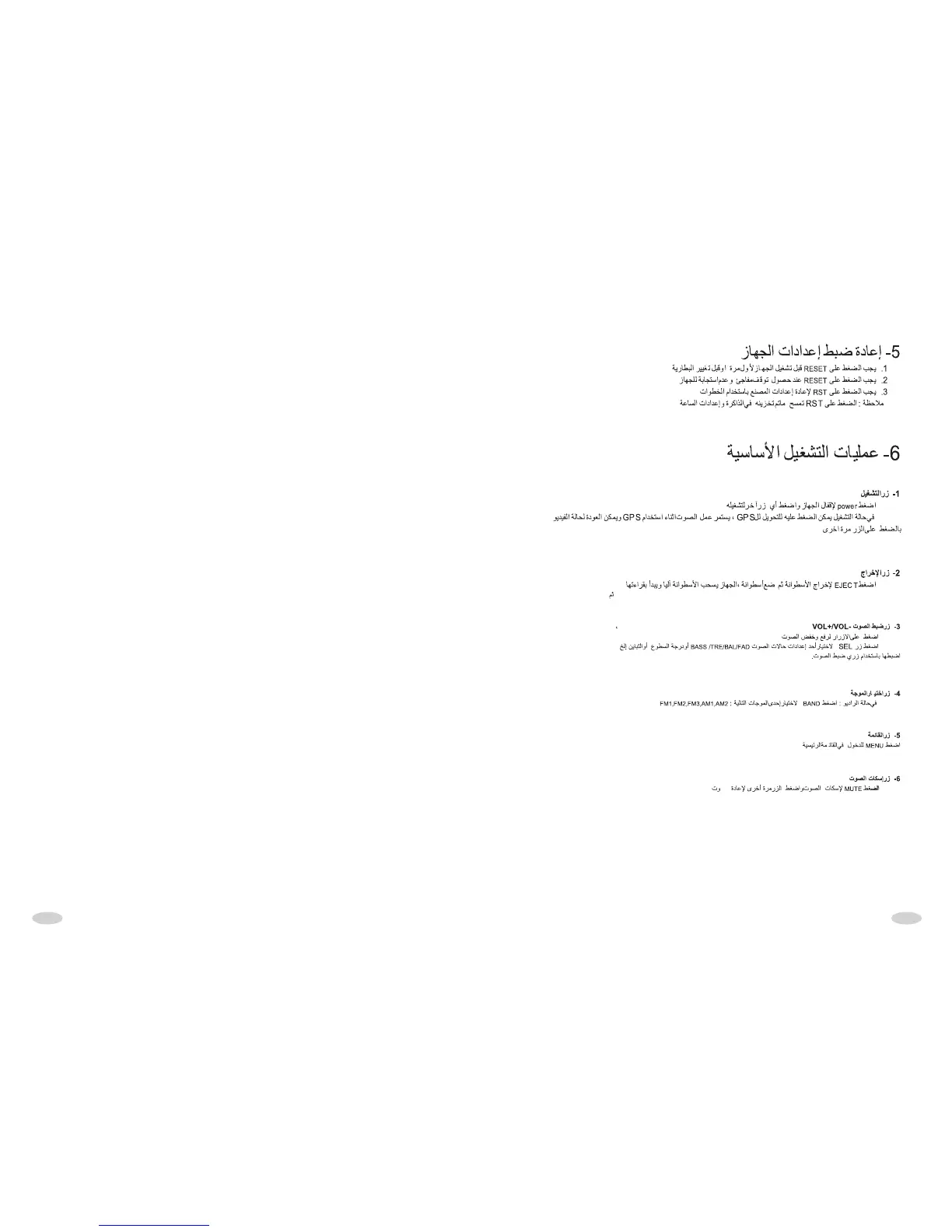
[BASIC OPERATION]
1. POWER BUTTON
When the unit is connected to the power source, you can press any button to turn
on it. At turn on status, you can press this button shortly to shift the main interface
to GPS mode. At this state, audio playing is continuous, and the speaker outputs
the playing sound, external AV maintain output.When GPS has voice hint, the
output of speaker will shift to GPS voice, but the external video output won' t shift.
Press this button shortly again, the unit will shift to the current video. Press this
button longer to turn off the unit .
Rem ar k: Note: When GPS is off on the Parameter Interface, press any
button can turn the DVD on after the electricity connected well, press
shortly or long this button can turn the DVD off.
2. EJECT BUTTON
Press this button to eject disc automatically, the disc will insert automatically but
not play if isn' t taken away in 10seconds.
3. VOL+/VOL- BUTTON
In normal playing state, press (VOL+/VOL-) button to adjust current volume. Press
SEL button or touch slightly left end of volume bar of TFT, press VOL+/VOL- again,
it can adjust circularly VOL, BAS, TRE, BAL, FAD, BRI, CON, COL.
4.BAND BUTTON
In the radio mode, press this button to search band circlely as shown: FM1-FM2-
FM3-AM1-AM2-FM1
In normal playing state, press this button to change mode.
5. MENU BUTTON
Playing DVD, press this button to display song list(number)and playing as per
selected song number(need disc supporting)
6.MUTE BUTTON
Press it shortly to turn off the mute function, press it shortly again or press
VOL+/VOL- button to turn on the mute function. Press it long to turn off the
screen,press any button or touch anywhere turn on the screen.
[RESET THE UNIT]
1.Must reset the unit before you use it at the first time or you change car battery.
2.Must reset the unit when he unit is confused.
3.Press RST button to reset the unit using a tip.
Remark: Pressing RST button will loss clock and memory.
the



 To Next Page