2121
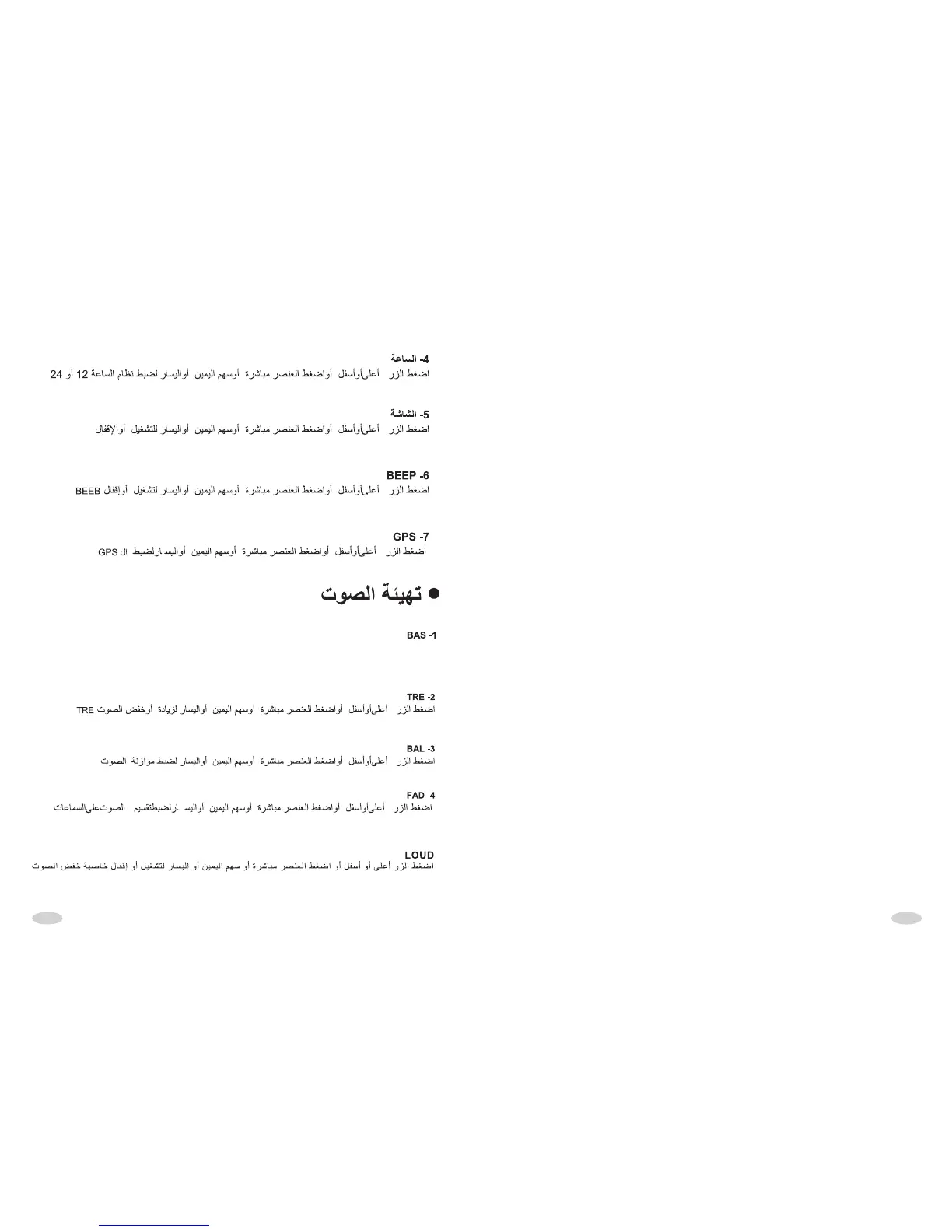
4. CLK
Upward/downward button or direct press choice item, press the item or left/right
button to change 12H,24H.
5. CLK SW
Upward/downward button or direct press choice item, press the item or left/right
button to choose open or close time display.
6. BEEP
Upward/downward button or direct press choice item, press the item or left/right
button to choose open or close beep.
7. GPS ON/OFF
Press up down button or direction key choose the GPS Press up down button or
direction key choose the item chooses turn on or turn off to the GPS. In the GPS
off mode, GPS off, can't enter the GPS. Press main page can' t use the “GPS”
icon.
AUDIO SETUP
1. BAS
Upward/downward button or direct press choice item, press the item or left/right
button to step up or depress bas.
2. TRE
Upward/downward button or direct press choice item, press the item or left/right
button to step up or depress tre.
3. BAL
Upward/downward button or direct press choice item, press the item or left/right
button to adjust bal.
4. FAD
Upward/downward button or direct press choice item, press the item or left/right
button to adjust fad.
LOUD
After you use the direction key of up and down or click once to select the option
directly, click it once or use the direction key of left and right to circle selecting the
loud control of opening or closing .
/ , /
ﺕﻮﺼﻟا ﺾﻔﺧ ﻭﺃ ﺓدﺎﻳﺰﻟ ﺭﺎﺴﻴﻟا ﻭﺃ ﻦﻴﻤﻴﻟا ﻢﻬﺳ ﻭﺃ ﺓﺮﺷﺎﺒﻣ ﺮﺼﻨﻌﻟا ﻂﻐﺿا ﻭﺃ ﻞﻔﺳﺃ ﻭﺃ ﻰﻠﻋﺃ ﺭﺰﻟا ﻂﻐﺿاBASS



 To Next Page