1515
13. BUTTON
Touch it to return to last level menu. When needed item selected, touch OK to run.
14. BUTTON
Touch it to return to next level menu. When needed item selected, touch OK to
run.
15. BUTTON
When needed item selected, touch OK to confirm.
16. BUTTON
Touch it to stop playing.
17. BUTTON
When playing DVD disc, if DVD disc has several captions, press it to shift among
captions. If DVD disc has mono-caption, pressing it is useless.
18. BUTTON
In playing disc state, press it to select circularly the time display of mono-song
playing, residual time of mono-song playing , full disc playing , residual time of full
disc playing and close playing.
Note: Operations for USB/SD is similar to DVD.
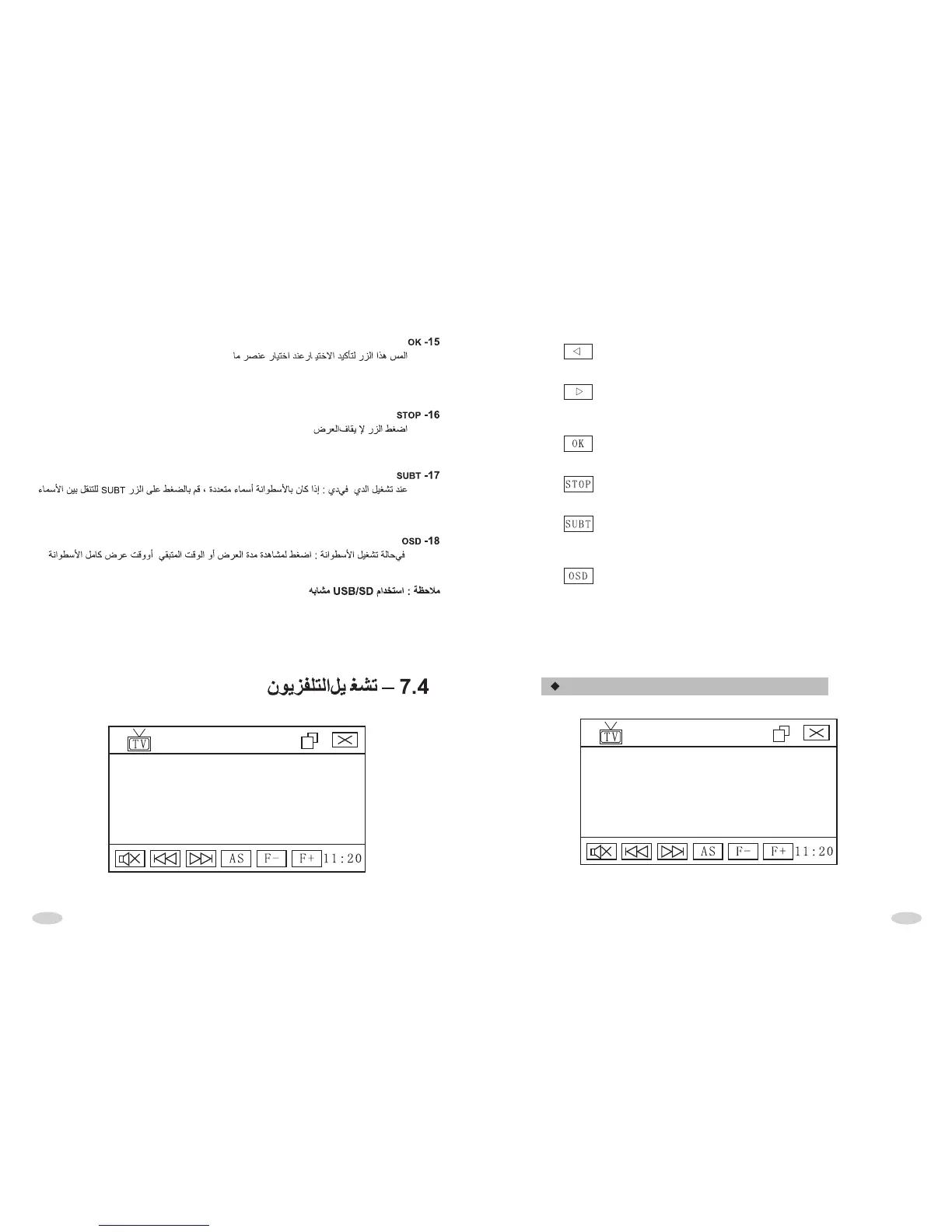
TV INTERFACE OPERATION



 To Next Page