1717
1. Button
Press it shortly to turn off the mute function, press it shortly again or press
VOL+/VOL- button to turn on the mute function. Press it long to turn off the screen.
Press any button or touch mainframe screen to turn on the screen.
2. Button
In IPOD playing disc state, touch it shortly to select songs upwardly. Touch it long
to choose the fastback mode. In fast play state, touch the button to return natural
playing mode.
3. Button
In IPOD playing disc state, touch it shortly to select songs downwardly. Touch it
long to choose the speed mode. In fast play state; touch the button to return natural
playing mode.
4. Button
In IPOD play disc state, press it to stop play, press it again to renew play.
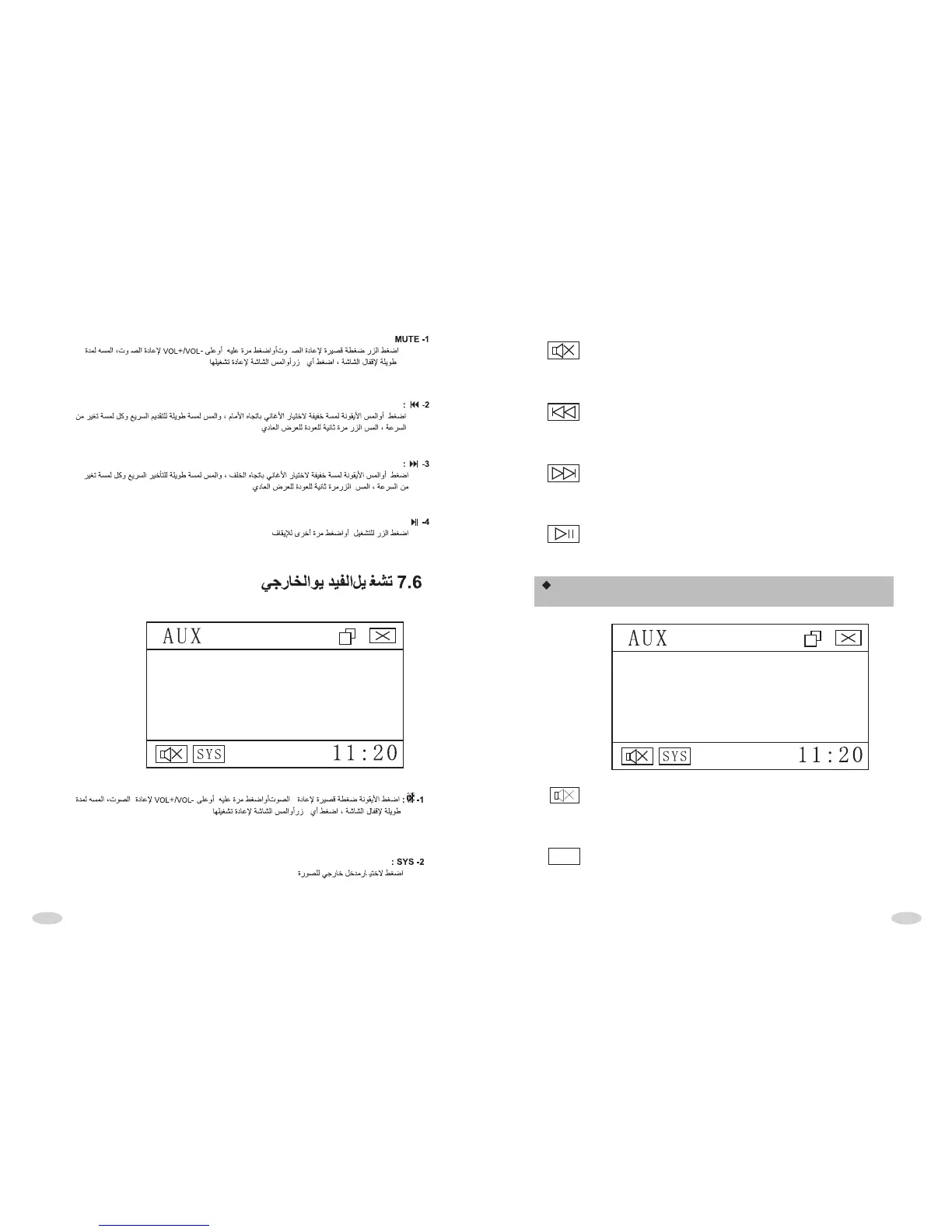
EXTERNAL VIDEO FREQUENCY INTERFACE
OPERATION
SYS
1. Button
Press it shortly to turn off the mute function, press it shortly again or press
VOL+/VOL- button to turn on the mute function. Press it long to turn off the screen.
Press any button or touch mainframe screen to turn on the screen.
2. Button
Press it to choose external input video color .



 To Next Page