1616
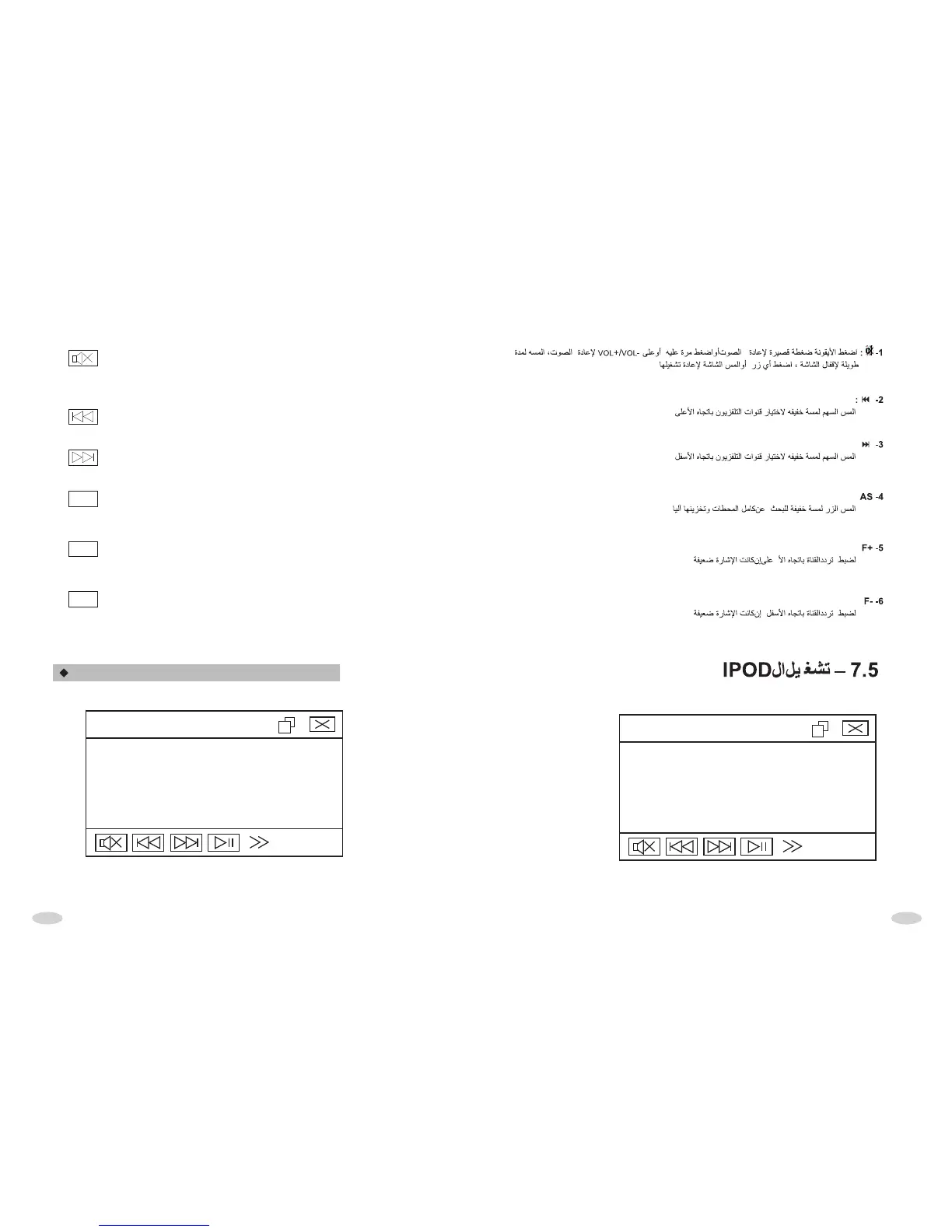
1. BUTTON
Touch it shortly to turn off mute, touch it shortly again or touch VOL+/VOL- button
to turn on mute. Touch it long to turn off the screen. Press any buttons or touch
anywhere in screen to turn on.
2. BUTTON
Touching it slightly to select upward the stored TV channel.
3. BUTTON
Touching it slightly can select downward the stored TV channel.
4. BUTTON
Touching it long, the unit will seek channel in full scope and memorize
automatically.
5. BUTTON
When searched channel is hazy or signal is weak, touch it to adjust upward to
calibrate frequency.
6. BUTTON
When searched channel is hazy or signal is weak, touch it to adjust downward to
calibrate frequency.
F+
F-
AS
IPOD INTERFACE OPERATION
IPOD:UNKNOWN
MUSIC:001
TIME:00:00:00
I P O D
11:20
IPOD:UNKNOWN
MUSIC:001
TIME:00:00:00
I P O D
11:20



 To Next Page