1818
BLUETOOTH INTERFACE OPERATION
The system provide Bluetooth freehand communication function, if you phone has
Bluetooth and A2DP function, it can set up joint dot vs. dot with the system, in the
scene, it can achieve the phoning, telephone answer etc function and play
telephone music.
* Partnership
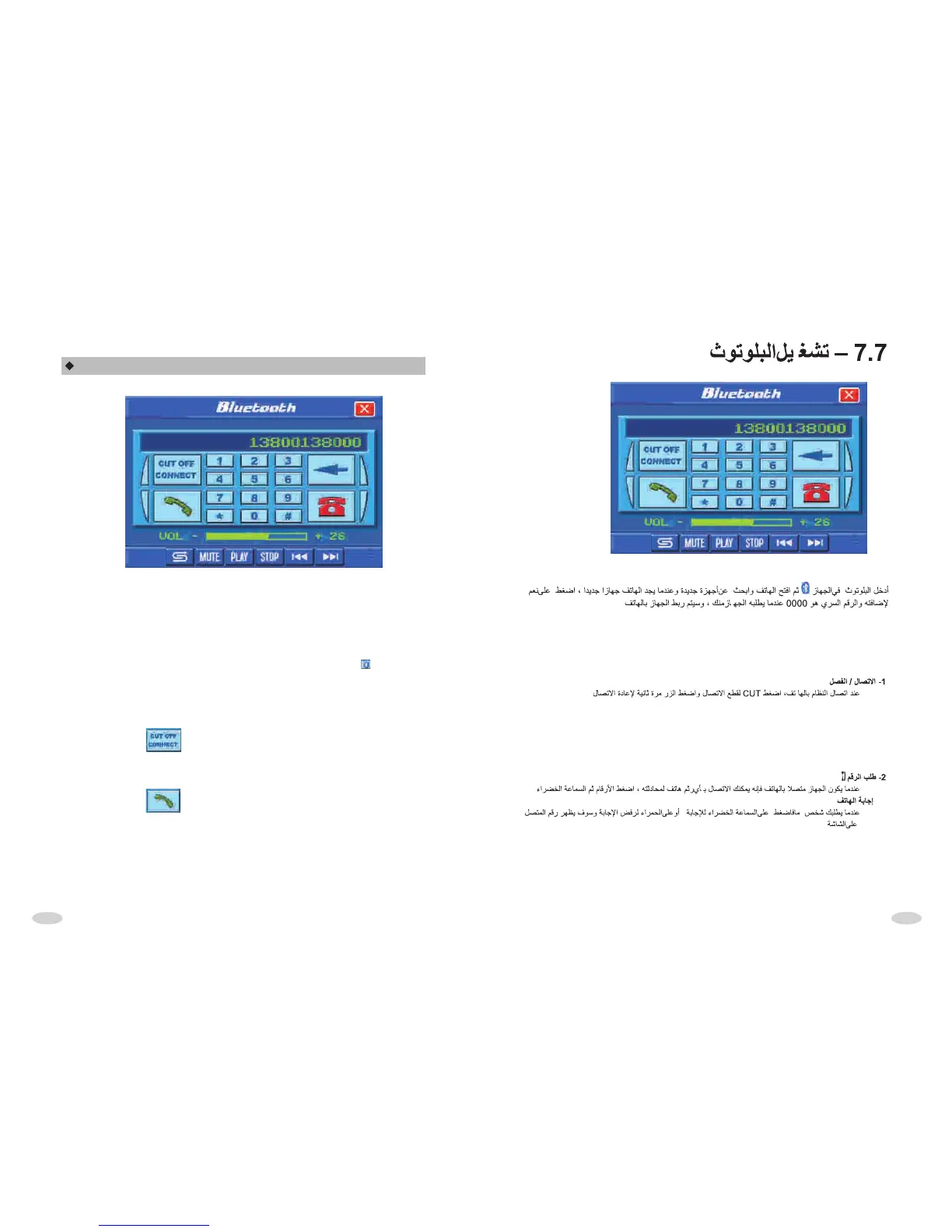
In the system main interface, press the freehand module, enter Bluetooth
freehand interface, and open phone function of search new equipment, When
system contact with signal, it will cue phone whether connect equipment, phone
choice YES and import password 0000 and ensure it, after system contact with
phone ,system scène display: it had connect, whether try it again, until it's OK.
1. CONNECT/CUT
After system connect with phone, press “cut” button to cut connection, then press
the connect button to renew connection.
2. DIAL PHONE
When system connect with phone, it can import phone number by scene number
button, it can directly dial phone number by phone or press televox dial to televox
dial number, press take phone button with green.



 To Next Page