33
[USAGE CAUTIONS]
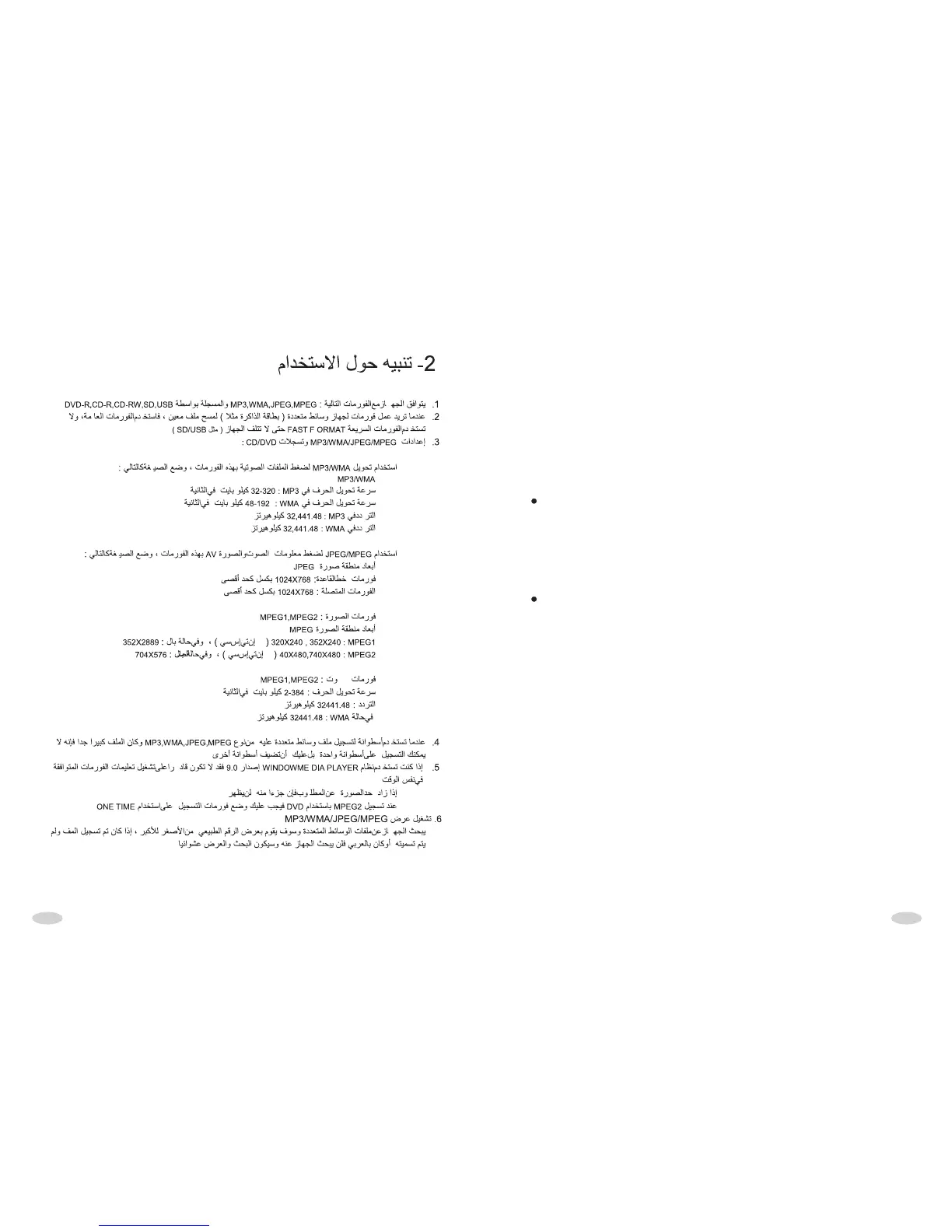
1. The unit only support the format of MP3/WMA/JPEG/MPEG which recorded in
DVD-R, CD-R, CD-RW, SD and USB .
2. When you want to format the media device to delete the file, you should use
common format, not use fast format, avoiding damage the devices such as USB
and SD etc.
3. The setting for MP3/WMA/JPEG/MPEG encoder and CD/DVD recorder.
Using MP3/WMA encoder to compress the audio data into MP3/WMA format ,
please set the parameters as following:
MP3/WMA:
The Bit Rate of transmitting is: MP3:32-320KBPS
WMA:48-192KBPS
The frequency of sampling is: MP3:32,441.48KHZ
WMA:32,441.48KHZ
Using JPEG/MPEG encoder to compress the AV data into JPEG/MPEG format ,
please set the parameters as following:
JPEG/MPEG :
JPEG display zone dimension:
Baseline format: 1024(W) X768(H) pixel (MAX)
Continuous format: 1024(W) X768(H) pixel (MAX)
MPEG
Video format: MPEG1, MPEG2
Display zone dimension:
MPEG1: 320X240,352X240(NISC),352X2889(PAL)
MPEG2: 40X480,740X480(NTSC),704X576(PAL)
Audio format: MPEG1, MPEG2
The Bit Rate of transmitting is:2-384KBPSCBR
The frequency of sampling is:32441.48 KHZ
WMA:32441.48 KHZ
4 . Wh e n y ou us e d i s c r e c o r d er t o r e c o r d t he m u lt i me d i a f i le o f
MP3/WMA/JPGE/MPEG, if the quantity of the multimedia file is too large, you can't
record in one disc fully, please add a disc.
5.If you use part of function of Windows Media player 9.0 edition above, may not
be able to play the detailed information of compatible format normally at some
time.



 To Next Page