2020
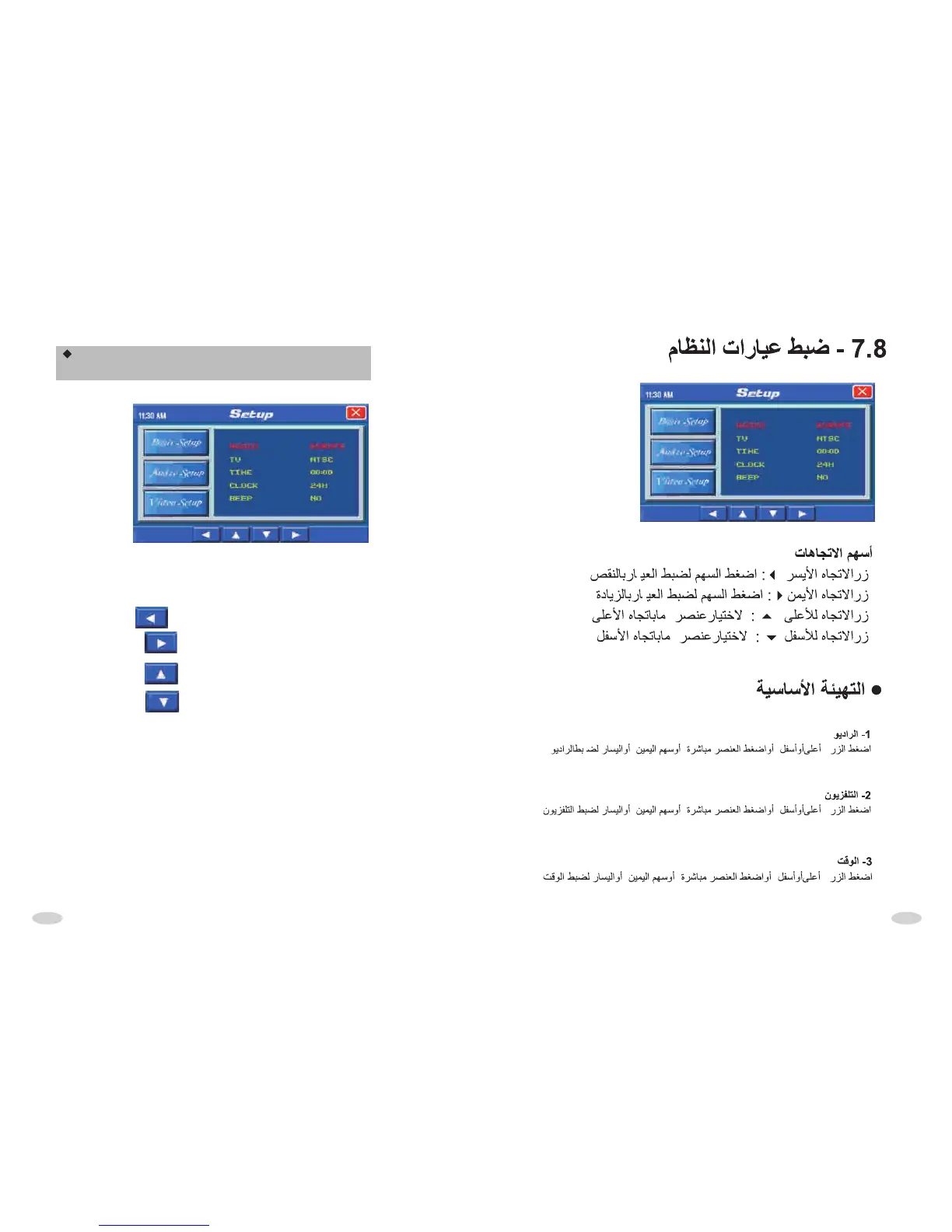
SYSTEM PARAMETER INTERFACE
OPERATION
DIRECTION BUTTON
Left face button : Press it to adjust operate item parameter descending.
Right face button : Press it to adjust operate item parameter increase
by degrees.
Upward button : Press it to upward choice operation item.
Downward button : Press it to downward choice operation item.
BASIC SETUP
1.Radio
Upward/downward button or direct press choice item, press the item or left/right
circulate choice radio area setup.
2. TV
Upward/downward button or direct press choice item, press the item or left/right
circulate choice TV setup.
3. Time
Upward/downward button or direct press choice item, press the item or left/right
button to adjust time.



 To Next Page