1414
10. MENU BUTTON
Playing DVD disc, press the button to display song list (number), and playing as
per selected song number (need disc supporting)
11. BUTTON
Touch it to select upward in current level menu. When needed item selected, touch
OK to run.
12. BUTTON
Touch it to select downward in current level menu. When needed item selected,
touch OK to run.
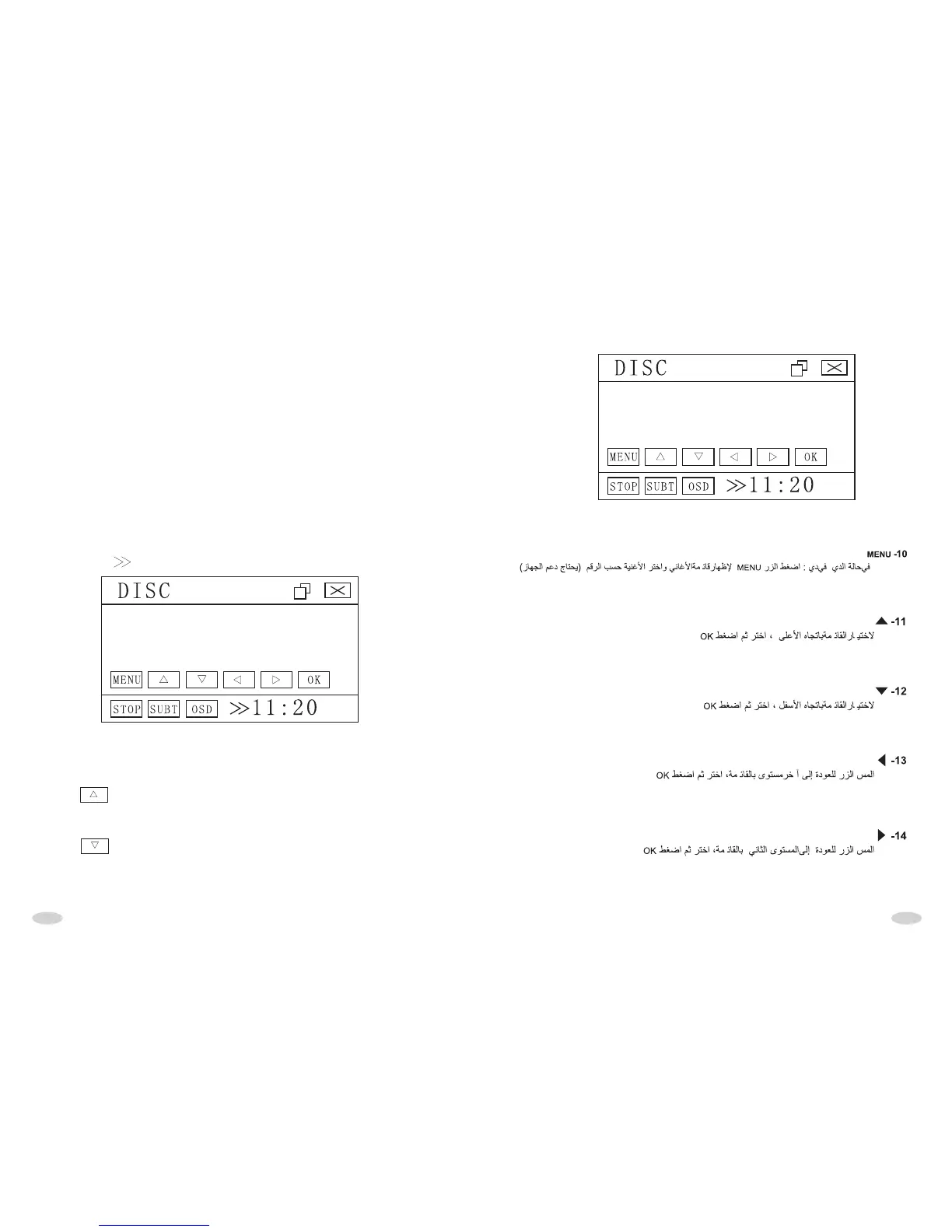
Firstly press button, it will display below interface:
6. RPT BUTTON
Touch it slightly to select repeating playing chapter, repeating playing name,
repeating playing, and close repeating playing.
7. RDM BUTTON
Touch it slightly to open or close RDM play. When being RDM play mode, playing
order is out of order.
8. N/P BUTTON
Touch it to shift between audio and video.
9. L/R BUTTON
When playing VCD, touch it to shift between left and right channel.
When playing DVD, if the disc has multi-tracks or multi languages, touch it slightly
to shift among multi-tracks and multi languages, if the disc just has mono-track,
touching it slightly is useless.



 To Next Page