1313
RPT RDM N/P L/R
1. Button
2. Button
3. Button
4. Button
5. Button
Touch it shortly to turn off mute, touch it shortly again or touch VOL+/VOL- button to
turn on mute. Touch it long to turn off the screen. Press any button or touch screen
to turn on.
During DVD playing disc, press it to stop playing, press again will resume playing.
In DVD playing disc state, touch it shortly to select songs upwardly. Touch it long
circularly to select the fastback (2*4*8*20*time speed) playing. In fast playing
state, touch the button to resume normal playing mode.
In DVD playing disc state, touch it shortly to select songs downwardly. Touch it long
circularly to select the speed (2*4*8*20*time speed) playing. In fast playing state;
touch the play button to resume normal playing mode.
When displaying the button, press it to come out more touching buttons.
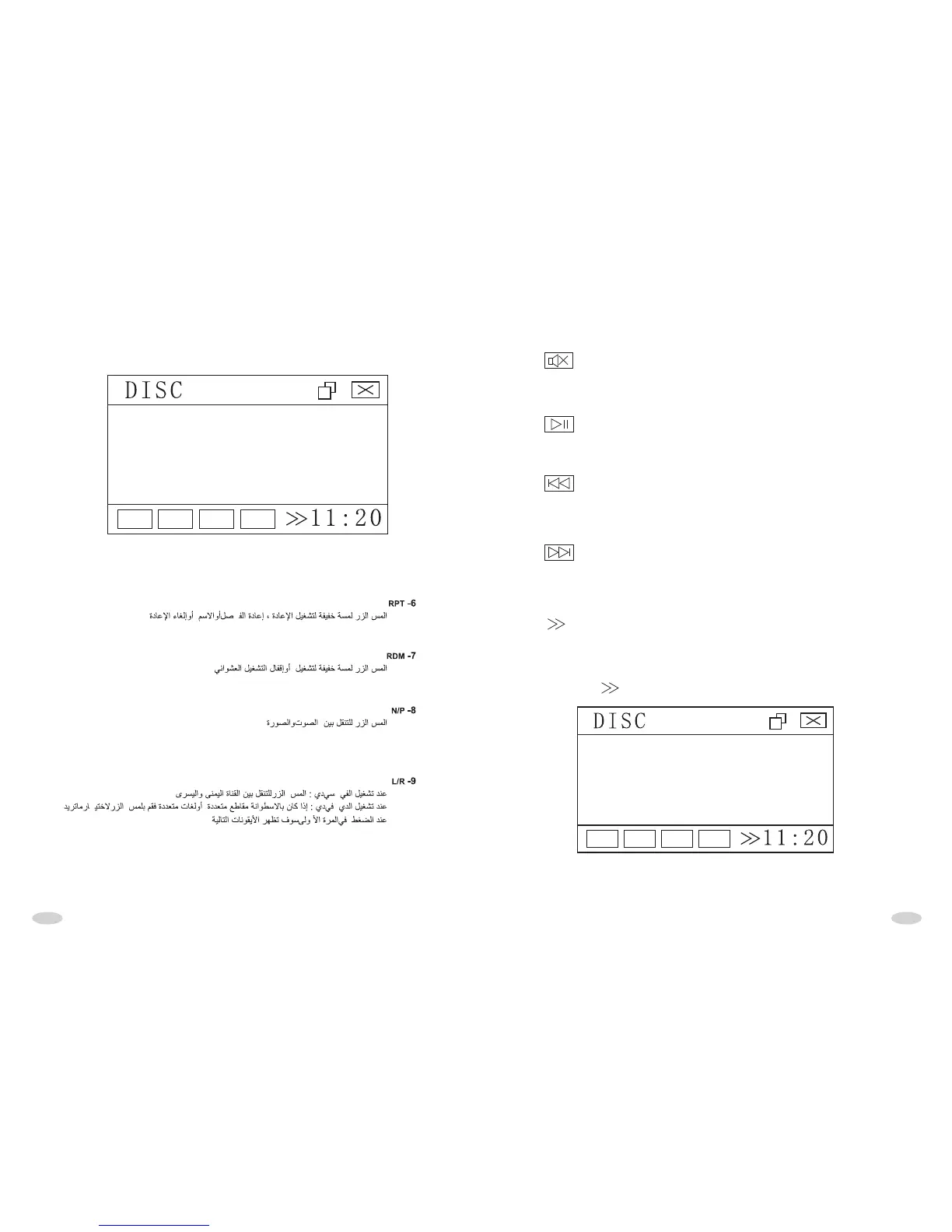
* Firstly press button,it will display below interface:
RPT RDM N/P L/R



 To Next Page