2929
2.SET DIRECTION FOR NAVIGATION SOFTWARE.
Before using the GPS,must set direction for navigation software, detailed
operations as following:
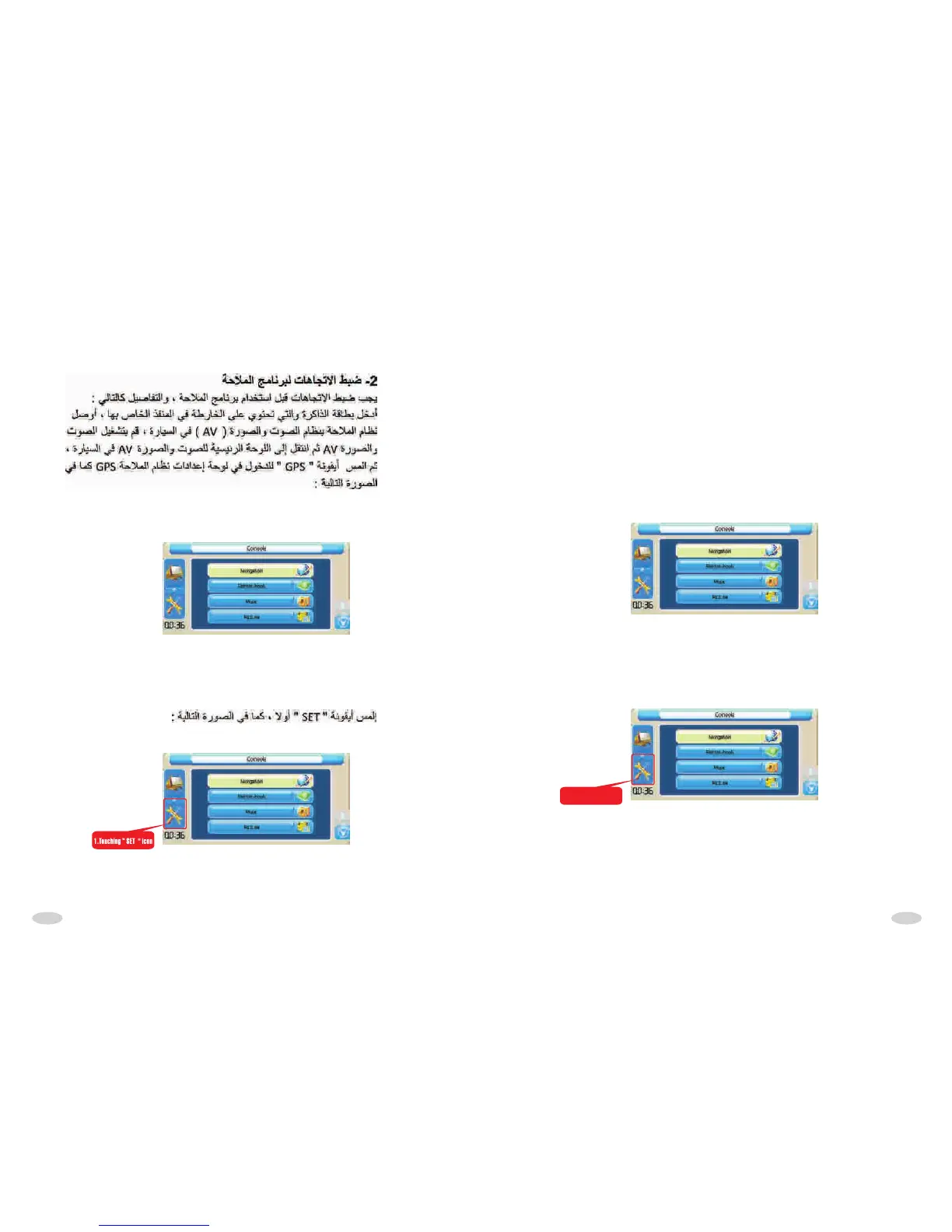
Insert SD with map to SD socket,then connect the GPS to car AV system
correctly, turn on the AV unit, come into AV main interface, then touch
"GPS" icon to come into GPS interface, as following Picture:
Touch "set" icon at first,as following picture:
1.Touching “ SET " icon



 To Next Page