3030
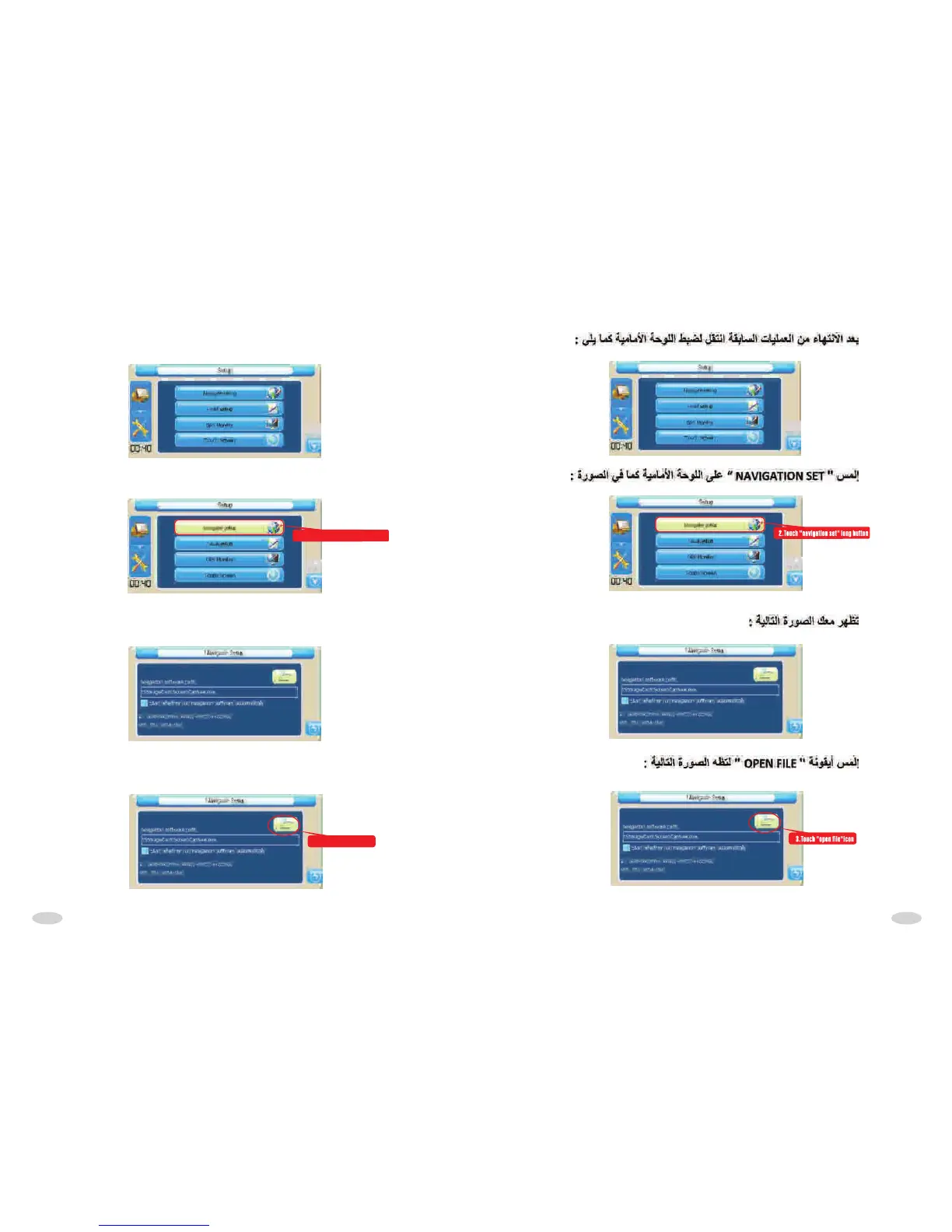
When coming out above interface,touch"navigation set" to set,as following
picture:
2.Touch "navigation set" long button
Touch it to come into set interface,as following picture:
Touch "open file" icon again,as following picture:
3.Touch "open file"icon
After finished above operation to come into set interface,as following picture:



 To Next Page