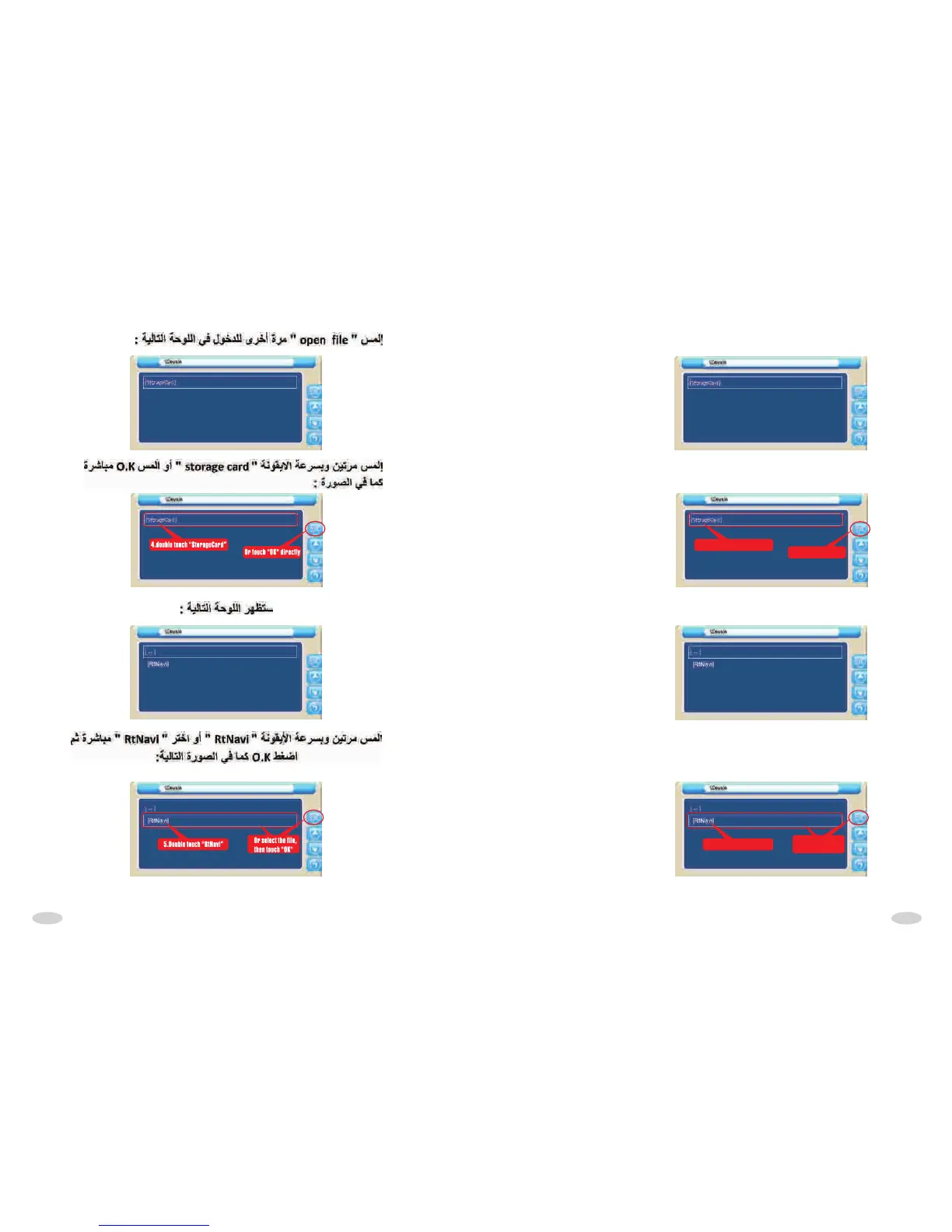
Touch"open file" icon to come into the following interface:
Then double touch "StorageCard" quickly or touch "OK" directly,
as following picture:
4.double touch "StorageCard”
Or touch "OK" directly
After touched,display the following interface:
Double touch "RtNavi" quickly or select "Rtnavi",then touch "OK" as
following picture:
5.Double touch "RtNavi”
Or select the file,
then touch "OK"
3131



 To Next Page