3232
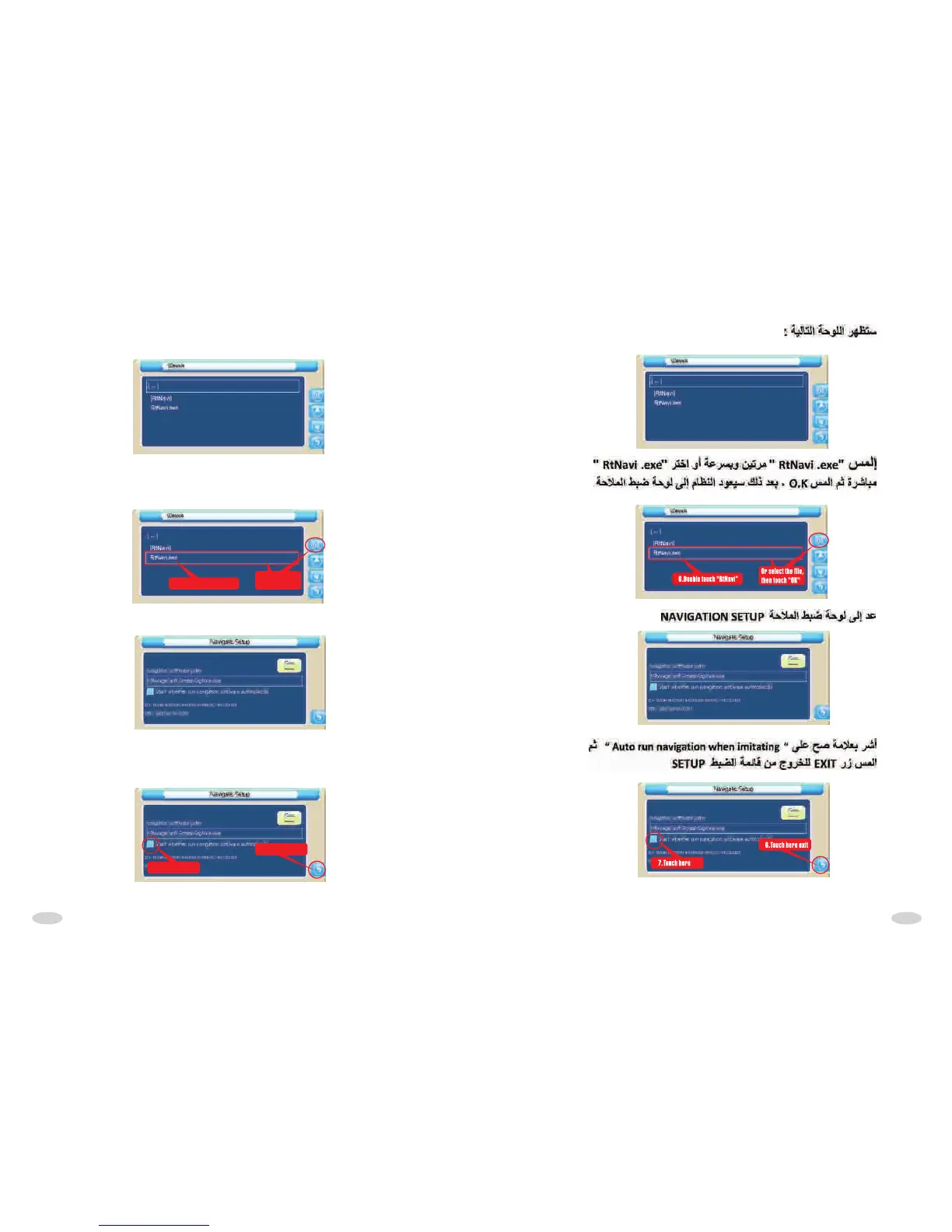
After touched,display the following interface:
Double touch "Rtnavi.exe" or select "Rtnavi.exe",then touch "OK".After
these operations,system retuan to navigation set interface,as following
picture:
6.Double touch "RtNavi”
Or select the file,
then touch "OK"
Return to navigation interface set:
Then tick select "Auto run navigation when imtiating",then touch "exit"
button,or exit the set interface:
7.Touch here
6.Touch here exit



 To Next Page