2323
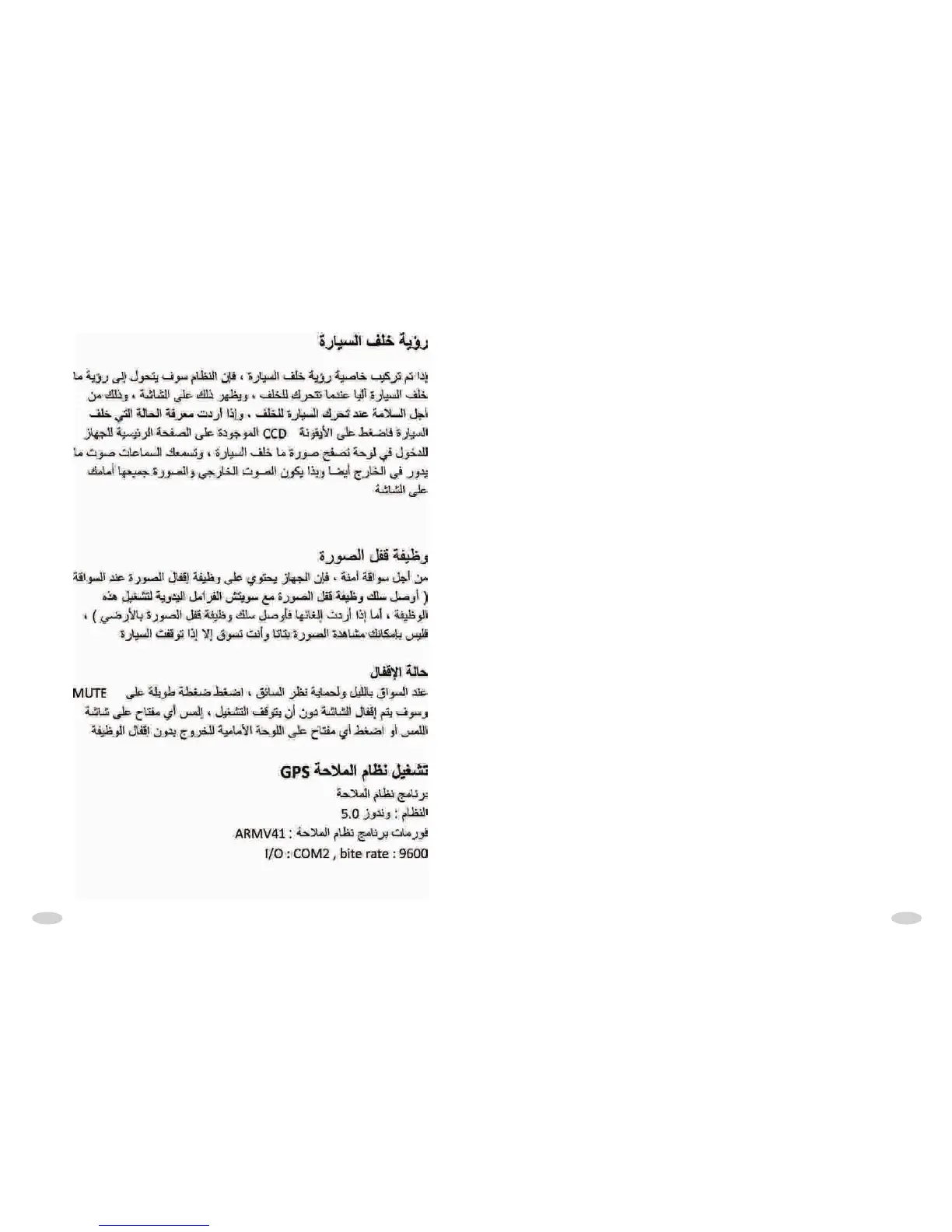
[REARVIEW]
[C ]LOSE PICTURE FUNCTION
If the car install the rearview, when it move back, the system will switch rearview
condition automatically, and display what it took on the screen, make sure the
safety of moving back car. During the driving, if you want to know the condition at
the back, you can press the icon CCD on the homepage to enter to the
rearview interface. When the system enter to the rearview video interface,
while the current condition is play, then the loudspeaker output the sound of
the current play condition, and the external audio and video output are all in
the current condition.
For the sake of your driving safely, the unit has the close picture function when
driving,(connect manual brake close screen testing wire to the car's brake power
switch. If you want to cancer this function, you can ground the manual brake close
screen testing wire),you can' t watch the graph until your park.
Close mode
When driving in the night, in order to protect the sight of driver, secure safety of
driving, on any mode of playing, long press "MUTE" key, system will close
display screen, but will maintain playing. Click any key on touch screen or
press any on the panel to exit close mode.
[GPS INTERFACE OPERATION]
Click the icon concerned of the main interface ,and you can use the corresponding
function provided by the navigation system.
Note:When hearing a light sound means the card is inserted well. When needed
to withdraw SD card, at first push SD card in until a “KAKA” sound is heard, while
can take out the SD card.
2. USB OPERATION
USB as a mobile memory can record documents like MP3, WMA, JPEG and
MPEG. The various documents can be played when connected the compatible
USB device to the unit. After insertd USB, can enter into the main menu to select
USB mode or press "MODE" button on the TFT directly to select USB mode, then
according to the memory documents' format to play. The specific operation of
playing audio documents is as same as the MP3's, and the video documents'
playing is similar to the DVD's. Pls refer to relative introduction for details.



 To Next Page