2525
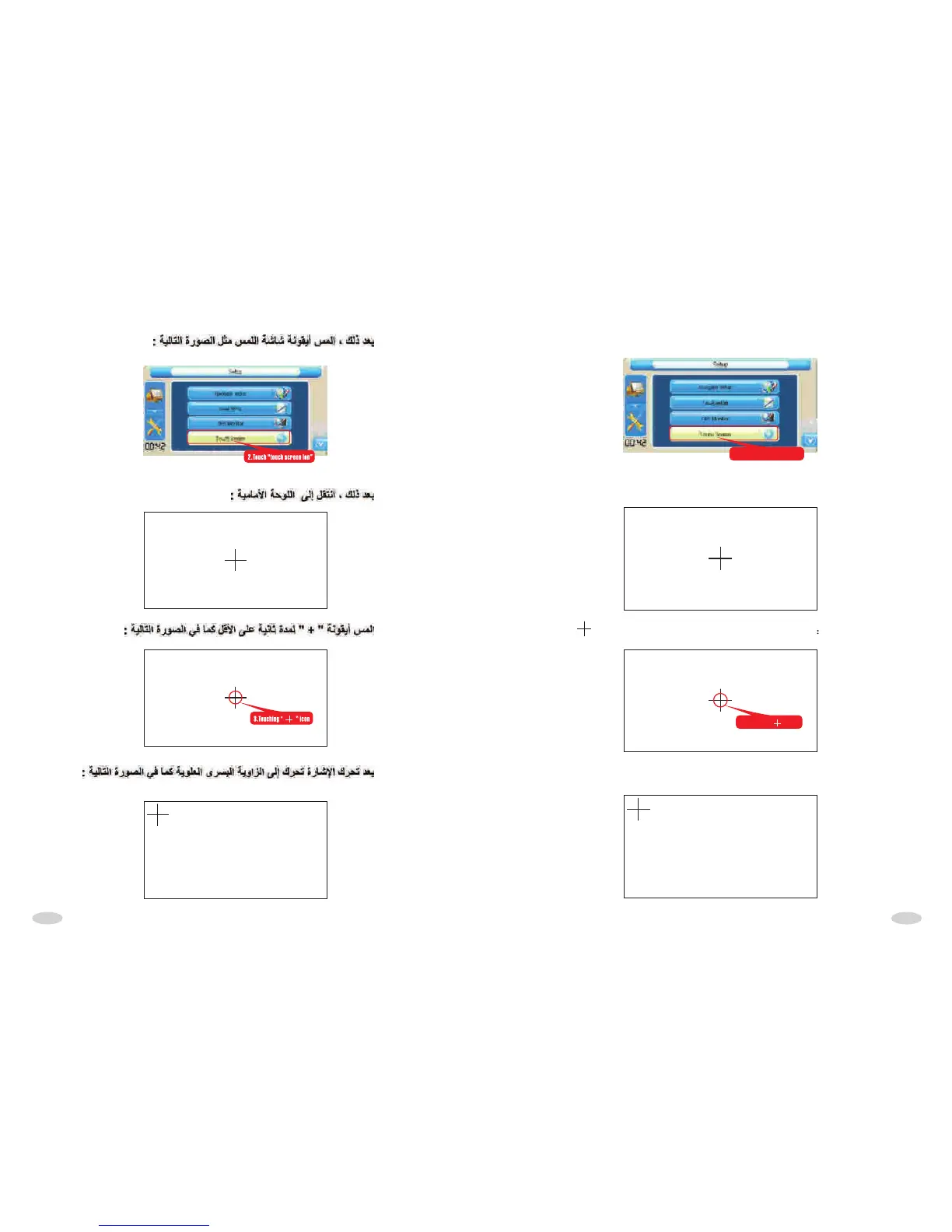
After touch screen" icon,as following picture:"touch
2.Touch "touch screen ion”
After touch"touch screen icon",come into the following interface,as following
picture:
Touch " icon for 1 second at least,as following picture: "
Touch "touch screen ion”
3.Touching " “ icon
After loosed,"+"move to top left coner,as following picture:



 To Next Page