3838
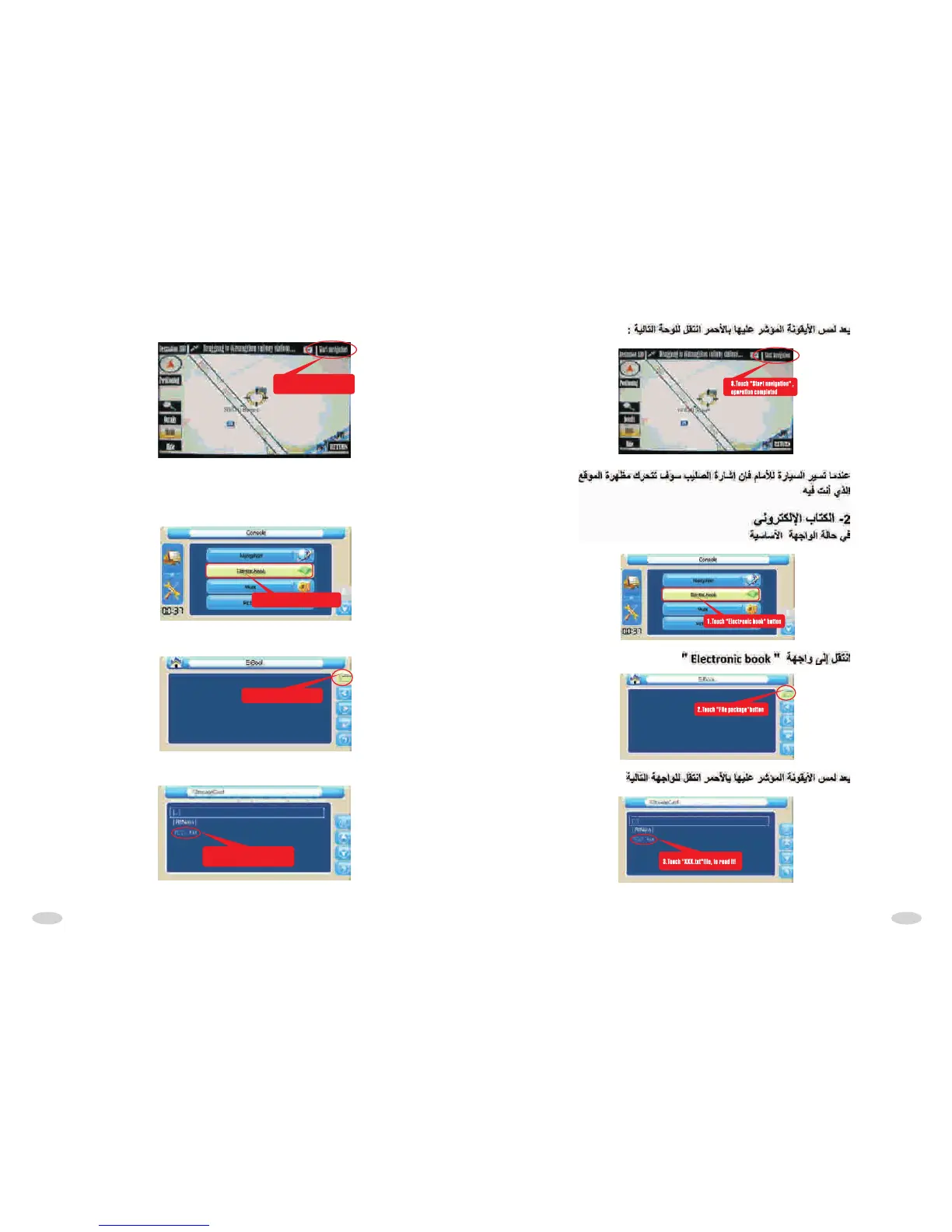
After touch,come into the following interface:
8.Touch "Start navigation" ,
operation completed
When car move forward,the screen cross move as car to perform site navigation.
2.ELECTRONIC BOOK
At console state
1.Touch "Electronic book" button
2.Touch "File package"button
Come into "Electronic book" interface:
After touch,come into following interface:
3.Touch "XXX.txt"file, to read it!



 To Next Page