4343
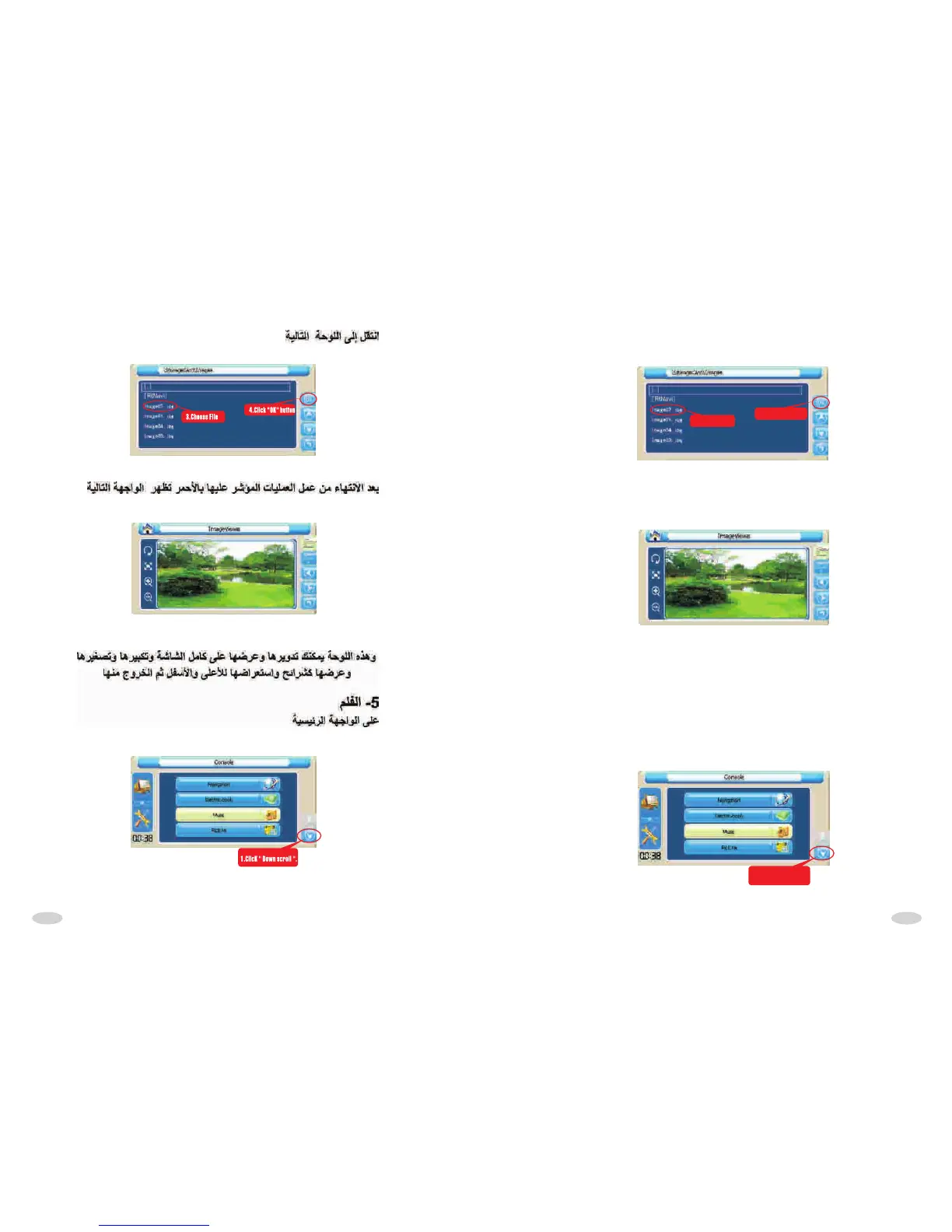
Come into the following interface:
3.Choose File
4.Click "OK" button
After finished above operations,as the following interface:
In above interface, According to your requirement to rotate ,full screen,zoom+,zoom-
,slide play,up scroll,down scroll or give up operation and exit interface.
5.Film
At main console interface
1.ClicK " ".Down scroll



 To Next Page